79333/334 HPLC PUMPS | USER’S GUIDE
FRONT PANEL CONTROL
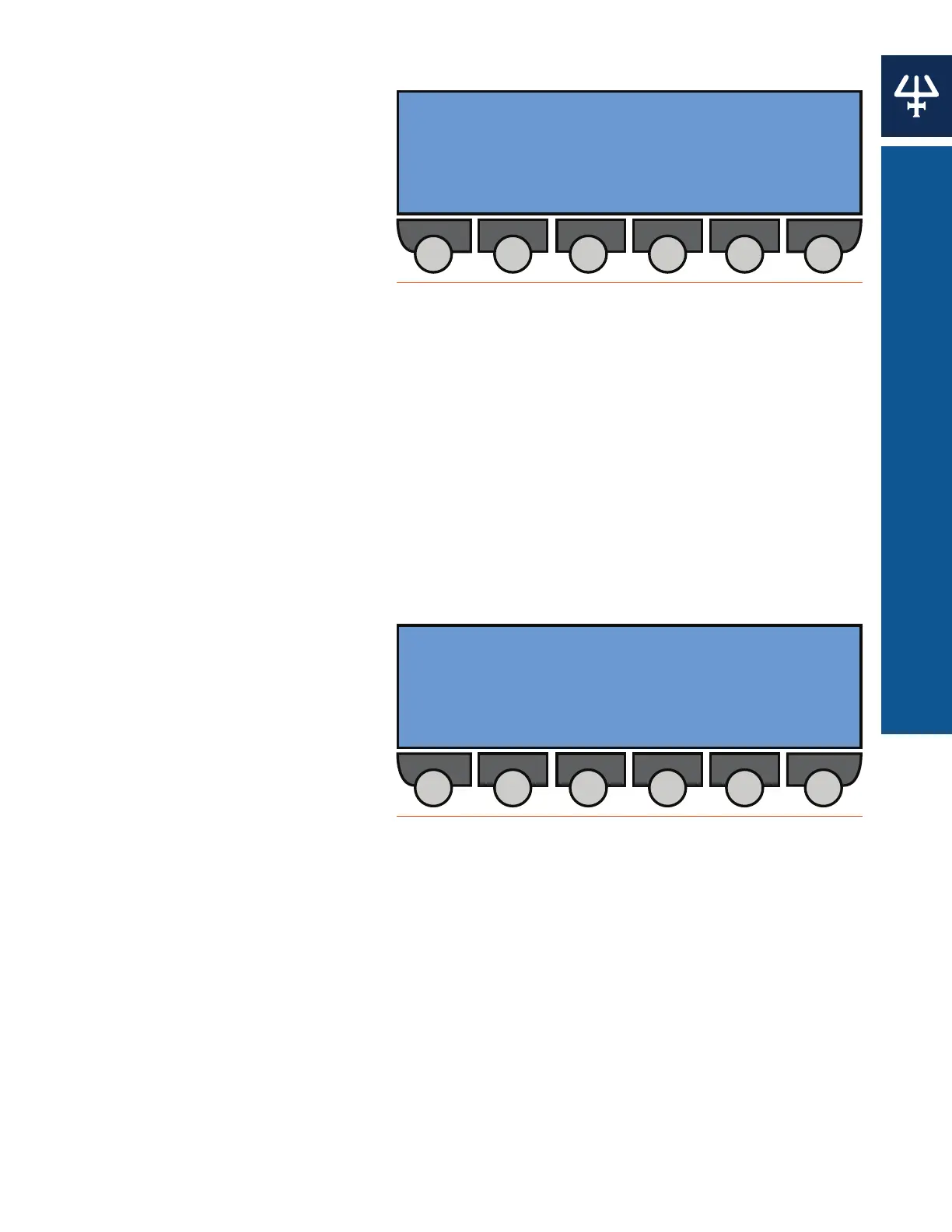
Manual Flow Control
From the Start screen press
Manual > Flow to reach the
Manual Flow Control screen. Use the
Up or Down arrows to change values
for the following options:
● Ramping time: (0 to 9999 minutes)
The time given to changing the
current flow to the desired flow.
● Flow rate: (0 to 200 ml/min)
● Composition: (0 to 100) for %B
or %A (if more than one pump is
configured)
1. Key in the values for the Ramping time, Flow rate, and Composition lines.
2. Press ENTER to confirm.
3. Press Start to begin pumping after ramping to the desired flow rate and composition. The
Start button is available only if the values demanded are different from the actual values.
4. Press Stop to immediately stop pumping. The Stop button is available only if the flow rate
is not equal to zero.
5. Press End to interrupt the ramp. The Manual Flow screen appears; however, pumping still
continues.
Output Contacts
From the Start screen press
Manual > Output to reach the
Operate Output Contacts screen. Use
the Right or Left arrows to navigate to
outputs 1 through 4. Press the Open,
Close, or Pulse soft keys to change
the state of each contact:
● Open to set the contact to normally
open.
● Close to set the contact to normally
closed.
● Pulse to change the state (open or closed) of the contact.
Ramping time: [--] min
[--] ml/min
Composition: [--] %B [--] %A
Start
Figure 74
Manual Flow Control Screen
1 2 3 4
OPEN/CLOSE OPEN/CLOSE OPEN/CLOSE OPEN/CLOSE
Open Close Pulse
Figure 75
Operate Output Contacts Screen















 To Next Page