89333/334 HPLC PUMPS | USER’S GUIDE
FRONT PANEL CONTROL
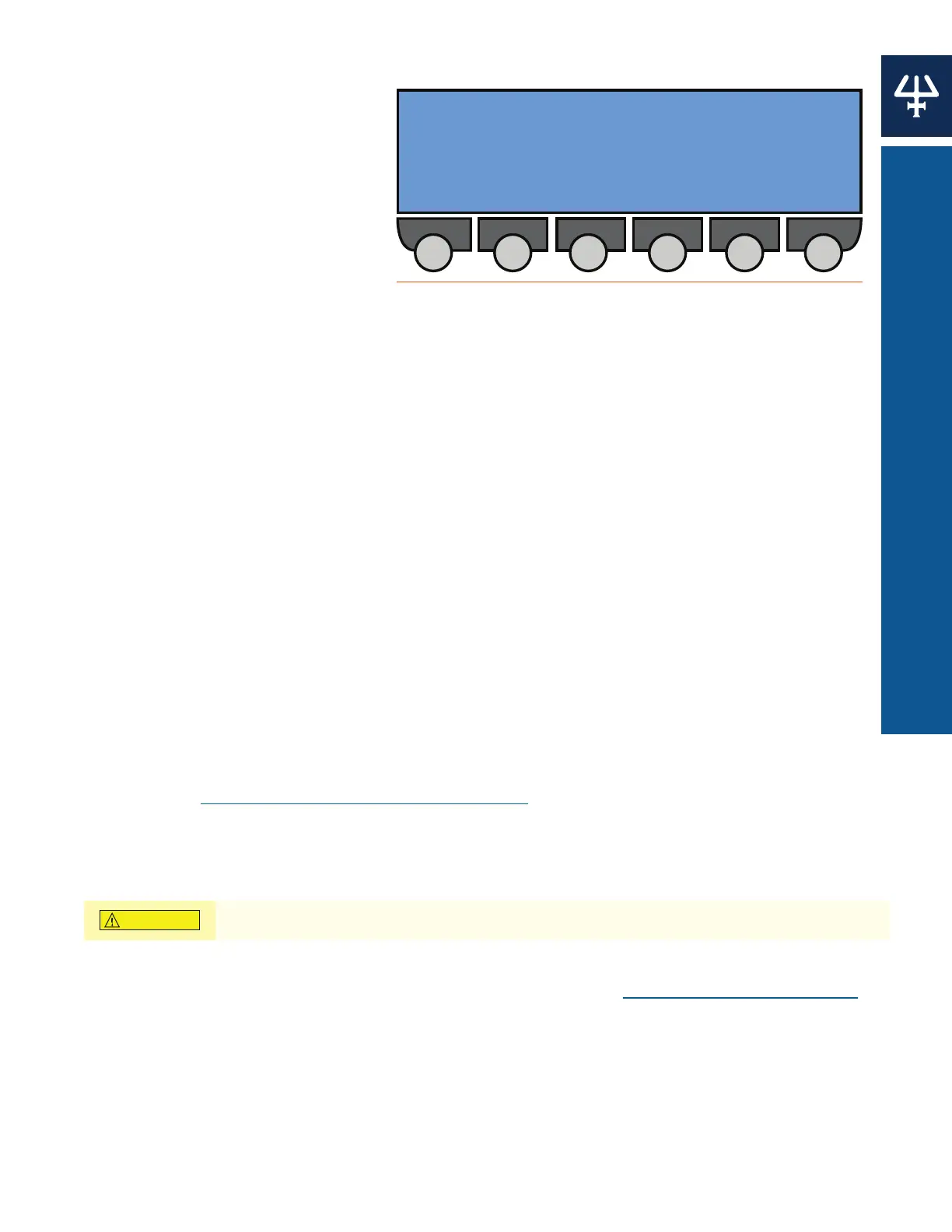
Maintenance Logs
Use this function to view the log
of wear parts for any configured
333 Pump or 334 Pump. The log
contains the usage of the part to
date (hours), the user set upper limit
(hours), or the number of operational
piston cycles that the part has
completed (megacycle = one million
cycles). The parts logged are the
piston, piston seal, inlet check valve
(‘In CV’), outlet check valve (‘Out
CV’). After the specified usage, parts
in question are normally serviced or replaced. Specify limit values that are suitable for the
application and working environment.
From the Start Screen press Edit > GLP > Maint to reach the Maintenance Logs screen.
1. Press Change to cycle through the available pump heads: 1R, 1L, 2R, 2L, etc.
2. Press ENTER.
3. Press the Logs soft key to reset a logged value.
4. Use the Up or Down arrows to select the part.
5. Key in the desired values.
6. Press ENTER to confirm.
7. Press the Reset soft key to reset the values.
8. Press ENTER.
9. Repeat procedures, as needed.
DISMOUNTING PUMP HEADS
This procedure is required to change a piston seal or piston assembly. The pistons must go to
the dismount position before you can physically remove the head(s) from the pump(s). Reset the
maintenance logs once the components have been replaced. For manual pump head dismount
instructions, see Manual Dismounting Procedure on page 42.
1. Press the Change soft key on the Maintenance Logs screen to cycle through to the
appropriate pump head.
2. Press the Dismount soft key to begin the dismount procedure and then press ENTER.
Before pressing Yes, check to see that it is safe to set the piston in motion!
3. Wait while the piston moves to the dismount position, until the message ‘Change heads’ is
displayed. Remove the pump head according to the directions in Remove Pump Head on page 42.
4. Press the End soft key to finish the dismount procedure.
5. Press the Logs soft key to reset the pump head logs.
Logs for pump head: [--]
Dismount is active for all heads
Logs Dismount Change
Figure 84
Maintenance Logs Screen















 To Next Page