73333/334 HPLC PUMPS | USER’S GUIDE
FRONT PANEL CONTROL
3. Press ENTER to confirm selection.
4. From the Configuration screen press Hyd > Inject to navigate to the Injection screen.
5. Press the Down or Up arrows to select one of the following parameters:
● Refill Time: The duration
of the piston return stroke
(125–1000ms). If cavitation
occurs, enter a higher value.
● Inlet Pressure: Use the keypad
to enter the desired value.
● Head Type: Select the installed
pump head.
● Sample: Identical to the
Solvent Selection screens.
The compressibility values will
be automatically selected for
the solvents listed; however,
selecting OTHER will require
the manual entry of compressibility in Mbar
-1
.
6. Key in the desired value, then press ENTER to confirm the selection.
Refill time: [--]
Inlet pressure: [--]
Head type: [--]
Sample: [--] / Compressibility: [--] (If ‘OTHER’ selected)
ChangeMiscI/OSafety Hard Hyd
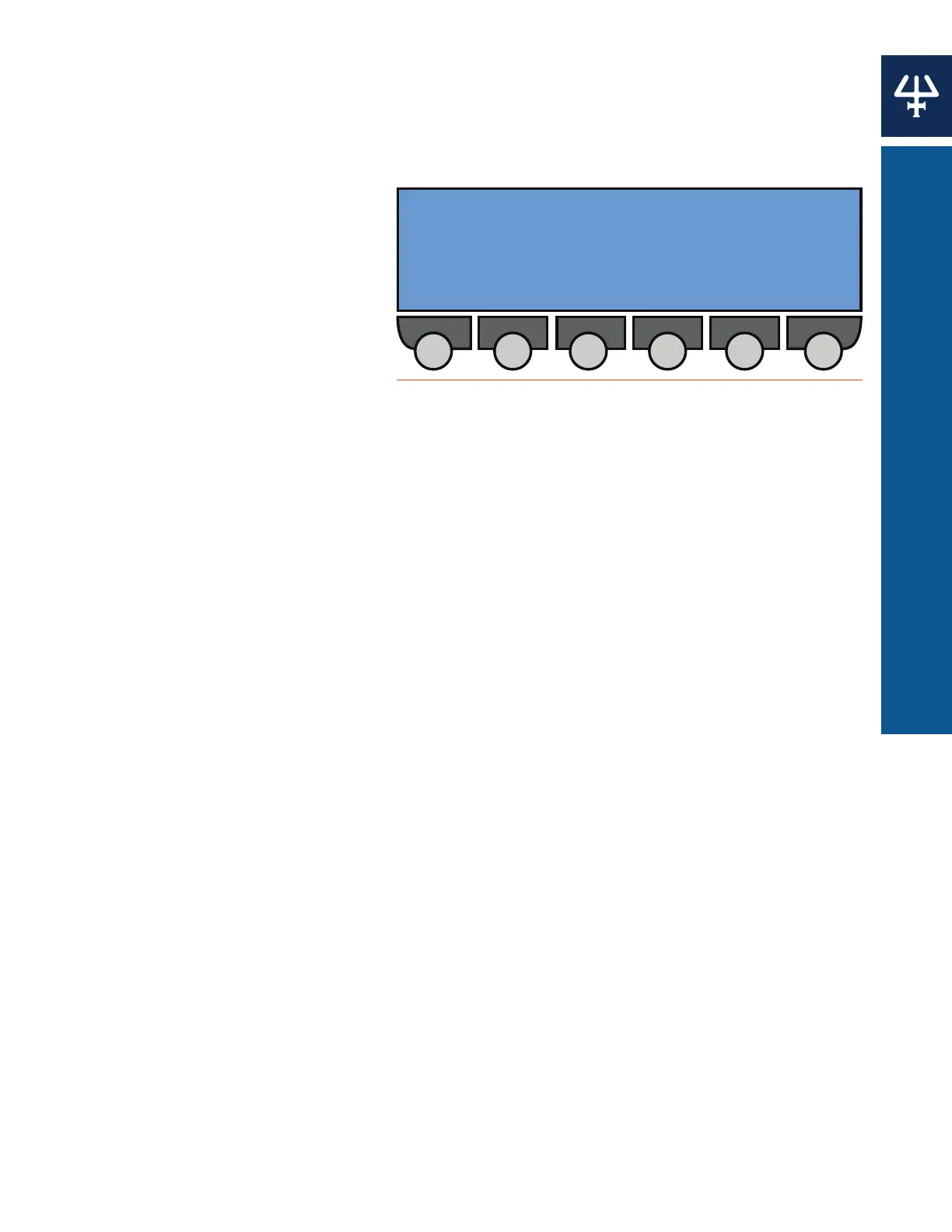
Figure 68
Injection Screen















 To Next Page