20
MODULE PROGRAMMING
Programming fields:
Continued from previous page
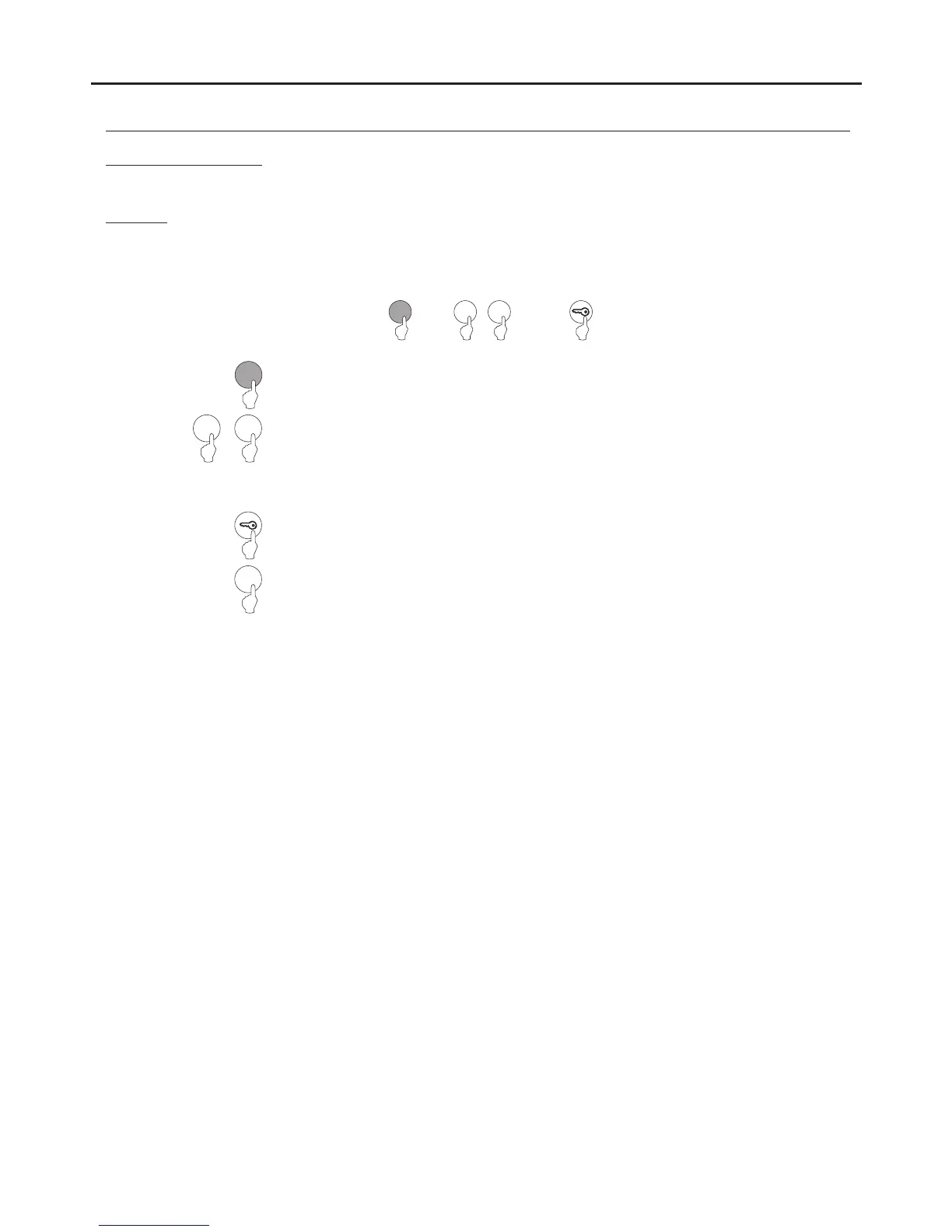
Field “9”: Configuring the keypad beep.
9
Press the key button to finish programming the field.
0 1
or
9
Press “9” to select field “9”.
0 1
Steps: Field + keypad beep + key button.
or
C
(Step 1)
(Step )2
(Step )3
(Step )4
Allows a beep to be heard when pressing the access control module's keypad buttons.
Enter one of the following options:
“0”: No keypad beep
.
“1”: Keypad beep.
Allows a beep to be heard when pressing the access control module's keypad buttons.
Then press the C button (cancel) to exit programming mode
.
AUDIO AND VIDEO DOOR ENTRY SYSTEM - ACCESS CONTROL



 To Next Page