BUS CODE
CALL CODE
VISIBLE
RESIDENT NAME
SYSTEM CONFIG
ACCESS CONTROL
RESIDENT LIST
PROGRAMMING THE DOOR PANEL
Resident list menu:
141
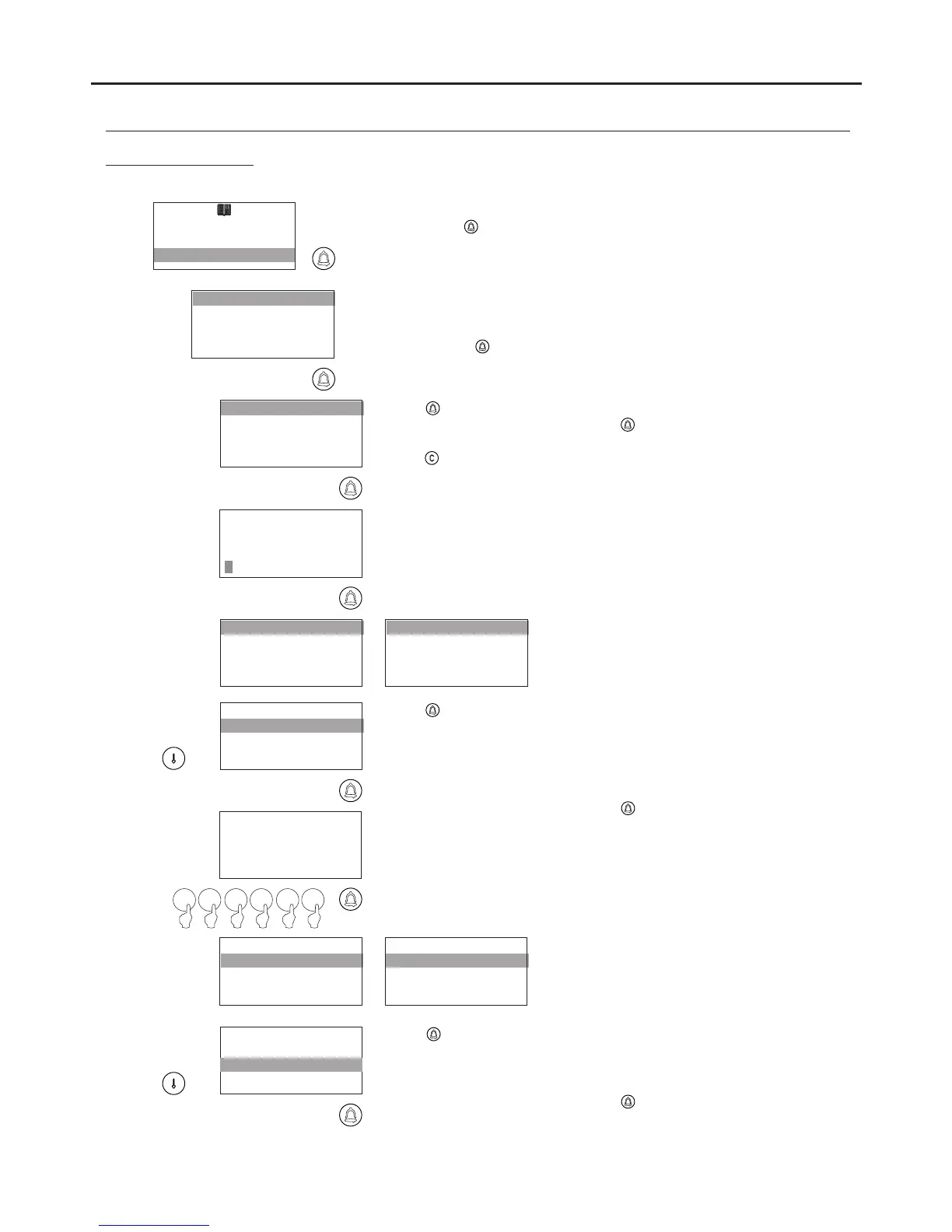
To access the contacts resident list, follow the steps described on p. 129
and press when the CONTACTS RESIDENT LIST message lights
up.
Enables a NEW contact to be added to the end of the residents list,
which has a capacity for 1,990 contacts. To place a contact in a certain
position, use CONTACTS RESIDENT LIST: INSERT.
To add, press .
INSERT
MODIFY
DELETE
NEW
BUS CODE
CALL CODE
VISIBLE
RESIDENT NAME
ENTER NAME
BUS CODE
CALL CODE
VISIBLE
RESIDENT NAME
BUS CODE
CALL CODE
VISIBLE
José Pérez
Press to add details to a contact as described on p. 145.
After entering the information, press again to save the NAME of the
contact.
Press to cancel the process and no changes will be saved.
Press to assign a monitor code using the numeric keypad.
If the door panel is configured as a general entrance panel, a 6-digit code
must be entered: the first three digits relate to the code of the inner
building and the last three to the monitor. If the door panel is not
configured as a general entrance panel, only the three-digit monitor
code needs to be entered.
After entering the information, press again to save the contact's BUS
CODE.
BUS CODE
:000000
0 93 40 0
BUS CODE
CALL CODE
VISIBLE
RESIDENT NAME
003409
CALL CODE
VISIBLE
RESIDENT NAME
BUS CODE
CALL CODE
VISIBLE
RESIDENT NAME
Press to assign a 2nd CALL LIST code using the numeric keypad.
If the door panel has 2nd CALL LIST configured with the value YES,
a 6-digit code to be used for making calls to this user needs to be
entered.
After entering the information, press again to save the contact's CALL
CODE.
AUDIO AND VIDEO DOOR ENTRY SYSTEM - CODED PANEL WITH DISPLAY
Continued overleaf



 To Next Page