4-34
Function Settings and Operations
4.29 Interface Settings
The interface conditions must be set if the RS-232C serial interface is used, to ensure that the data-transfer
rate (baud rate), data length, and parity settings for the cutting plotter match those set in the application
software or computer operating system. This section describes the interface conditions for the cutting plotter.
For details on how to set the conditions for your application or computer operation system, refer to the
manual provided with the application or operating system.
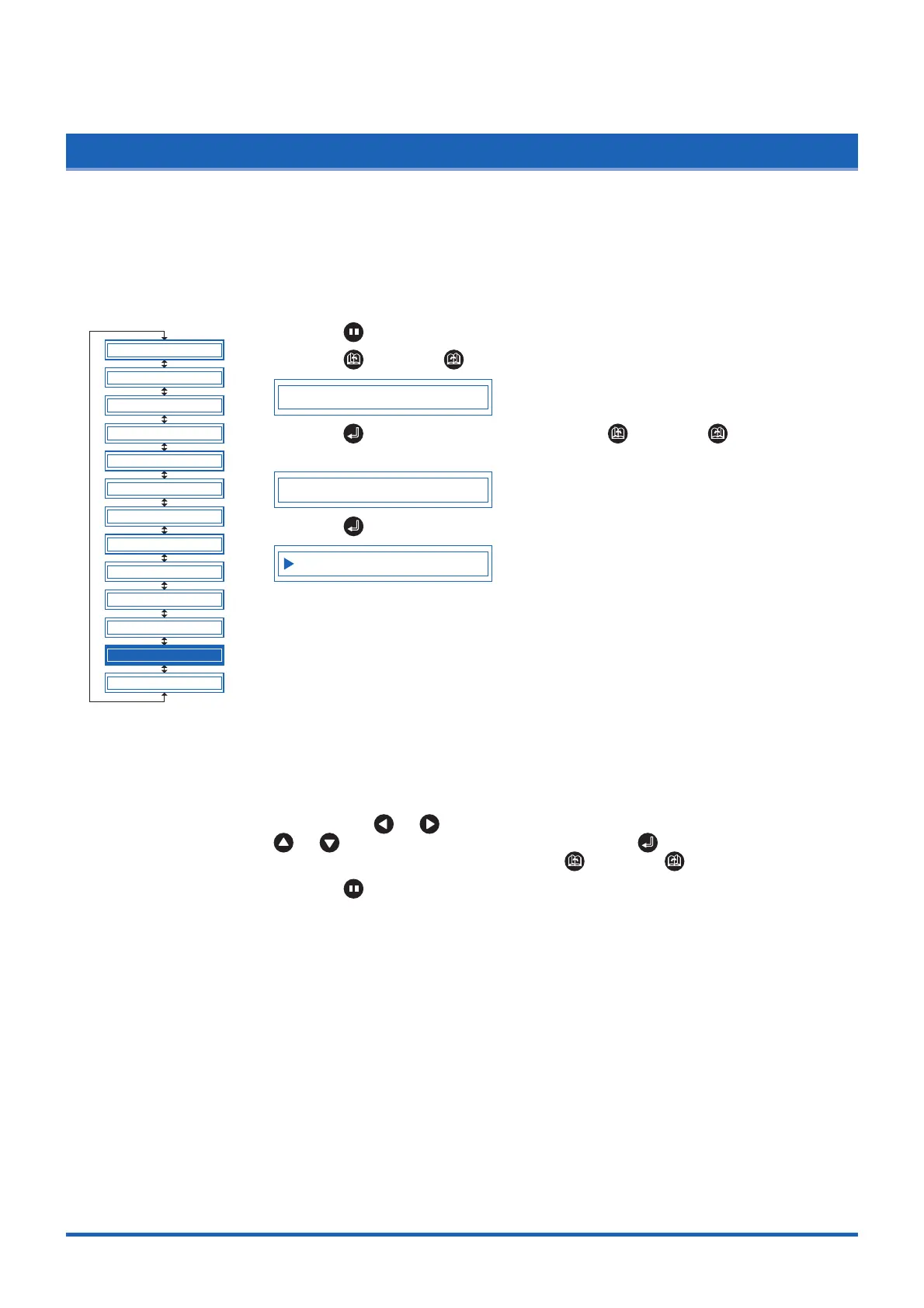
(1) Press the (PAUSE) key to switch to PAUSE mode.
(2) Press the (NEXT) or (PREV.) key until the following menu is displayed.
SETUP MENU
(3) Press the (ENTER) key, and then press the (NEXT) or (PREV.) key
until the following menu is displayed.
RS-232C
(4) Press the (ENTER) key to display the interface-condition setting menu.
9600 N 8 H
The current settings are displayed (from left): transfer rate (baud rate), parity, data
length, and handshaking mode.
The baud rate can be set to "19200," "9600," "4800," "2400," "1200," "600," or
"300."
The parity can be set to "N" (None), "E" (Even parity), or "O" (Odd parity).
The data length can be set to "7" or "8" bits.
The handshaking mode can be set to "H" (hard-wired handshaking) or "X" (Xon/
Xoff handshaking). "E" (ENQ/ACK handshaking) can also be selected when the
command mode is set to HP-GL.
All of these interface conditions must be set to match the corresponding settings
in the application software and the computer operating system.
The parameter that can be changed is displayed immediately to the right of the s
mark. Use the or key to select the parameter to be changed, and use the
or key to select the setting details. Press the (ENTER) key to
confirm. To cancel the selection, press the (NEXT) or (PREV.) key.
(5) Press the (PAUSE) key to cancel PAUSE mode.
BLADE WARE SETUP
CUT LINE PAT.
TANGENTIAL
INIT. B
PEN UP SPEED
INITIAL FEED
TEST
FEED&CUT
PEN UP/DOWN
CLEAR BUFFER
AUTO PRE FEED
ADVANCED FUNC.
SETUP MENU













 To Next Page