FC9000-UM-251-9370 8-58
8 Electrical Adjustment
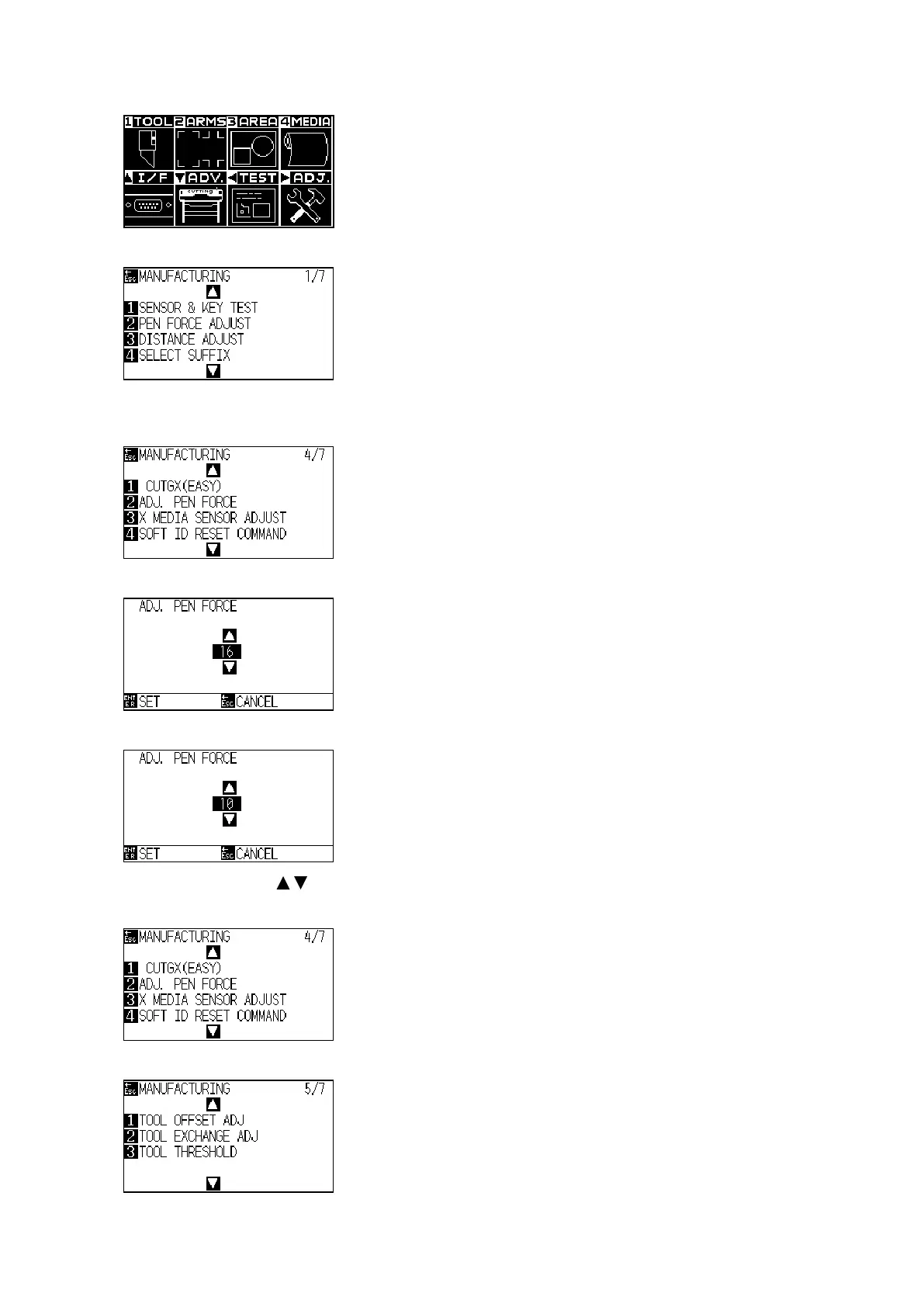
(5) Press the PAUSE/MENU key to display the following menu.
(6) Press the Right Position key to display the adjustment menu shown below.
(7) Installthebertippenstothetool1holder(rear)and2ndpenstation(Rightsideplateofholder).
(8) Press the down position key until the following menu is displayed.
(9) Press the F2 key to display the following menu.
(10) Setadjustmentpenforceto10forthebertippens.
Press the POSITION ( ) key to increase or decrease the value to set.
(11) Press the ENTER key to display the following menu.
(12) Press the UP or Down position key until the following menu is displayed.












 To Next Page