EasyManua.ls Logo

GRAPHTEC FC9000-75 - Page 171

GRAPHTEC FC9000-75
227 pages
Print Icon
To Next Page IconTo Next Page
To Previous Page IconTo Previous Page
Loading...
FC9000-UM-251-9370 9-14
9 TROUBLESHOOTING
Error
code
Error Display Verication item Cause Solution
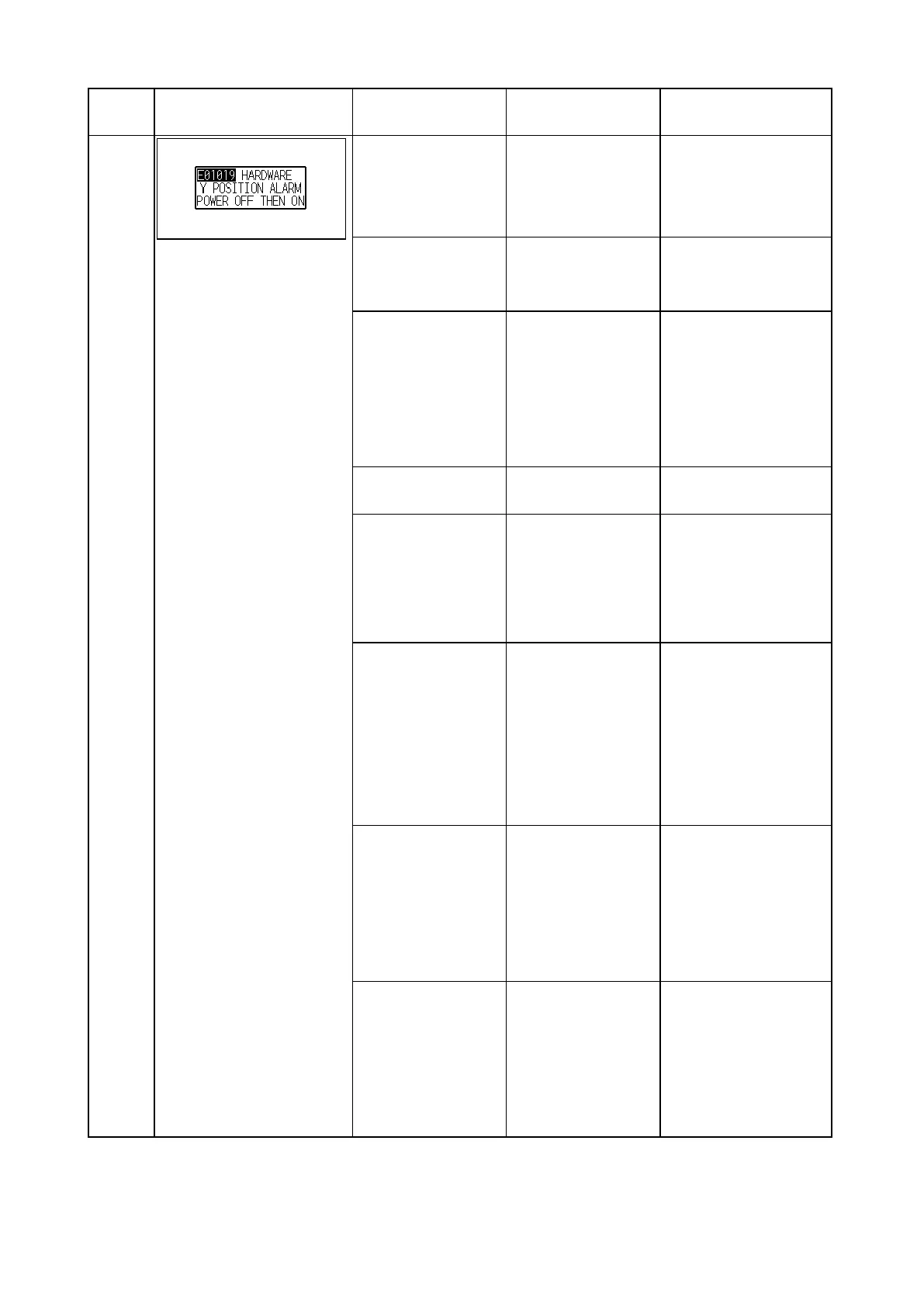
E01019
When this error
was displayed while
cutting, conrm the
cutting conditions.
Media is thick and
hard.
Lower the cutting
SPEED and/or the
cutting FORCE.
And cut it by multi pass.
Conrm there is not
anything blocking the
carriage.
Movement of the
carriage is being
obstructed.
Remove the obstacle.
Conrm the Y exible
cable is securely
connected.
The Y exible cable
is not securely
connected.
The Y exible cable is
connected with wrong
side.
Connect the Y exible
cable securely.
Connect the Y exible
cable with correct side.
Conrm the Y exible
cable is not broken.
The Y exible cable
is broken.
Replace the Y exible
cable.
Conrm the Y motor
cables are securely
connected.
The Y motor cables
are not securely
connected.
Or it is connecting to
the wrong connector.
Connect the Y motor
cables securely.
Connect the Y motor
cables to correct
connector.
Conrm the Y home
sensor detect the
Y home dog in the
maintenance mode of
sensor test.
Y home sensor on
the Y relay board is
defective.
Replace the Y relay
board.
And then conrm the
Y home dog is not hit
to the Y home sensor
when the Y relay board
was installed.
Does the Y-motor
rotate smoothly?
Conrm the serial
number for the plotter,
and guess how long
this motor was used.
Defective Y motor or
Defective Main Board
Replace the Y-motor if it
is defective.
Replace the main board
when the problem
remained even if
X-motor was replaced.
When this error
occurs while the
cross cutting is
operating, conrm
the home position of
cross cutter.
The home position
of cross cutter is not
correctly adjusted.
Adjust the home
position of cross cutter
correctly.

Table of Contents

Related product manuals