HQ Innity User Manual | 31
To wind the bobbin
The Innity comes with a separate bobbin winder. For full instrucons about using the bobbin winder, see
the instrucon manual that was packaged with the bobbin winder.
ONLINE: For more informaon about using the bobbin winder, watch the video Using the Bobbin
Winder at: hp://www.handiquilter.com/videos/hq-innity/245/.
To insert the bobbin into the bobbin case
ONLINE: For more informaon about inserng the bobbin into the bobbin case, watch the video
Inserng the Bobbin at: hp://www.handiquilter.com/videos/hq-innity/225/.
U CAUTION: To prevent personal injury always turn o the front power switch while inserng and/or
removing bobbin case or anyme your hands are near the needle area, such as when you change
t h e n e e d l e .
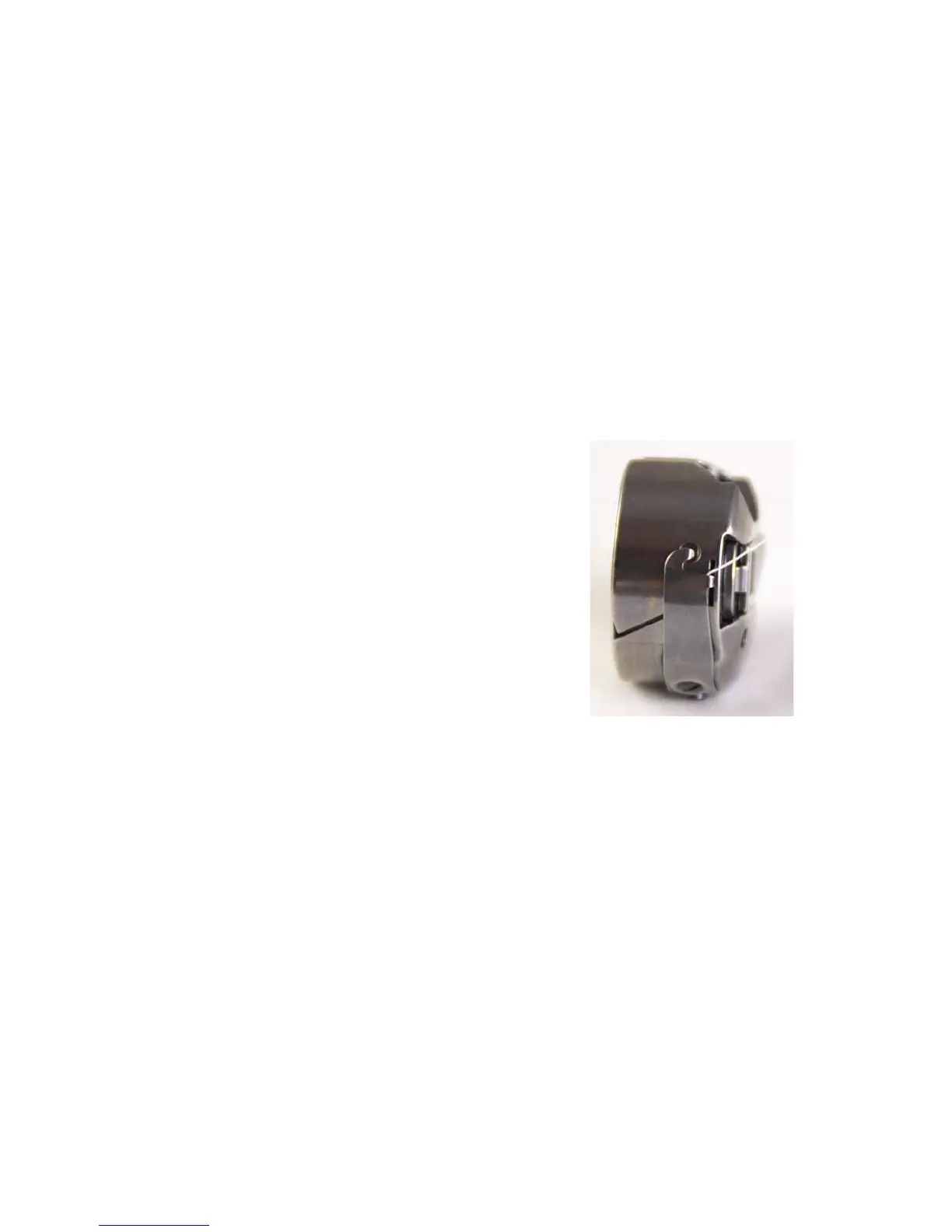
1 . Place the bobbin in the bobbin case so that the
thread pulls o clockwise when viewing the
open side.
2 . Slide the thread through the slot and under the
tension spring, leaving approximately ve to six
i n c h e s o f t h r e ad h an g i n g l o o s e .
To test bobbin tension
The bobbin tension is the foundaon tension for the enre machine. Always set the bobbin tension rst.
NOTE: Check the bobbin tension each me a new bobbin is inserted.
ONLINE: For more informaon about tesng and adjusng the bobbin tension, watch the video
Tesng and Adjusng Bobbin Tension at: hp://www.handiquilter.com/videos/hq-innity/248/.
1 . With the bobbin properly in the bobbin case, hold the bobbin case in the palm of your hand with the
open end facing up.
2 . Wrap the thread two to three around the index nger of the opposite hand and li the bobbin up. The
bobbin case should li up on its side, and slightly li out of your hand. If the bobbin will not li up on
its side, the bobbin tension is too loose and if it lis out of your hand, the bobbin tension is too ght.











 To Next Page