2 0 | www.HandiQuilter.com
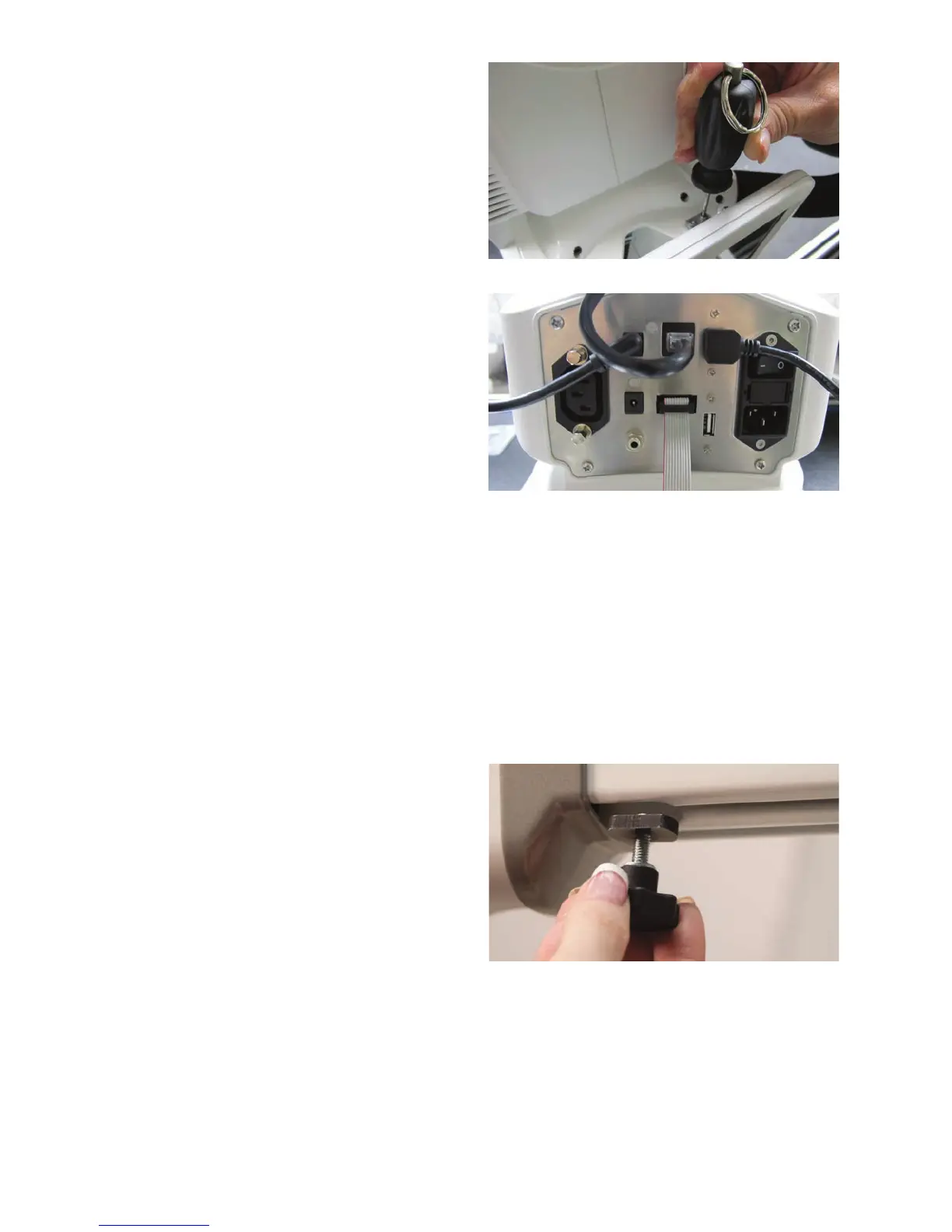
2 . Insert the 2.5mm hex screws into the openings
on the display’s metal hinge. Align the screws
in the hinge with the holes on the display
bracket. Use the 2.5mm hex wrench to fully
ghten the screws.
3. Plug the power and USB cables into the
boom of the display and into the rear panel
o n t h e m ac h i n e .
Thread Tray and Thread Mast
To install the thread tray on the machine
ONLINE: For more informaon about installing the spool tray onto the machine, watch the video
Installing the Thread Tray at: hp://www.handiquilter.com/videos/hq-innity/216/.
1 . Locate the T-nut and the knob for the thread tray. If necessary, thread the T-nut onto the end of the
knob a couple turns.
2 . Align the T-nut with the opening at the front of
the Handi Accessory Rail on the boom of the
machine’s throat, insert into the track, and slide
a few inches into the track.











 To Next Page