HQ In nity User Manual | 43
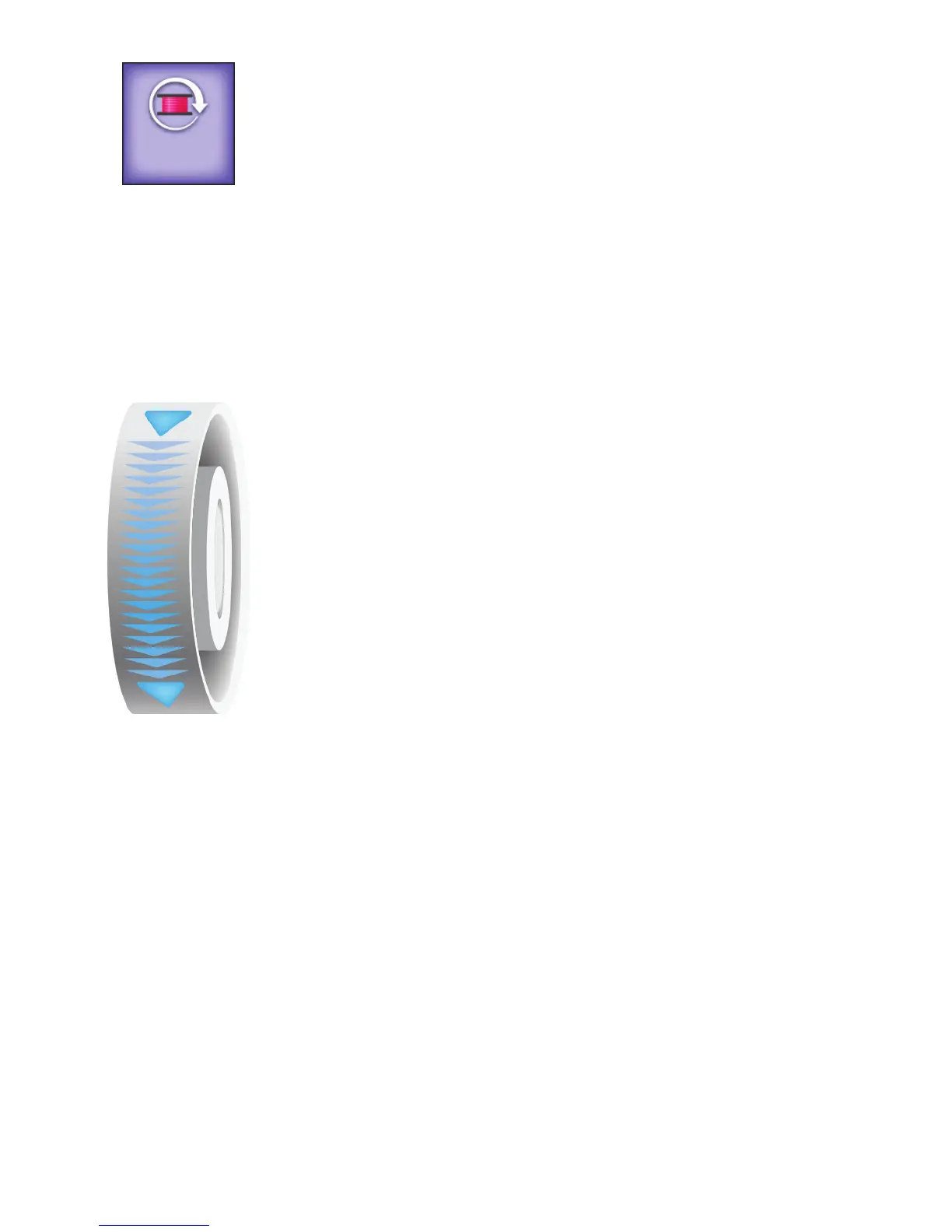
Reset-bobbin bu on: Press this bu on a er a bobbin change if you are using
the low-bobbin alarm. This resets the low-bobbin reading to indicate you are
using a full bobbin. the number on this bu on shows an es mate of how much
thread remains on the bobbin. This number updates as you quilt. As the number
gets closer to zero, the bobbin is running out of thread. For more informa on
about the low-bobbin se ngs, see To set the low-bobbin thresholds i n t h e
Toolbar Op ons sec on of this manual.
 IMPORTANT: Touch this bu on only to reset the bobbin capacity to
indicate a full bobbin. If you want to open the Low Bobbin Alarm screen,
s e l e c t t h e Machine Se ngs toolbar bu on and then select the Low
Bobbin Alarm s c r e e n .
To use the on-screen hand wheel
The on-screen hand wheel enables you to rotate the hand wheel from the Main
screen rather than reaching around the machine to do it manually.
Drag your nger down from the top of the onscreen hand wheel (in the direc on
of the arrows) to cycle the needle bar and the presser bar.
NOTE: You can, if necessary, move your nger in an upward mo on to
turn the hand wheel in the opposite direc on. You’ll typically do this only
when you need to break a thread lock.
S tching Modes
The In nity enables you to choose between two modes of s tch regula on (Cruise or Precision) or to
choose manual s tching. It also includes a bas ng mode.
Manual S tching Mode
When using the manual s tching mode, the length of the s tch is determined by how quickly or slowly you
move the machine around the quilt, in combina on with the number of s tches per minute (up to 3100)
you have selected. For a consistent s tch length, you will need to move the machine at a consistent speed.
Experiment with di erent combina ons of quil ng speed and s tches per minute to nd what op mally
works for you.
To use manual s tching mode
ONLINE: For informa on about using manual s tching mode, watch the video Using Manual
S tching Mode at: h p://www.handiquilter.com/videos/hq-in nity/234/.
6











 To Next Page