4 8 | www.HandiQuilter.com
Toolbar Options
The toolbar is in the upper-right corner of the screen at all mes.
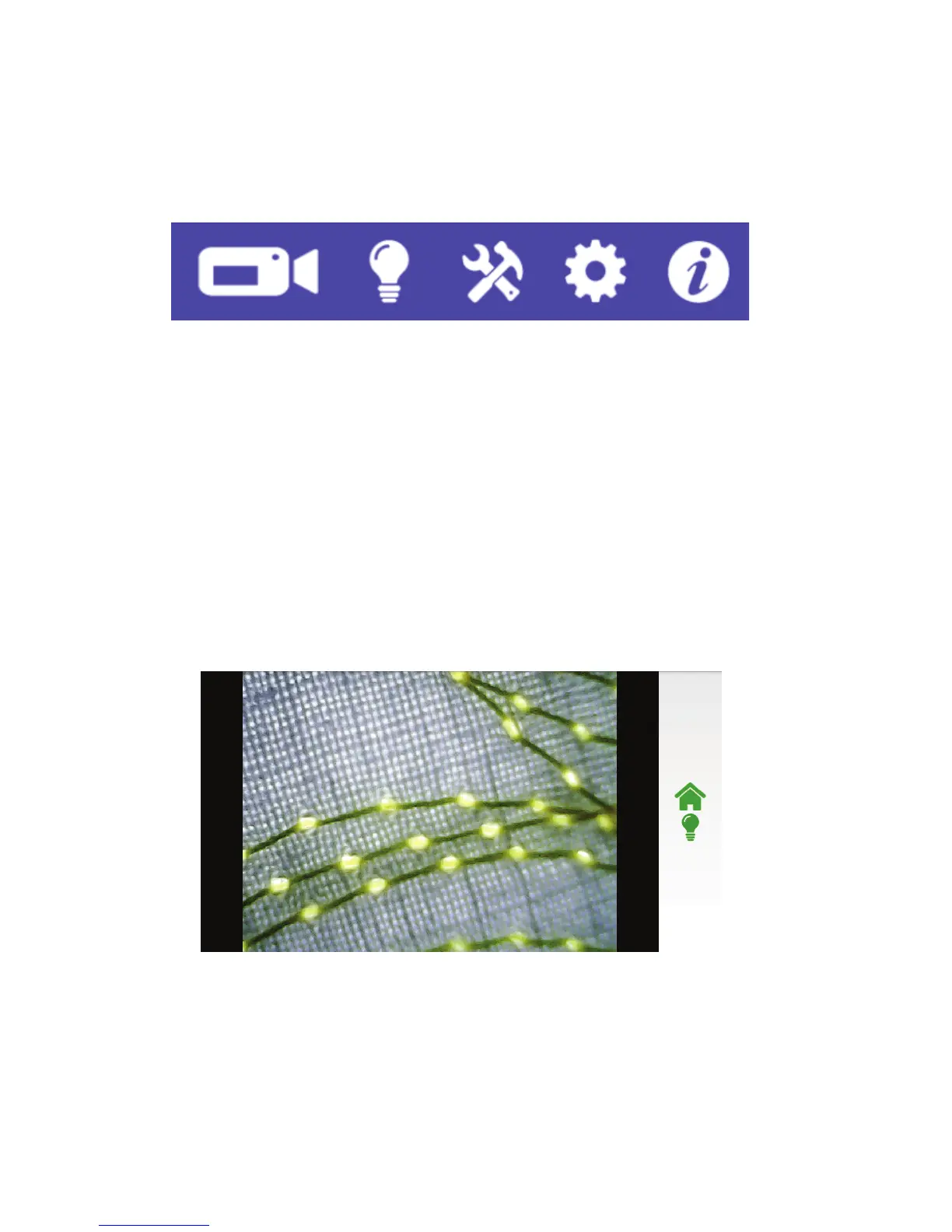
Using the Quilt-View™ Video Camera
When you touch the video icon, you will have the opon to turn o all of the machine lights by touching
the light bulb icon at the right of the screen. This oen results in clearer images from the video camera
under the quilt. When you quilt using the video camera, the lights return to their previous seng.
As you move the machine across the quilt, the view of the quilt from the video camera appears on the
touch-screen display.
Manually rotate the knob on the camera lens to adjust the focus as needed. You can also use the dial built
into the camera’s cable to dim or brighten the camera’s LED lights to improve visibility.
Controlling the Lights
Your Innity comes equipped with three standard lights plus UV lights. You cannot use both the standard
lights and the UV lights at the same me.
ONLINE: For more informaon about controlling the lights, watch the video Controlling the Lights
on the Innity at: hp://www.handiquilter.com/videos/hq-innity/242/.
Displays images
from the video
camera.
Opens
machine
tools.
Displays
machine
informaon
.
Opens
machine
sengs.
Controls
lights.











 To Next Page