5 0 | www.HandiQuilter.com
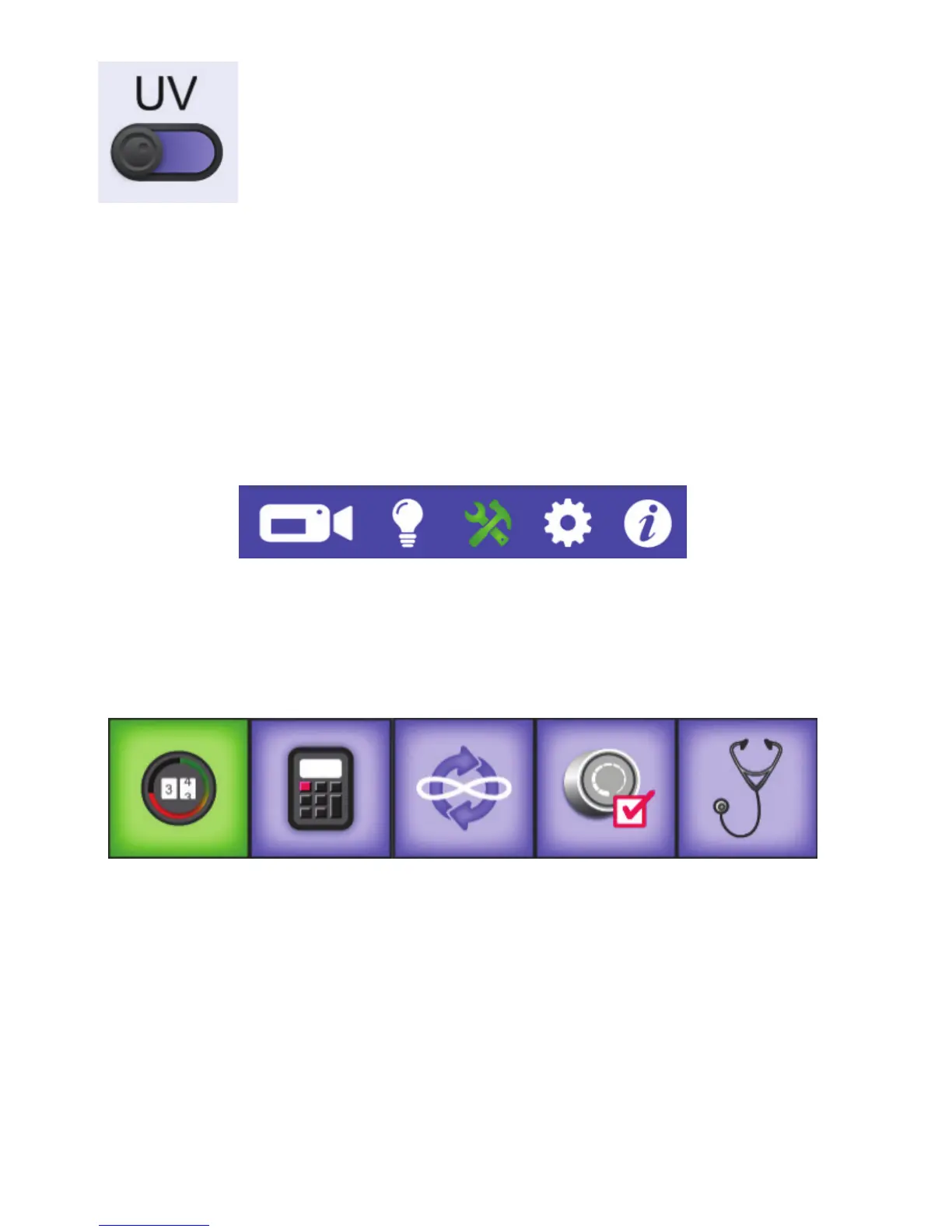
• T o u c h t h e UV light buon to turn on or o the UV lights. When you
turn the UV lights on, all other lights are turned o. When you turn
o the UV lights, the standard lights turn on again.
U CAUTION: Looking directly into the UV lights or prolonged exposure to the UV lights can damage
your eyes. Limit the use of the UV lights to avoid permanent eye damage. Using UV A/B blocking
sunglasses will reduce eye strain and limit the eects of prolonged exposure to UV lighng.
U CAUTION: Users who have had cataract surgery should not use the UV lighng unless they have had
UV A/B blocking replacement lenses implanted as part of the surgery.
Machine Tools
To open the machine tools, touch the Tools icon in the toolbar. Aer selecng it, the icon turns green.
Choose from the ve tools at the boom of the screen.
Aer you select an opon, the buon background turns to green and the screen changes for you to
do any customizaon of that seng. The next me you touch the Tools icon, the last Tools opon you
used appears.
Quilng Timer, Alarm, and Stch Counter
The mers screen enables you to track the amount of me you work on a quilt, to set a mer to remind
you when your quilng me is up, and to track the number of stches on a quilt.
Sets the quilng
mer, the
quilng alarm,
and the stch
counter.
Opens the
on-screen
calculator.
Updates the
machine’s
soware.
Calibrates the
Easy-Touch
Tension™.
Opens the
Diagnoscs
screen.
The Tools buon
is selected
(green).











 To Next Page