4 0 | www.HandiQuilter.com
Using the Touch-Screen Displays
The In nity has touch-screen displays on the front and rear handlebars. They each work the same. For
example, use the displays to alternate between s tch-regulated and non-s tch regulated opera on, to
control se ngs for how you prefer your machine to operate, and to use tools such as coun ng s tches
on a quilt or logging how much me it took to nish your quilt.
ONLINE: For informa on about using the touch-screen displays, watch the video Using the Touch-
Screen Displays at: h p://www.handiquilter.com/videos/hq-in nity/231/.
NOTE: If you have HQ Pro-S tcher®, you should have installed the tablet computer that came with
HQ Pro-S tcher at the front of the machine rather than the 7-inch touch screen. You will then use
the HQ Pro-S tcher tablet to control the func ons of the In nity.
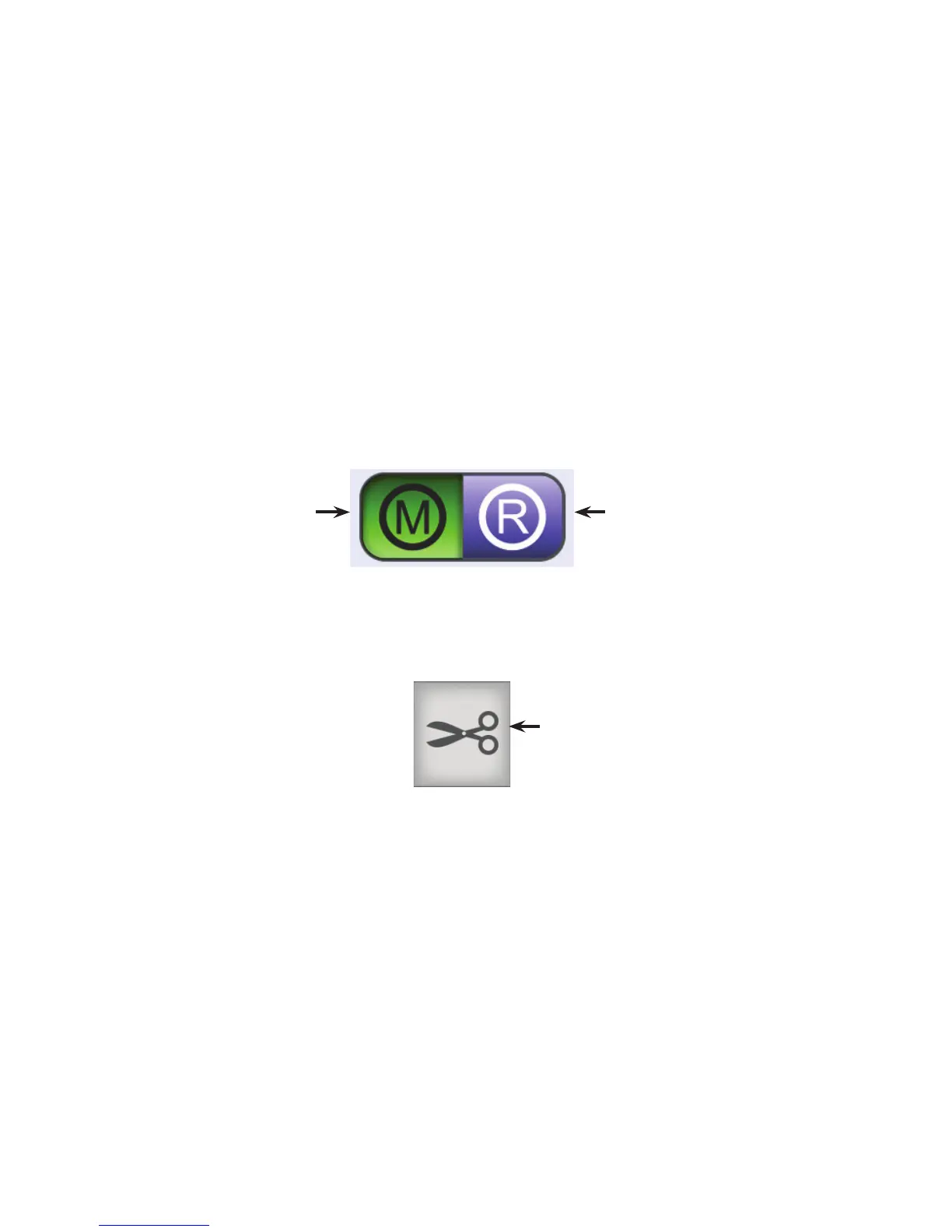
Bu ons are selected, or on, when they are green and display black text or graphics. Bu ons are o when
they are purple and display white or lighter gray text or graphics. When you touch a bu on, it will toggle on
or o , open a pop-up box for you to enter informa on, or open a screen with more op ons.
If a bu on cannot be used, usually because another process is underway, it will be gray.
Bu on is selected,
or on.
Bu on is deselected,
or o .
Text is white
with purple
background.
Text is black
with green
background.
Bu on cannot be used
at this me.











 To Next Page