HQ In nity User Manual | 67
To monitor system informa on about your machine
You may need to provide system informa on to Handi Quilter or an authorized Handi Quilter representa ve
when purchasing machine accessories or receiving technical assistance.
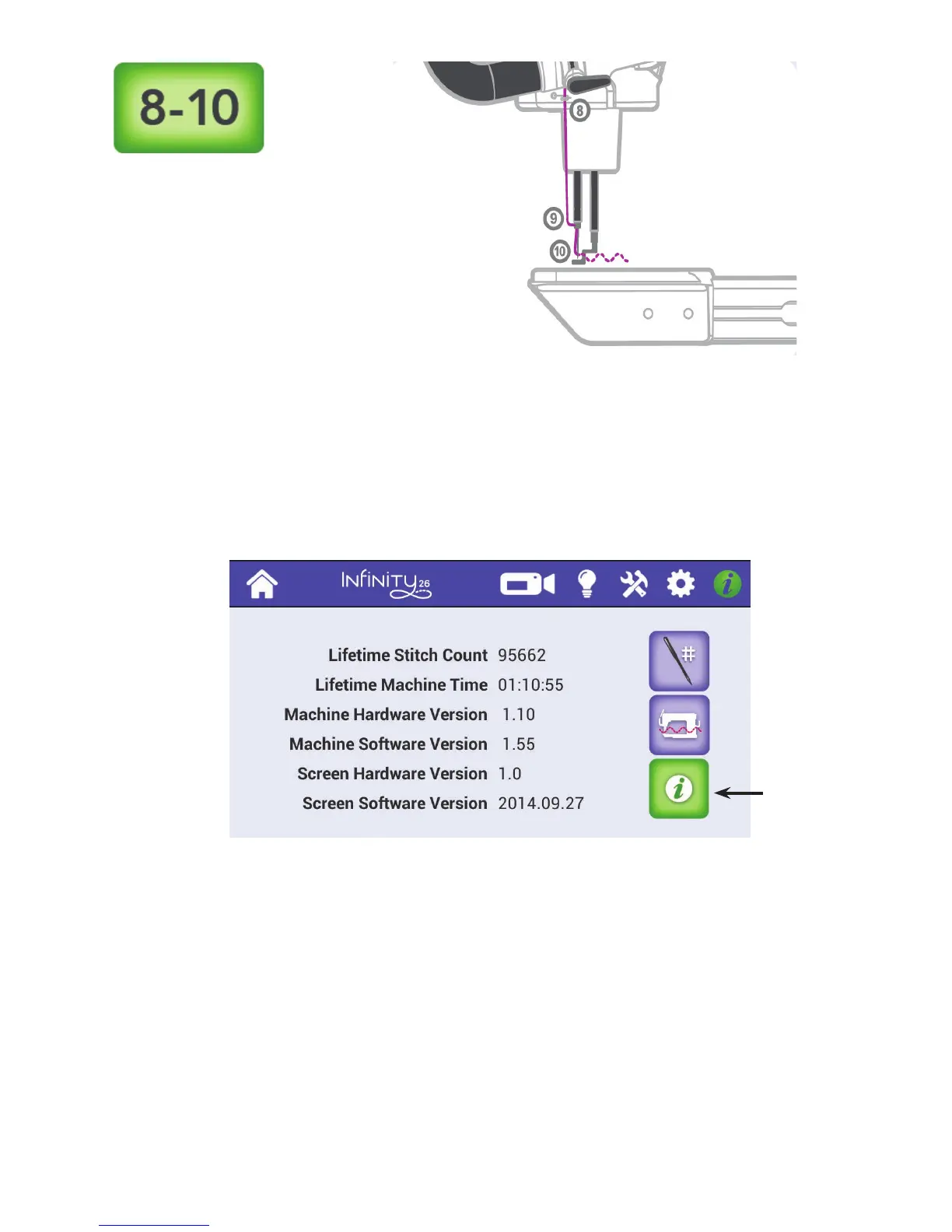
• T o u c h t h e Informa on icon in the toolbar. Then touch the Informa on bu on in the lower-right
c o r n e r o f t h e s c r e e n .
Life me S tch Count Shows the life me s tch count for your machine
Life me Machine Time Shows the cumula ve me your machine has quilted
Machine Hardware Version Shows the electronics board version number
Machine So ware Version Shows the machine’s so ware version number
Screen Hardware Version Shows the screen’s version number
Screen So ware Version Shows the screen’s so ware version number
Opens system
informa on
about the
machine.











 To Next Page