PAGE 2.1 - 40 OPERATION MARK IV HD J2 TAMPER
REVISED 10 - 2020 CONTROLS BULLETIN 5082505
2.1
2.1.8 Operator Armrest Controls - Left - See Figure 2.1-32
(4) Combo Clamp Slew Switch - Left - Work Mode
When the switch is moved to the FORWARD position, the left side of the combo clamp frame
will slew FORWARD and OUT. When the switch is moved to the REARWARD position, the left
side of the combo clamp frame will slew REARWARD and IN. Release the switch to stop
slewing the left side of the combo clamp frame in either direction.
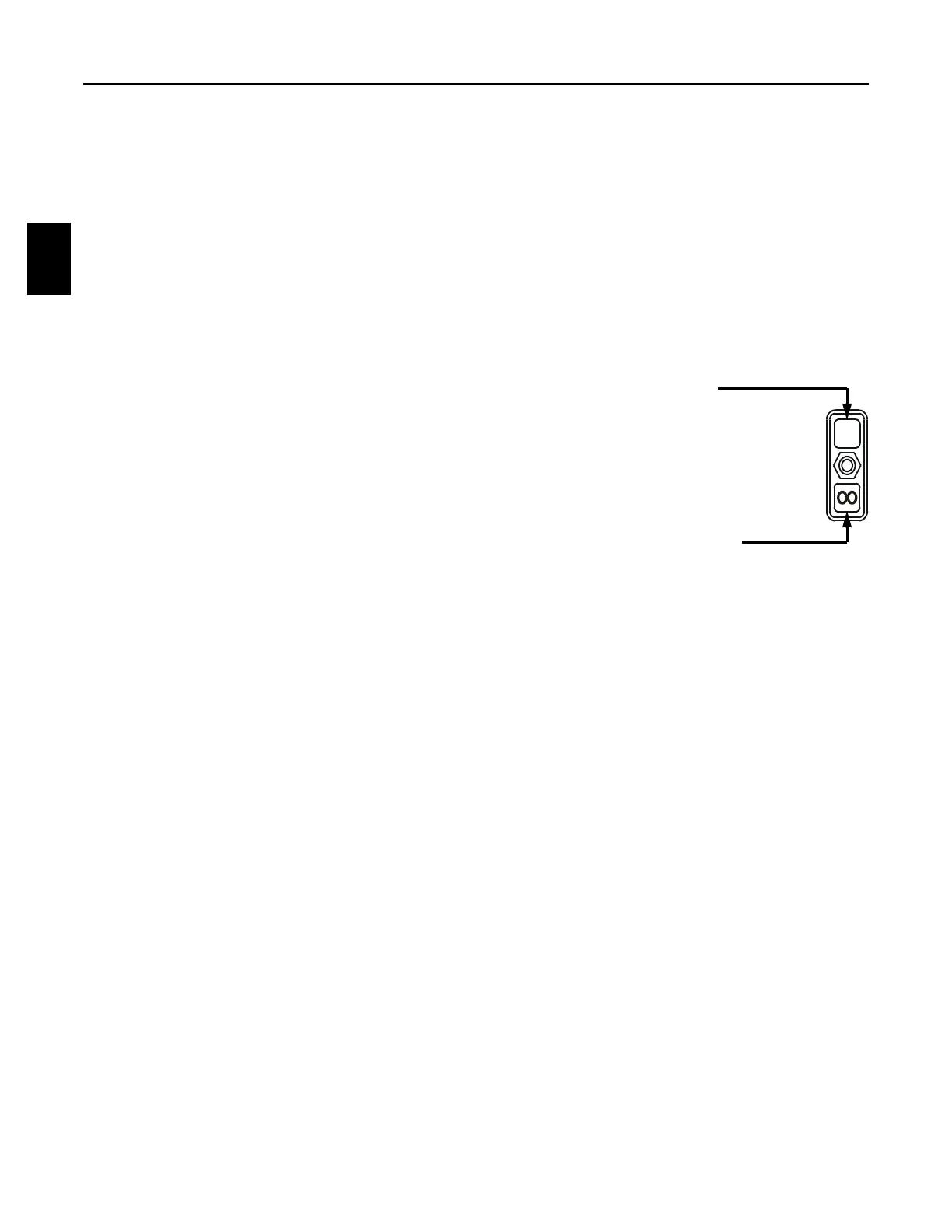
(5) Wizard Switch - Left - Work Mode
Note: The Wizard Switches located in both the Left and Right Armrests operate the same.
When the Wizard Switch is moved and held in the FORWARD " 1 " position:
a. Push either Workhead Joystick FORWARD and only the corresponding
workhead will squeeze out until the Workhead Joystick is released.
b. Pull either Workhead Joystick REARWARD and the corresponding workhead
will squeeze in until the Workhead Joystick is released.
When the Wizard Switch is moved and held in the REARWARD " OO " position:
a. Push either Workhead Joystick FORWARD and ALL workheads will squeeze out until
the Workhead Joystick is released.
b. Pull either Workhead Joystick REARWARD and ALL workheads will squeeze in until
the Workhead Joystick is released.
c. If the switch is held while the workheads are lowering, the Wiggle Squeeze feature
will be initiated for the current cycle only.
1. Wiggle Squeeze is a feature to help the workheads penetrate in cemented
ballast by alternately squeezing in and out for very short periods of time.
d. If the switch is held while the workheads are squeezing in, the Squeeze Sustain
feature will be initiated for the current cycle only.
1. Squeeze Sustain is a feature that will ignore the squeeze in pressure setting and
squeeze in by the long timer. This feature is used where additional squeeze in
time is desired, such as in fouled ballast.
2. Squeeze Sustain feature may also be used to partially squeeze in one or all of
the workheads before initiating the Tamping Cycle to clear tightly spaced or
slightly skewed ties.
(6) Horn Switch
To SOUND the air horns, press and hold the switch. Release the switch to STOP sounding the
air horns.



 To Next Page