MARK IV HD J2 TAMPER OPERATION PAGE 2.2 - 29
BULLETIN 5082505 JUPITER II REVISED 10 - 2020
2.2
2.2.8 Mode Select Panel
2.2.8.1 F1 Travel Mode Button / Panel
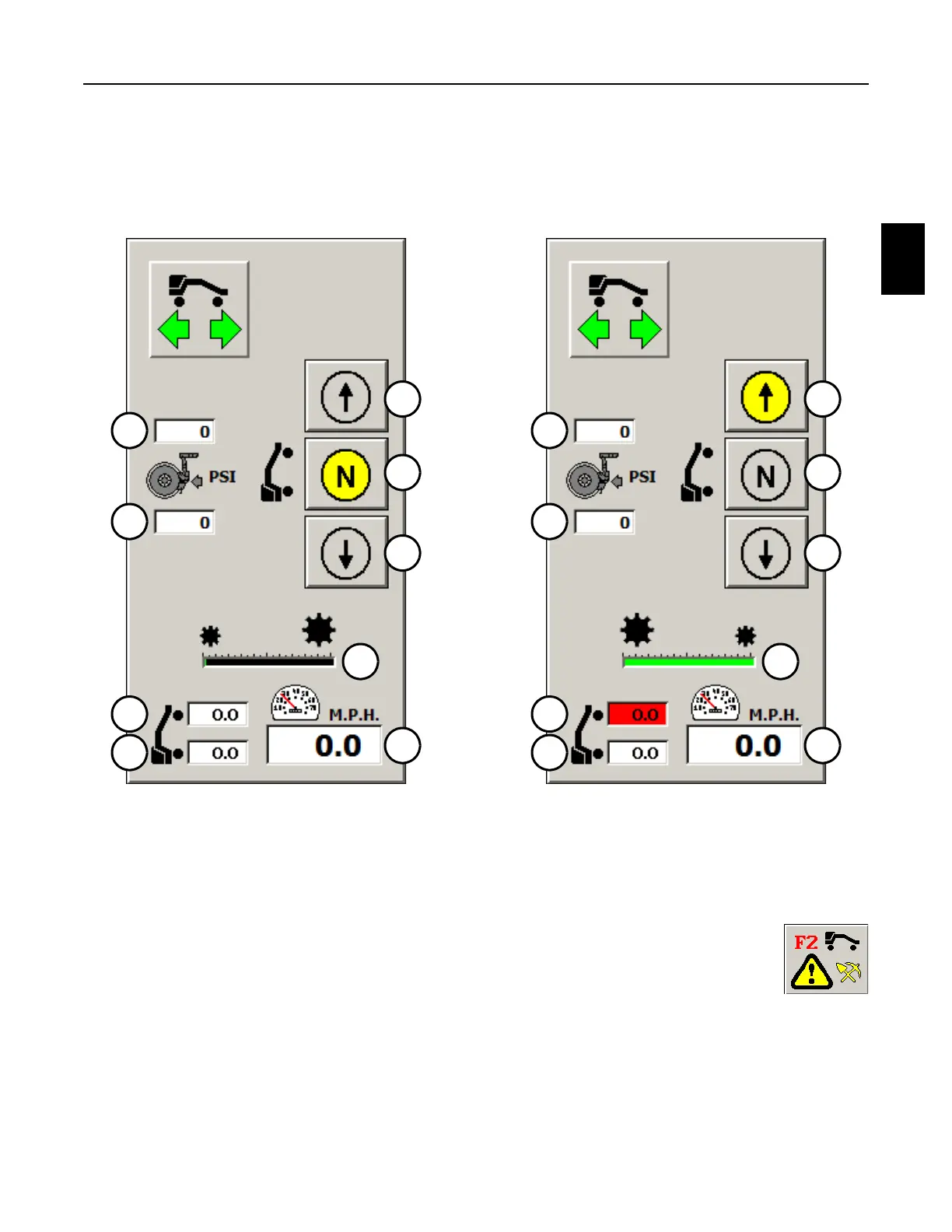
FIGURE 2.2-17 FIGURE 2.2-18
TRAVEL MODE PANEL TRAVEL MODE PANEL
2.2.8.2 F2 Work Mode Button
1. Press the F2 Work Mode Button on the Mode Select Panel or the F2 Key on
the Right Operator Keypad or computer keyboard to enable the machine in the
Work Mode and display the Work Mode Screen. When the Work Mode Screen
is displayed, all Work functions are enabled. See Figure 2.2-6.
2. Important: When switching from the Travel Mode to the Work Mode, the Gear Select
Panel will also be displayed on the Work Mode Screen. See Gear Select Panel.
1
2
3
7
8
9
6
5
4
1
2
3
7
8
9
6
5
4



 To Next Page