Configuration and measurement using CANHEADdirect
62 A01185_11_X00_00 HBM: public CANHEAD
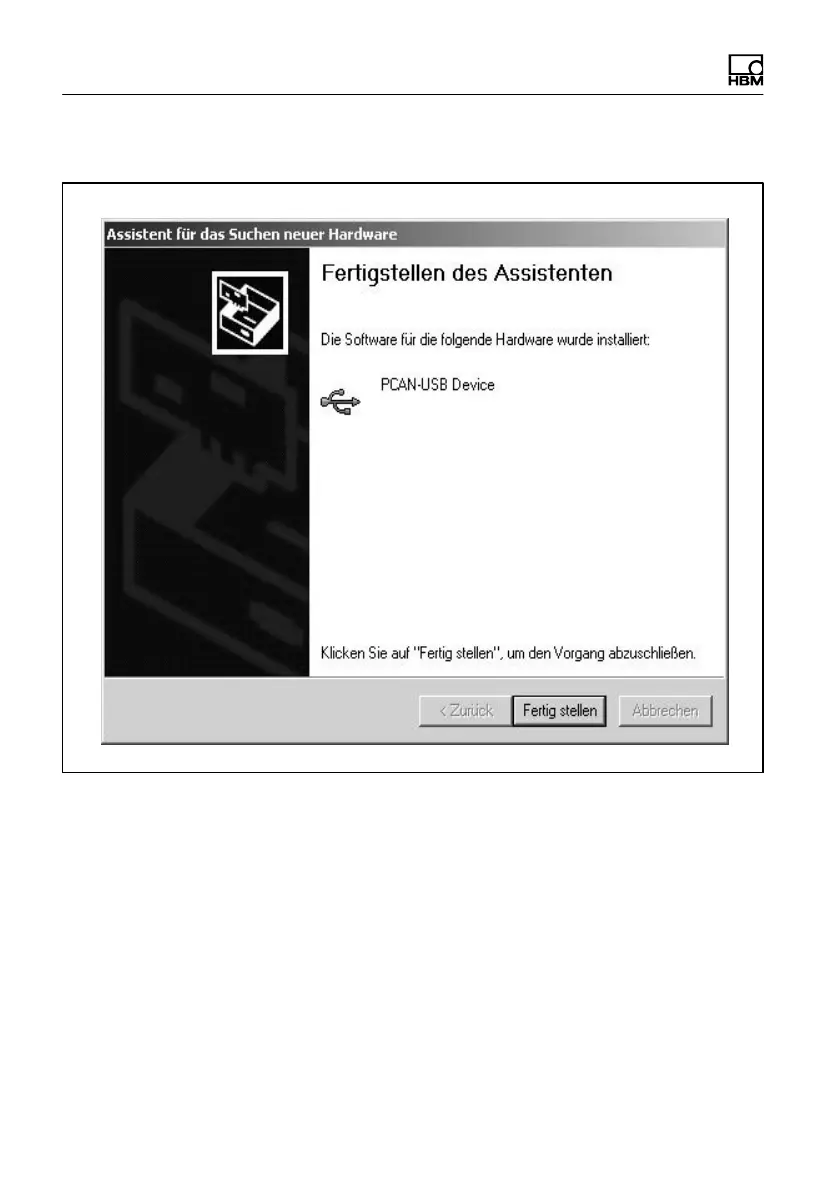
Confirm installation of driver for the CANHEADdirect module
The driver has been installed.
The process is completed with ”Finish”.
11.2 Manually Installing the PCAN network manual
The CANHEAD system requires a PCAN network to be set up. Having installed
catman Easy/AP or started the der setup.exe from the included system CD,
the PCAN network has automatically been installed.



 To Next Page