6 System settings and service software
CargoPower installation and operation, revision - 01 51
Transfer parameter values to the control unit
Parameter values are transferred to the control unit as follows:
• Click on the "Transfer parameters to the control unit" symbol (see menu bar [D])
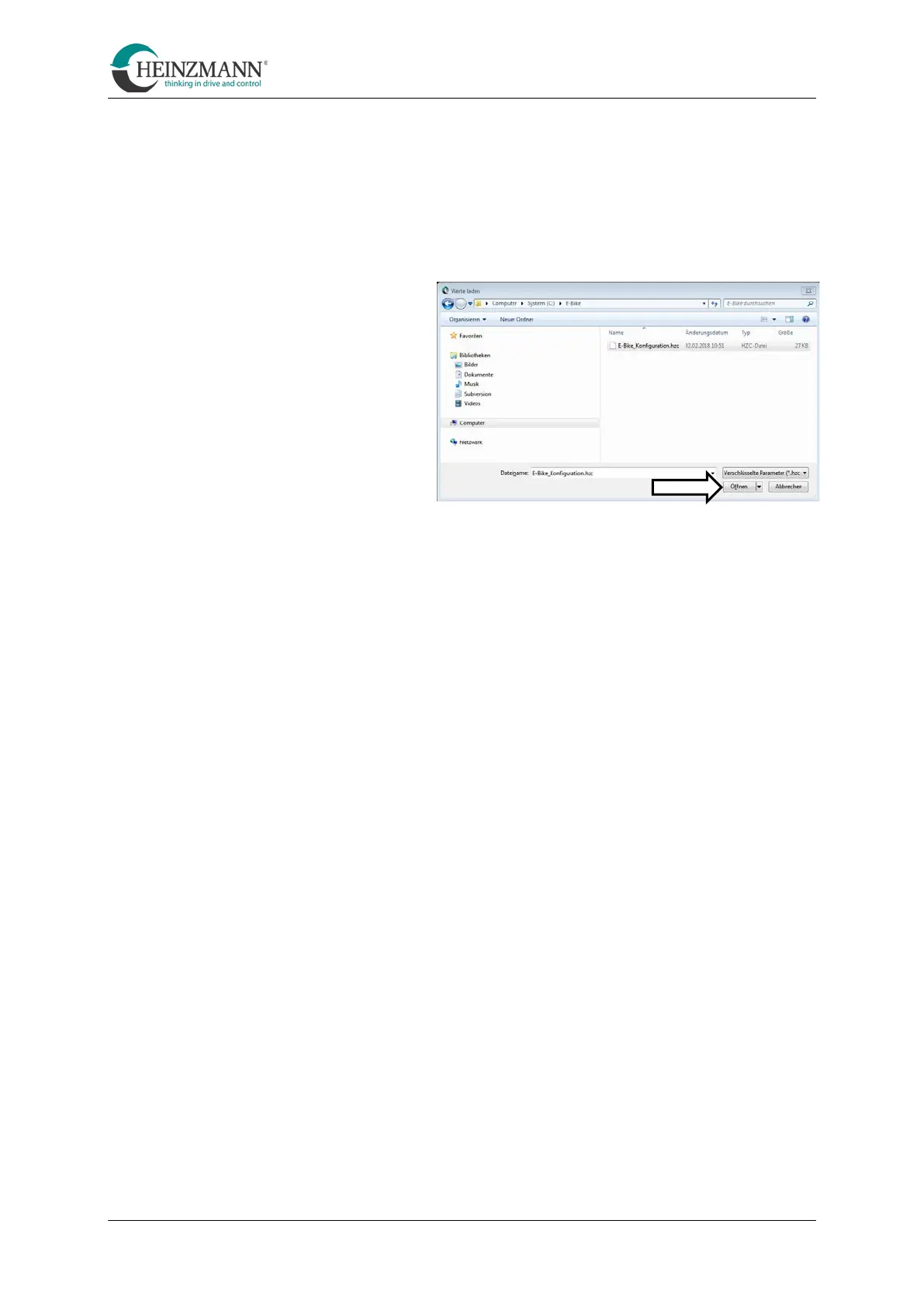
Navigate to the parameter file to be
transferred and select "Open".
(Parameter files have the extension
".hzc")
•
Click on the symbol "Transfer data to the control unit"
(see menu bar [G]).
• Click on the "Reset control unit" symbol
(see menu bar [H])
Alternatively, the "Reset control unit" symbol can be clicked immediately. You will
then be asked whether the parameter values should be saved in the control unit. Confirm
this with "OK".



 To Next Page