6 System settings and service software
CargoPower installation and operation, revision - 01 52
Save parameter values of a control unit
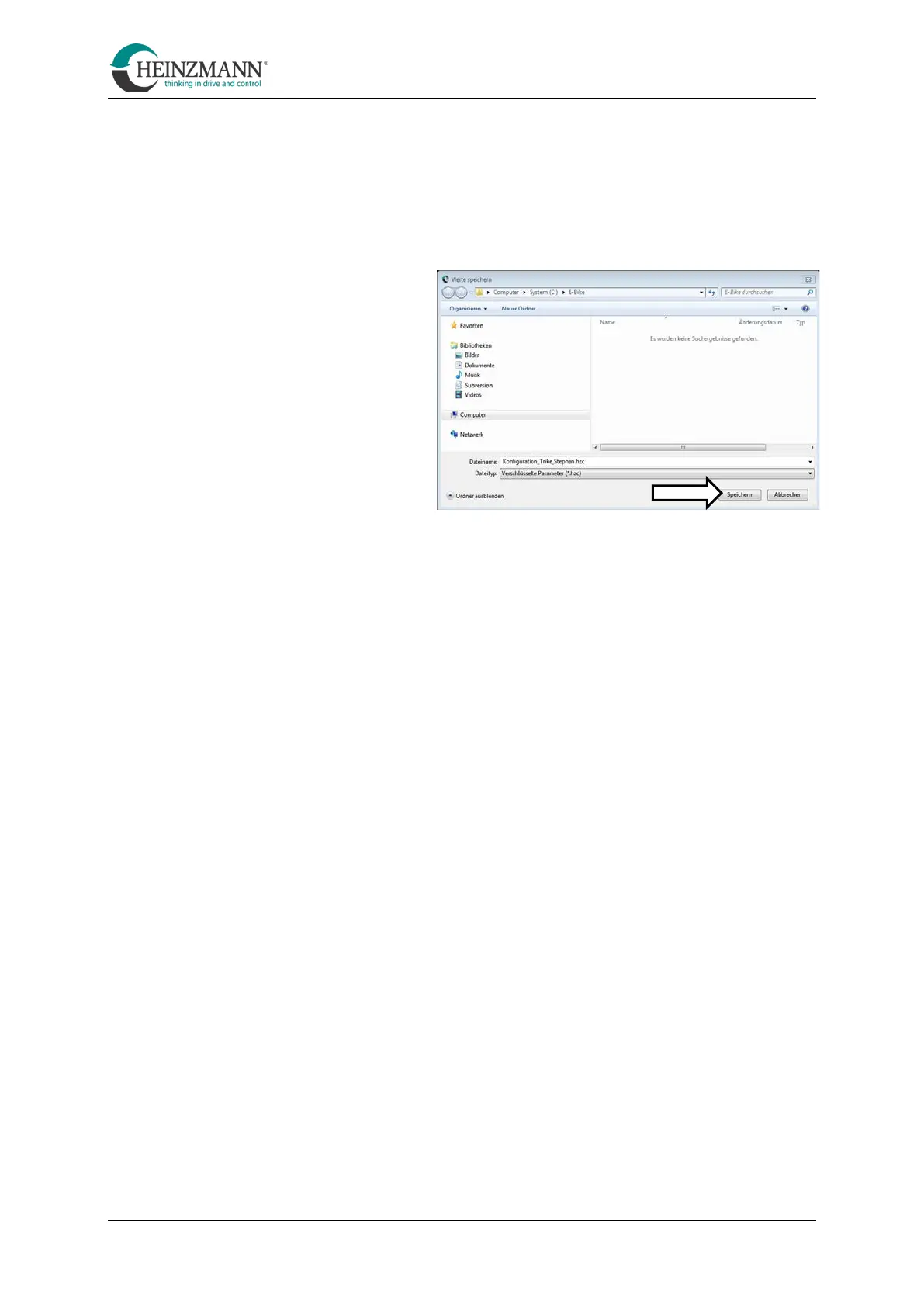
Parameter values of a control unit are saved as follows:
•
Click on the "Save parameter values" symbol click on
(see menu bar [E])
• Navigate to the location where
the parameter file is to be
saved.
• Assign a unique and, if
possible, self-explanatory file
name and confirm with "Save".
The parameter file is now saved
at the selected location under
the assigned file name.
Make parameter settings
In the "Parameter settings" view the available settings are divided into tabs. In the
following sub-chapters, the setting options are presented. The following applies to each
change of the settings:
•
Click on the "Transfer data to control unit" icon
(see menu bar [G])
This transfers all changes made to the control unit.
•
Click on the "Reset control unit" symbol
(see menu bar [H])
This resets the system.



 To Next Page