6 System settings and service software
CargoPower installation and operation, revision - 01 59
6.1.6.7 "Info/Logging" tab
With the function "Logging" a further window can be opened. In this window, the
course of certain values can be displayed graphically, and the recording of these values
can be started.
Read out error
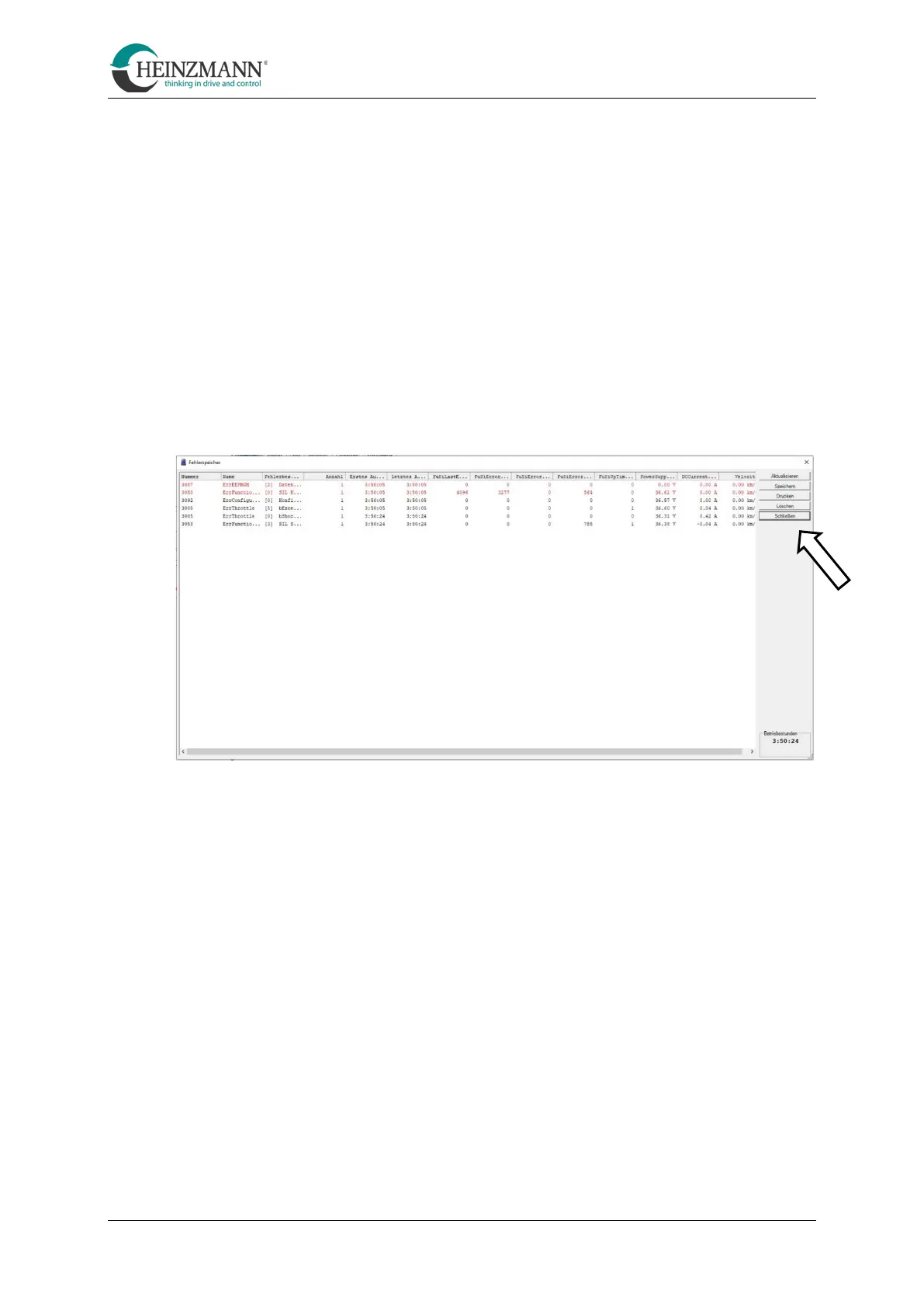
With the help of the dashboard, both current errors and errors that have occurred in the
past (error memory) can be viewed.
Among other things, the error number and the time of occurrence are stored.
• Open the error memory with the "error memory" function
The error memory can be operated using buttons on the right edge of the screen.



 To Next Page