Operating Instructions • AT2000 CPK • 07-2019 • v03 • 106-29004
Troubleshooting
31
DISPLAY MESSAGE POSSIBLE CAUSE SOLUTION
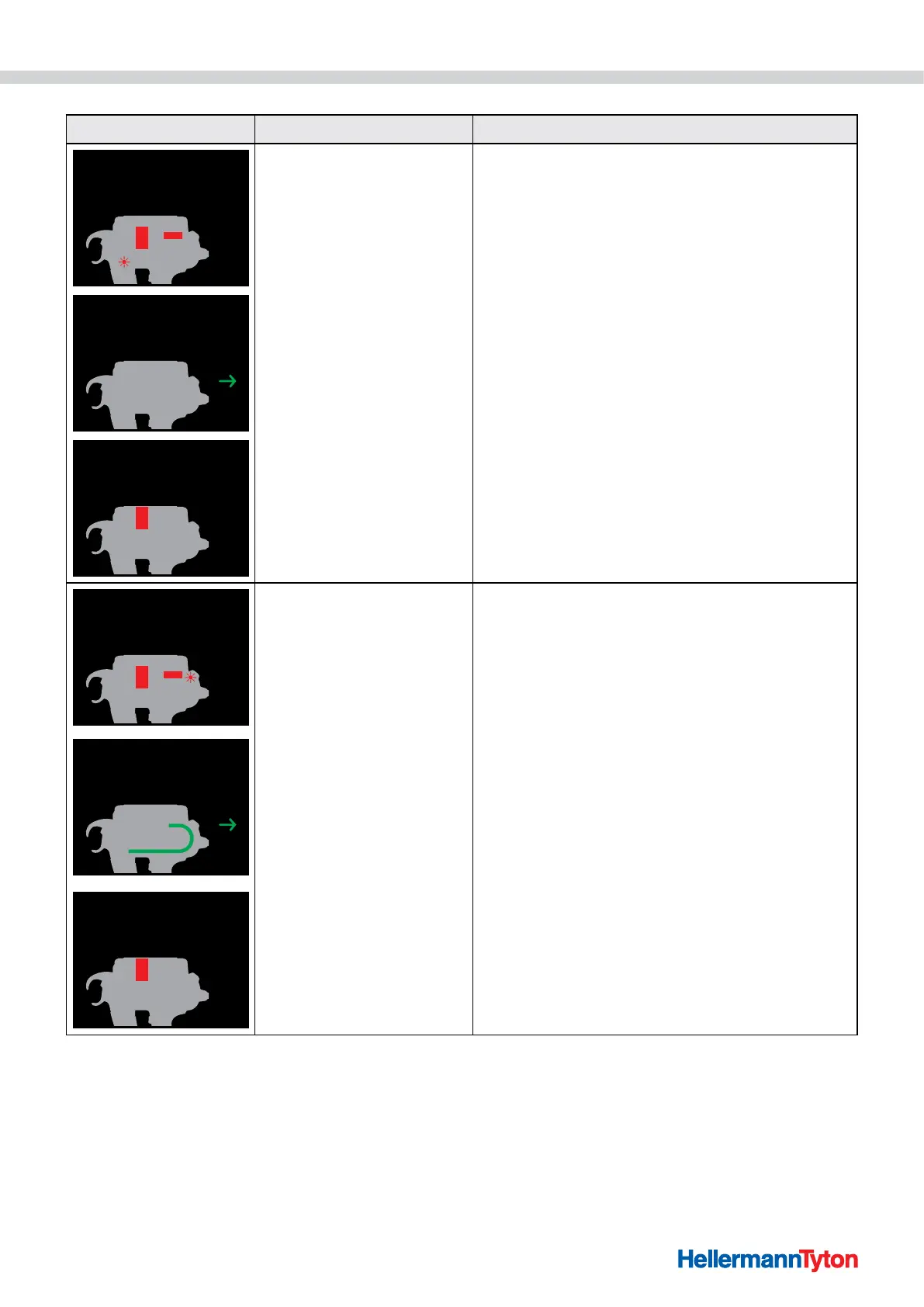
1. Operate bandoleer cutter
2. Open gate
Error, start position
1. Remove cable-tie residues
2. Press Reset button
Error, start position
Close gate
Error, start position
• The AT2000 CPK is not in
the start position.
f Push actuator for bandoleer cutter to the left.
f Open the gate.
; Error, start position appears as the next
message on the display.
f If applicable, carefully remove the cable-tie residues.
f Press the Reset button.
; Error, start position appears as the next
message on the display.
f Close the gate.
1. Operate bandoleer cutter
2. Open gate
Position of tie advancer
• No tie advancer present.
• The tie advancer is faulty.
f Push actuator for bandoleer cutter to the left.
f Open the gate.
; Position of tie advancer appears as the
next message on the display.
Position of tie advancer
1. Press Reset button
2. Check position of tie advancer
f If applicable, carefully remove the cable-tie residues.
f Press the Reset button.
f Open the roller block, à"Checking tie advancer" on
page36.
f Check the tie advancer; replace if necessary.
; Position of tie advancer appears as the
next message on the display.
Position of tie advancer
Close gate
f Close the gate.



 To Next Page