EasyBalancer EB 3500 Basic operation - Basic operation
4 - 3
4.2 Basic operation
Move Press / or / buttons.
Confirm
Press the / button.
4.2.1 Start screen
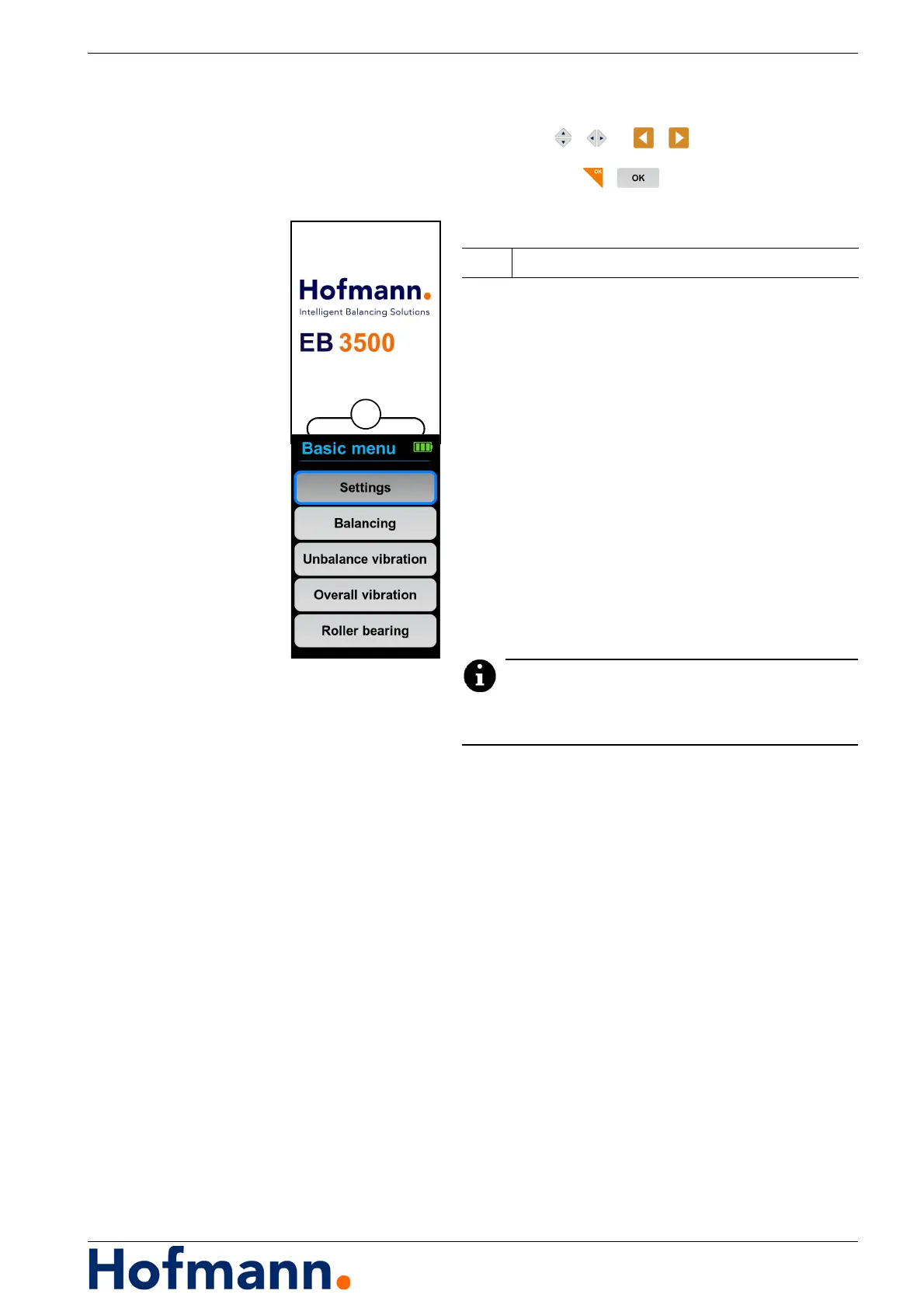
The start screen is displayed for a few seconds.
Then the display automatically changes to
the basic menu.
4.2.2 Basic menu
Branching to the menu items:
Settings
Balancing
Unbalance vibration
Overall vibration
Roller bearing (optional)
The measuring function “Roller bearing” is offered as
an option.
Representation of operating sequences
Operating sequences with several consecutive
key operations are often simplified as follows in
this operating manual:
Example
Basic menu \ Balancing ...
In detail, this means:
Call up the basic menu and select
the “Balancing” menu item.
1 Firmware version



 To Next Page