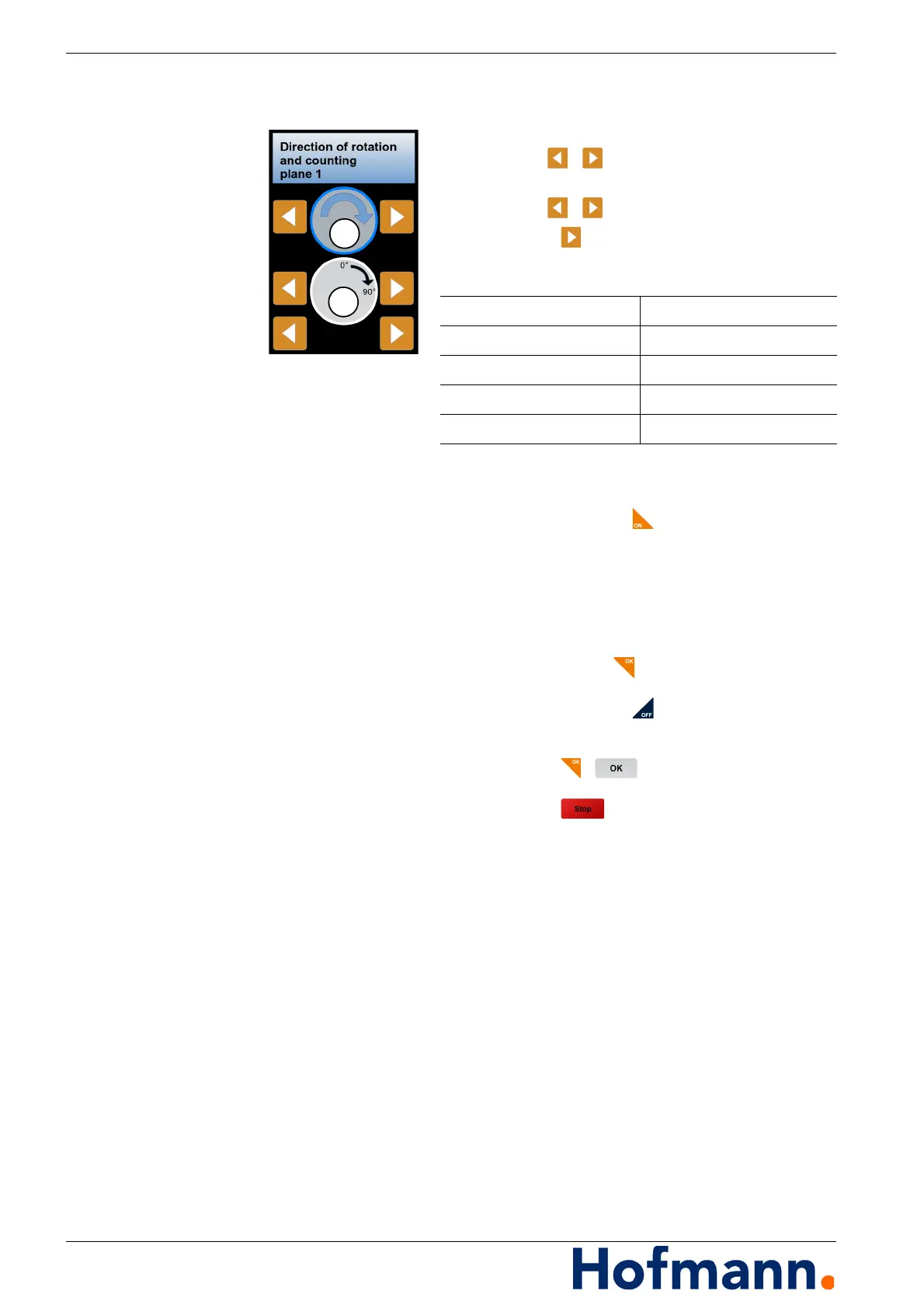
Basic operation - Direction of rotation and counting EasyBalancer EB 3500
4 - 6
4.3
Direction of rotation and counting
Select the direction of rotation (1) of the rotor
with the / buttons.
Select the direction of counting (2)
with the / buttons.
Press the button.
Possible combinations:
4.4 Recurring operating tasks
Switching the device on Press and hold the button until the display
appears.
The start screen appears for 2 seconds,
then the basic menu appears.
Selecting menu items
Touch the touchscreen at the corresponding
position or press the arrow buttons.
Confirm with the button.
Switching the device off
Press and hold the button until the display
goes out.
Starting measurement
Press the / button.
Ending measurement
Press the button.
Direction of rotation (1) Direction of counting (2)
Clockwise Clockwise
Clockwise Anticlockwise
Anticlockwise Clockwise
Anticlockwise Anticlockwise



 To Next Page