EasyBalancer EB 3500 Creating reports - Installing the software
6 - 1
6 Creating reports
Hofmann Reporting software is used to create reports.
6.1 Installing the software
A USB stick is included in the scope of delivery of the
device. The installation files for Hofmann Reporting
can be found on this stick.
The instructions have been prepared for instal-
lation under the operating system Microsoft
WINDOWS 10.
Installation only with administrator rights.
Installation
Open the USB stick in Windows Explorer.
Open the folder “Hofmann Reporting”.
This contains the installation program with the
file name “Hofmann Reporting Setup.msi”.
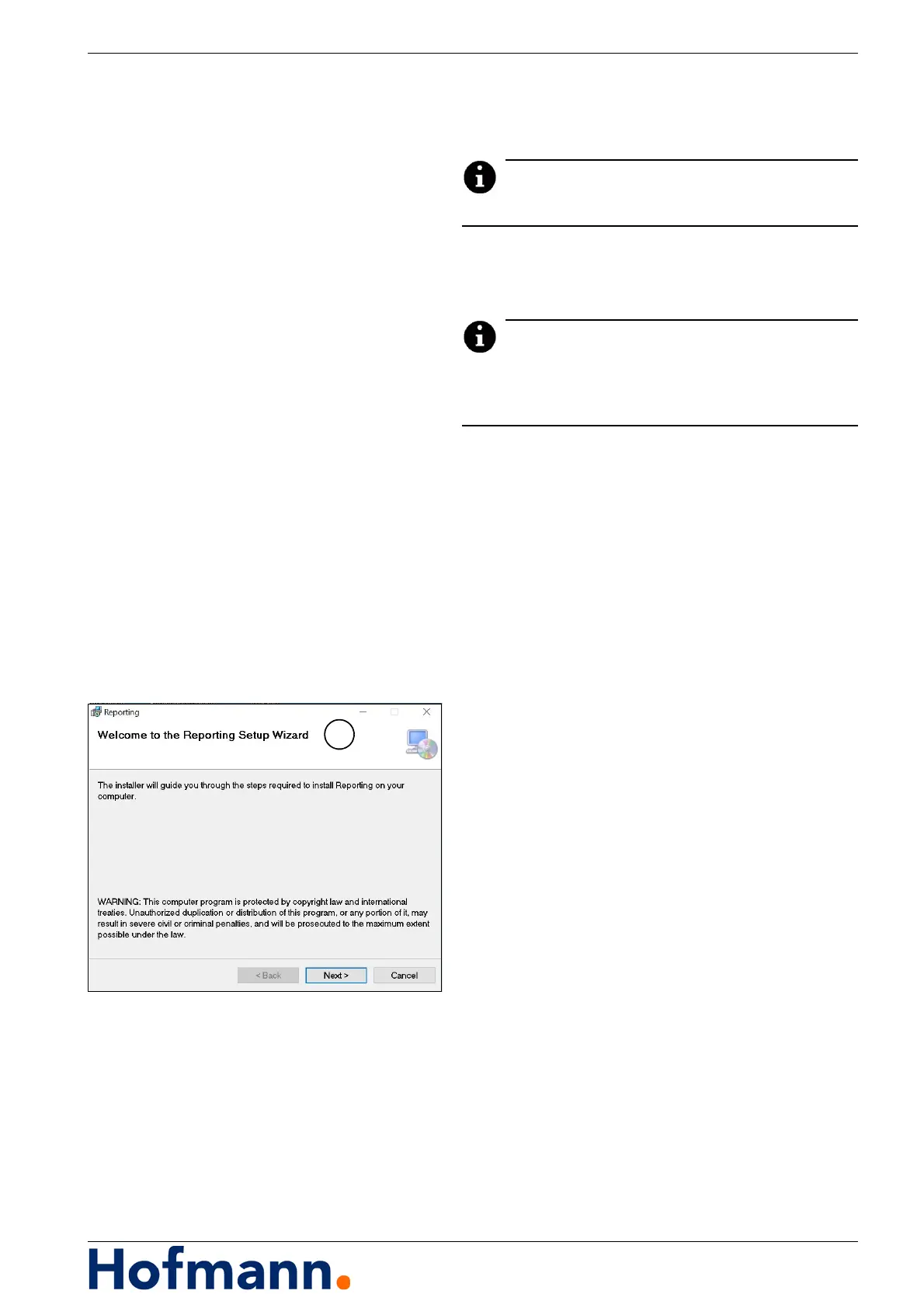
Start the installation program with a double click.
The installation program starts and another
window (1) opens.
In the setup wizard: Click on the “Next” button.
The software is installed on your PC. A Hofmann
Reporting shortcut is created on your desktop.



 To Next Page