ThinPrep
®
Integrated Imager Operator’s Manual
3.41
USER INTERFACE
Continue to adjust and preview the beep volume until it is satisfactory. Press the
Done
button to save
the setting and return to the User Preferences screen.
From the User Preferences screen, press Save Changes to retain your preference now, or continue
to set your next preference.
Note:
If you prefer not to hear a beep, set the volume to its lowest limit.
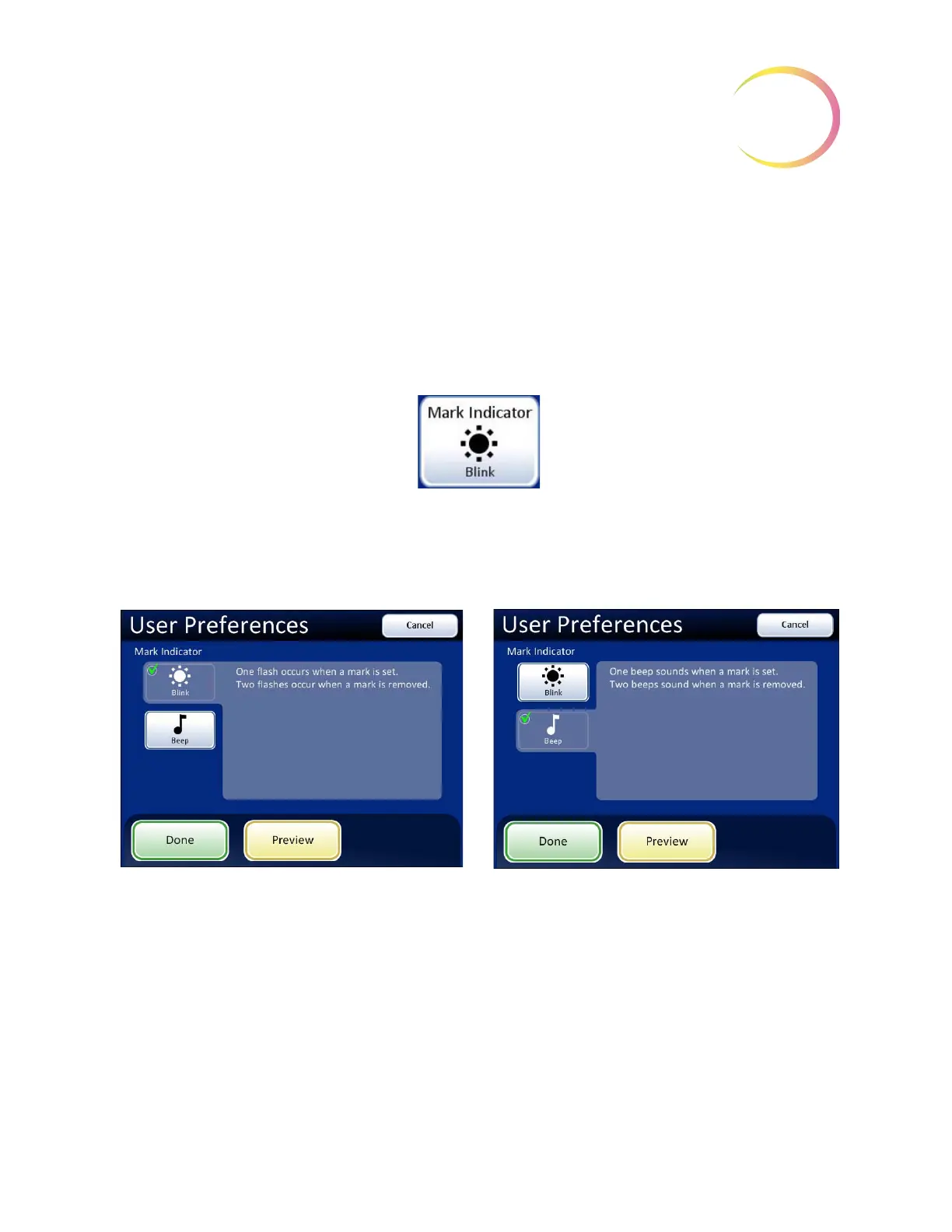
Mark Indicator
Figure 3-62 Mark Indicator Button
When an electronic mark is made via the review control or the touch screen, it is indicated by the
instrument either as a blink (seen through the binoculars as the light source turning off then on) or as
a beep (heard as an audible alert). Use this setting to select which indicator is enabled.
Figure 3-63 Select Blink or Beep Mark Indicator
When the review control or touch screen is pressed to make a mark, the indicator will blink or beep
once. If it is pressed again to unmark the area, the indicator blinks or beeps twice, to differentiate.
Note:
The volume of the beep is the same as the sound volume setting in the user preferences.
Therefore, if an audible beep is desired to indicate end of Auto Locate and end of Auto Scan,
it will also be heard for mark/unmark.
If the audible beep is turned too low to hear, then it will not be heard for Auto Locate, Auto
Scan and mark/unmark.
Mark Indicator - blink selected
Mark Indicator - beep selected



 To Next Page