USER INTERFACE
3.4
ThinPrep
®
Integrated Imager Operator’s Manual
ADMINISTRATIVE OPTIONS
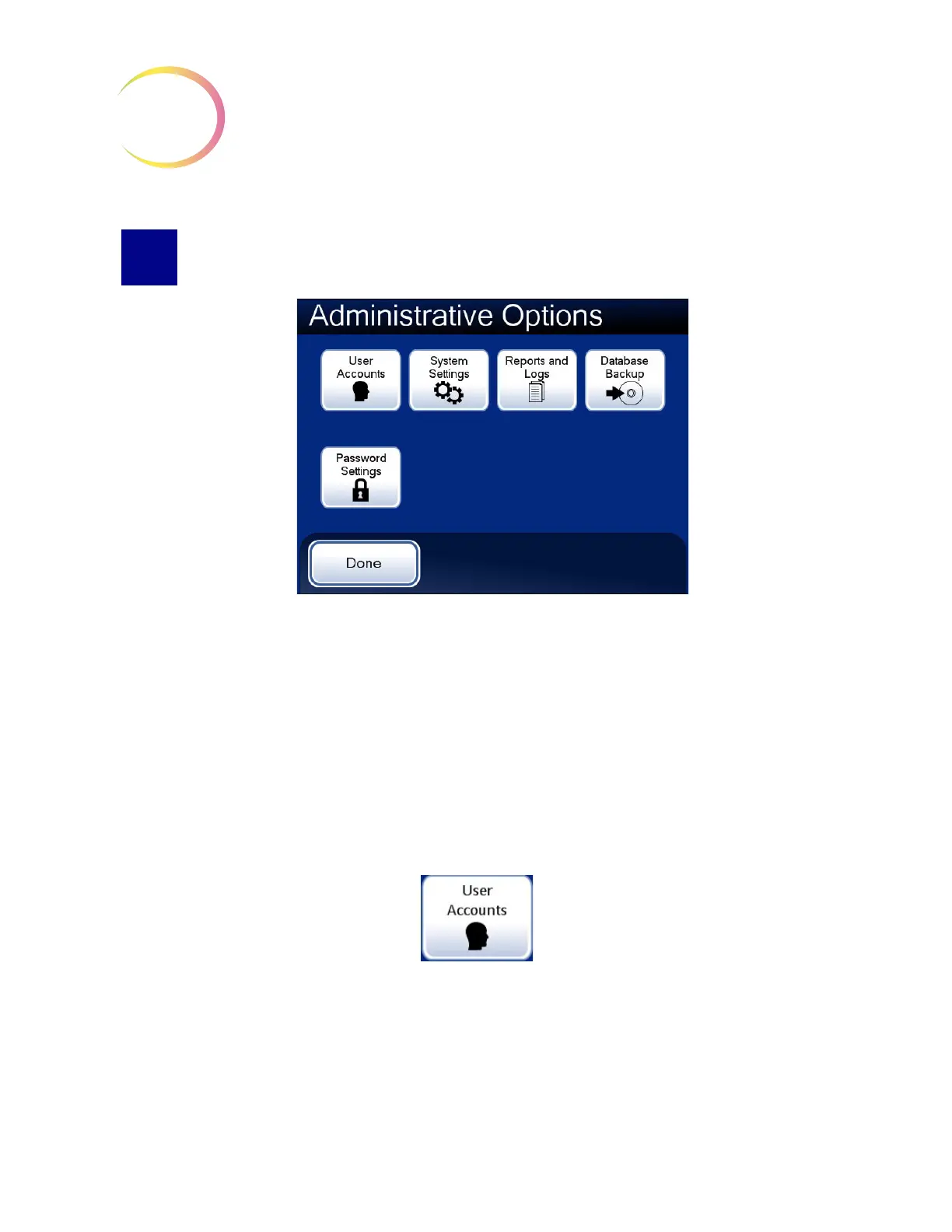
Figure 3-3 Administrative Options Screen
The Administrative Options screen allows set up and customizing of the Integrated Imager. From
this menu the Operator may:
• Administer User Accounts
• Apply or change System Settings
• View system logs or save them to a USB key
• Backup the system database to a CD ROM or USB key
• Apply or remove password access to the administrative options interface.
User Accounts
Figure 3-4 User Accounts Button
The User Accounts interface is used to create and retire User IDs. A User ID is required when a
person presses the
Log In
button to initiate a session with the Integrated Imager.
Information associated with a User ID becomes part of the slide data record when a slide is imaged
and when a slide is reviewed, using the Integrated Imager.



 To Next Page