ThinPrep
®
Integrated Imager Operator’s Manual
3.17
USER INTERFACE
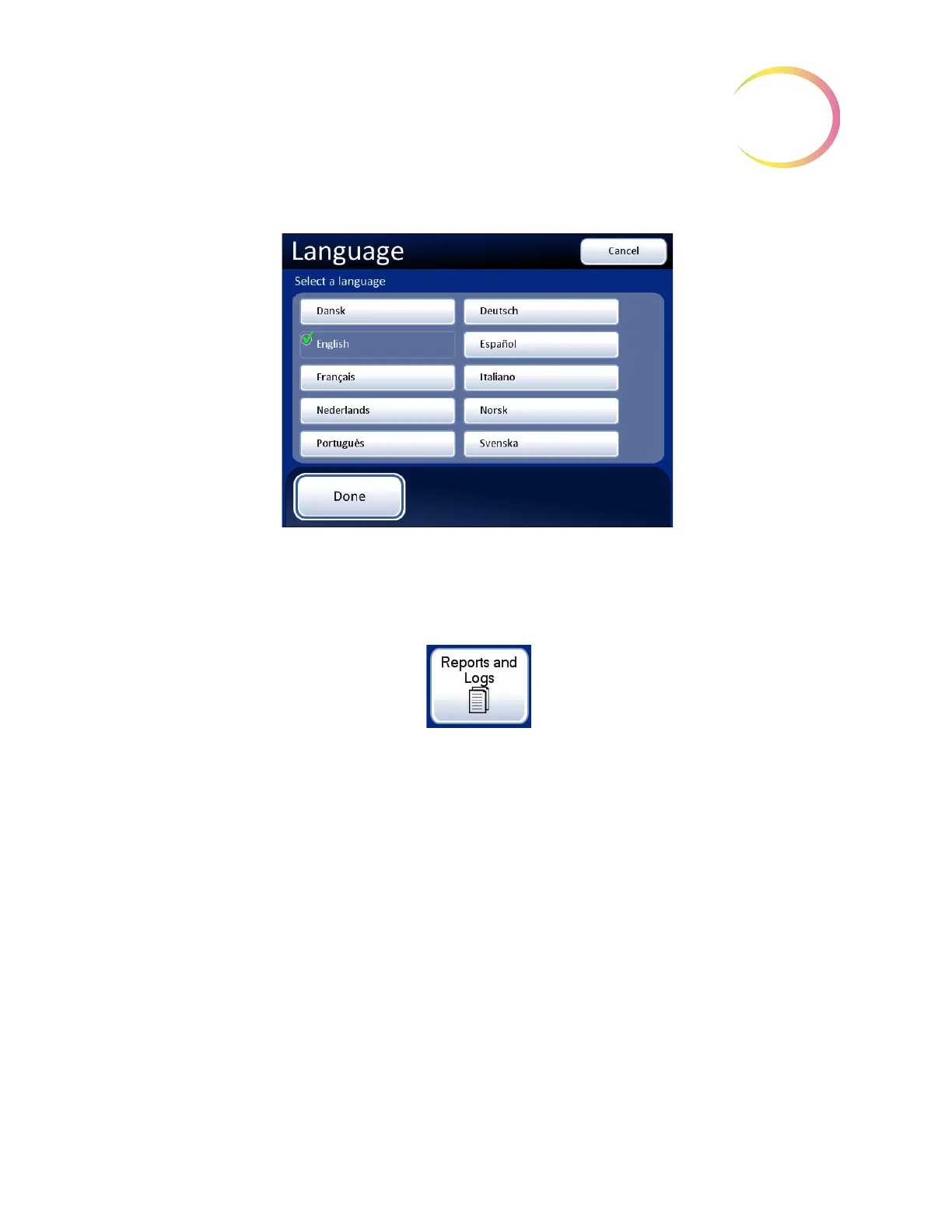
Figure 3-25 Select Language Screen
Press the button for the desired language, and press the
Done
button to immediately apply the setting.
Reports and Logs
Figure 3-26 Reports and Logs Button
The Reports and Logs interface presents system information in three forms:
• System Errors - a log of all of the 200 most recent system errors, from oldest to most recent.
After 200 errors have been logged, the newest are added and the oldest are purged.
• Usage History - Lists the number of slides imaged and reviewed on the Integrated Imager
• Slide search - a specific slide ID or range of IDs and the associated slide data can be found in
the database using this search.
Press the button for
the desired user inter-
face language and
press
Done
to apply
it. (English is selected
in this display.)
Cancel
button, to
quit the language
screen and return to
the Settings display.
No changes apply.



 To Next Page