USER INTERFACE
3.26
ThinPrep
®
Integrated Imager Operator’s Manual
Press the
Continue
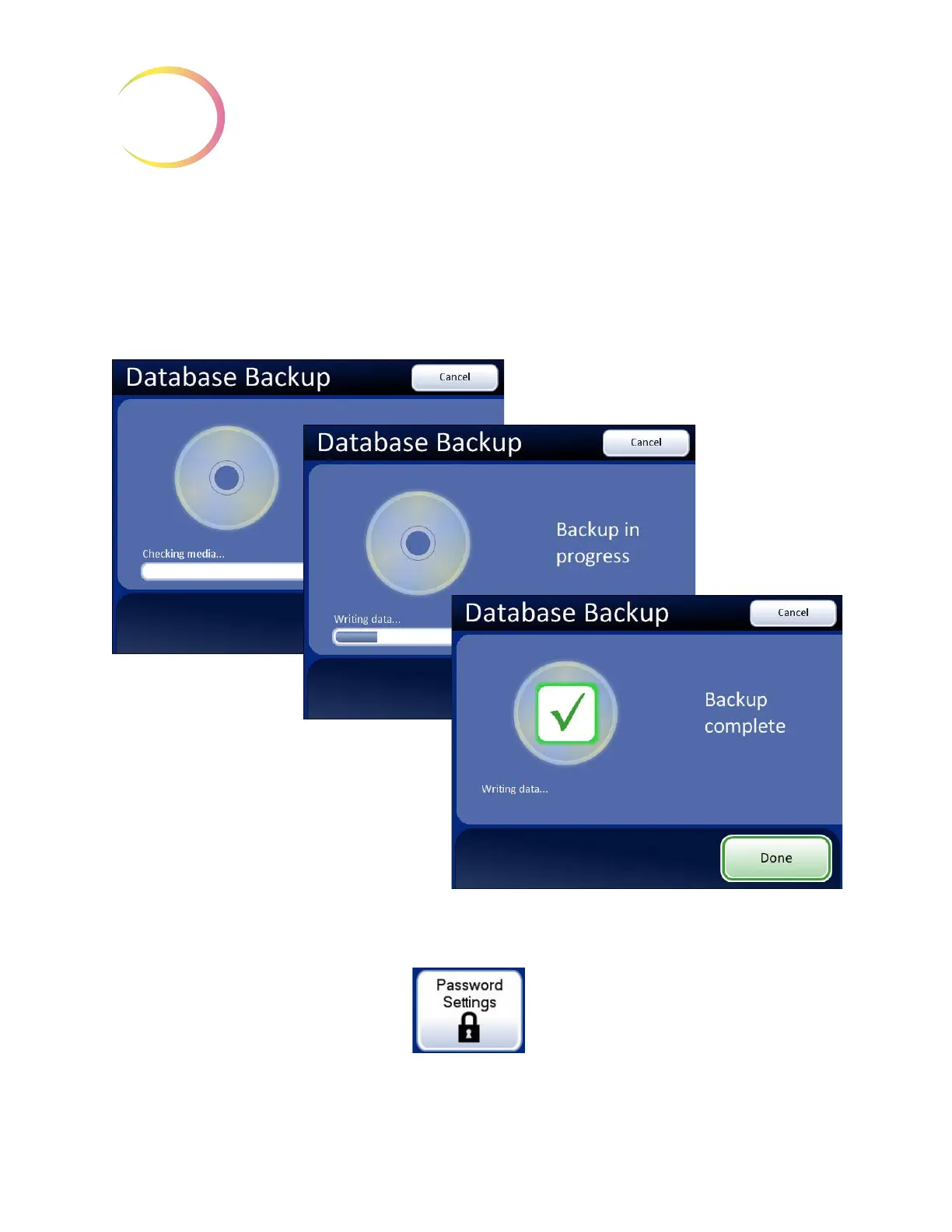
button. The system checks the media, writes the data and displays a backup
completed message when finished. See
Figure 3-41.
The Integrated Imager can use another USB storage device to save reports. Refer to “SAVE TO USB”
on page 3.42.
Refer to the Chapter 6, Troubleshooting, if any other messages display during backup.
Figure 3-41 Database Backup
Password Settings
Figure 3-42 Password Settings Button



 To Next Page