USER INTERFACE
3.38
ThinPrep
®
Integrated Imager Operator’s Manual
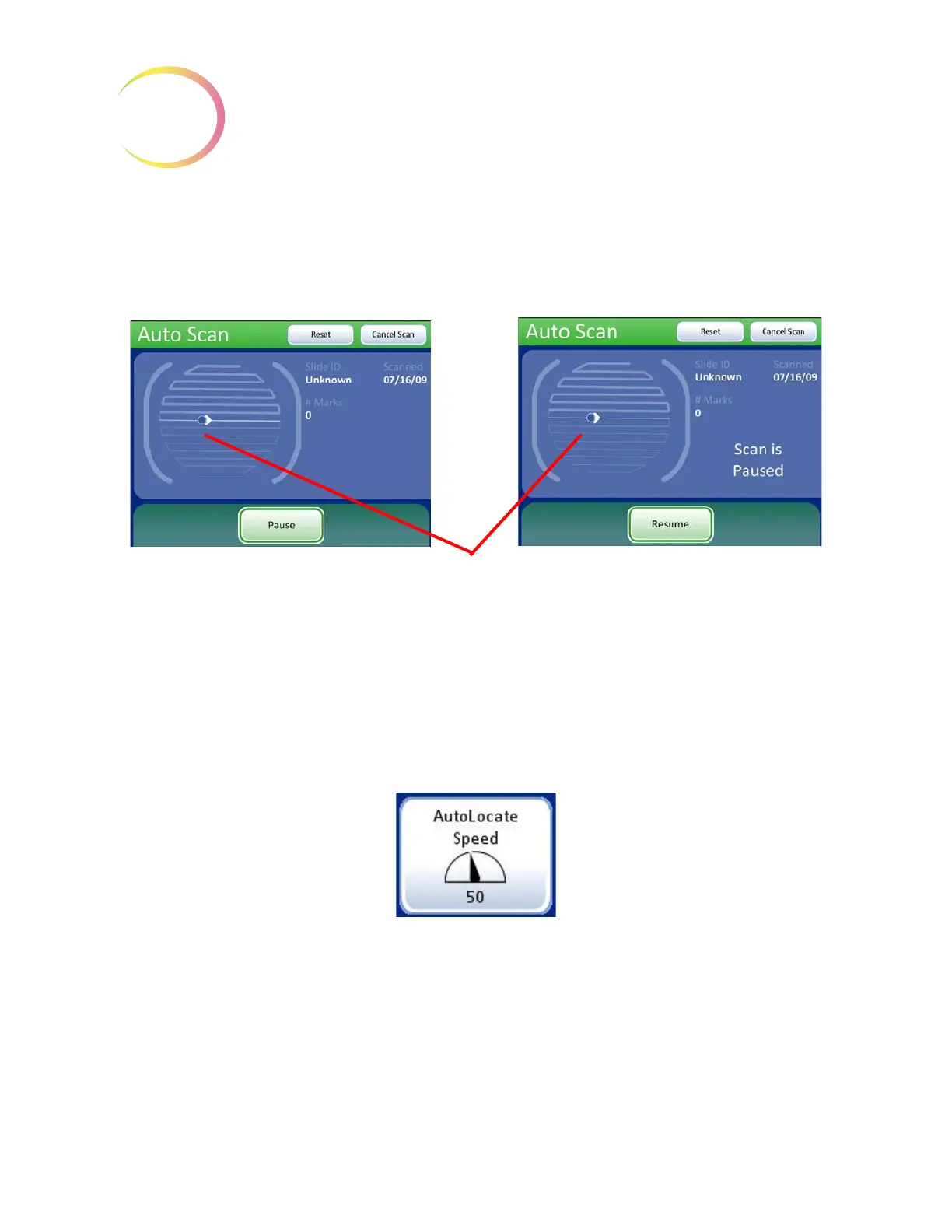
• Scroll the review control forward
• Or touch the
Resume
button on the touch screen
Press the
Cancel Scan
button on the touch screen to stop the preview.
Figure 3-58 Manual + Scan Mode Preview
Press the
Done
button to save the setting and return to the User Preferences screen.
From the User Preferences screen, press Save Changes to retain your preference now, or continue
to set your next preference.
Auto Locate Speed
The Auto Locate Speed setting adjusts how quickly the stage moves from field to field during
presentation of the 22 fields of view. The stage moves to each field of view and stops until the user
advances using the
Next
function.
Note:
Arrow icon indicates the
forward direction of each
row that is being scanned.
Scan in motion Scan paused



 To Next Page