ThinPrep
®
Integrated Imager Operator’s Manual
6.5
TROUBLESHOOTING
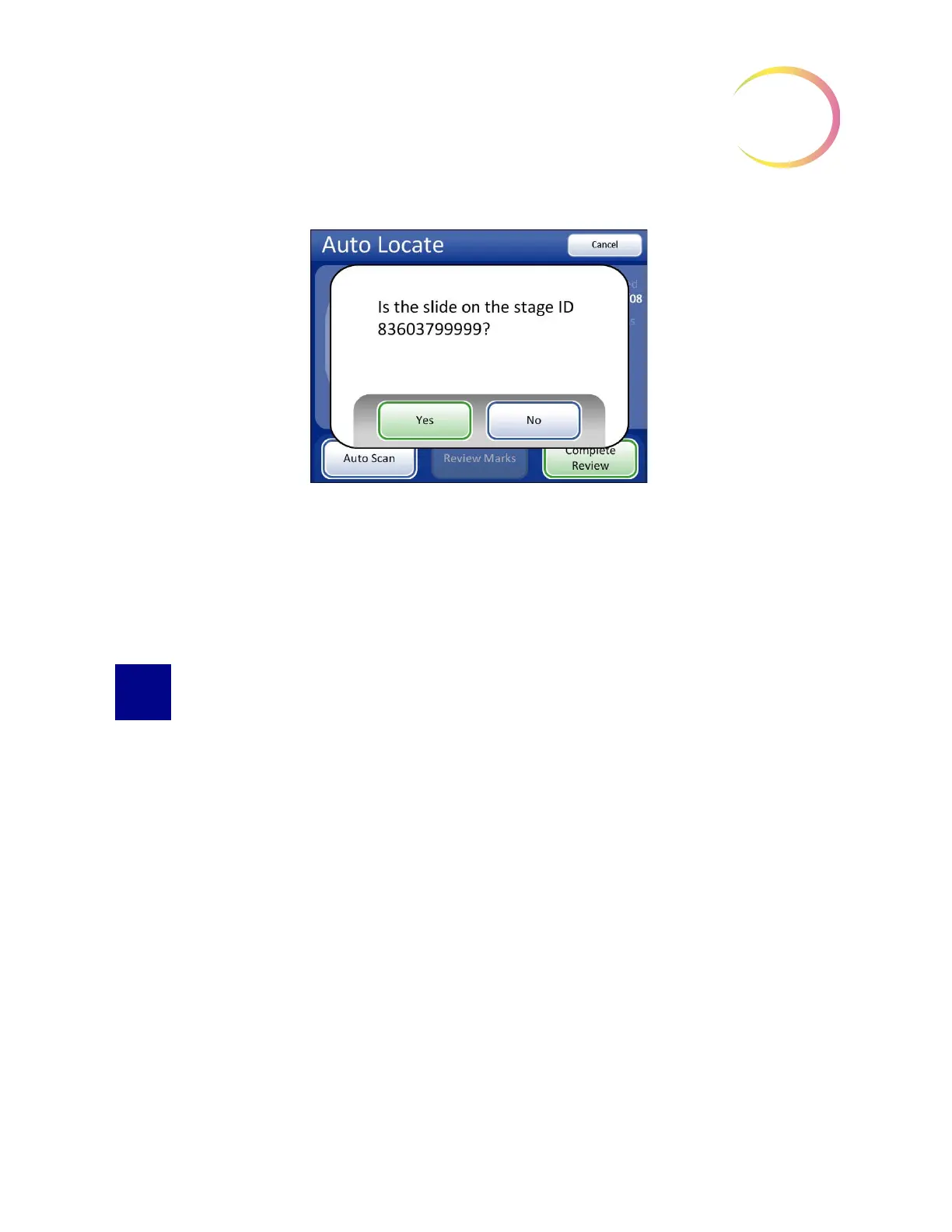
Figure 6-5 Confirm Slide ID
Press
Yes
if the slide ID is correct. The slide review completes, and the Load Slide screen appears.
Press
No
if the ID is not correct. The slide review data will not be written to the database. The slide
ID must be reconciled with your records.
Contact Technical Support if this error persists.
SLIDE ID MISMATCH WHILE COMPLETING THE REVIEW
At the end of a slide review, the system scans the slide ID and compares it with the ID that it read at
the beginning of the review. If the slide ID does not match, or it cannot read the slide ID, the review
data is not saved to the database, and this error message is displayed. This may be caused by:
• Removal of the slide from the stage during review
• Malfunction of the slide ID reader



 To Next Page