ThinPrep
®
Integrated Imager Operator’s Manual
3.3
USER INTERFACE
STARTUP
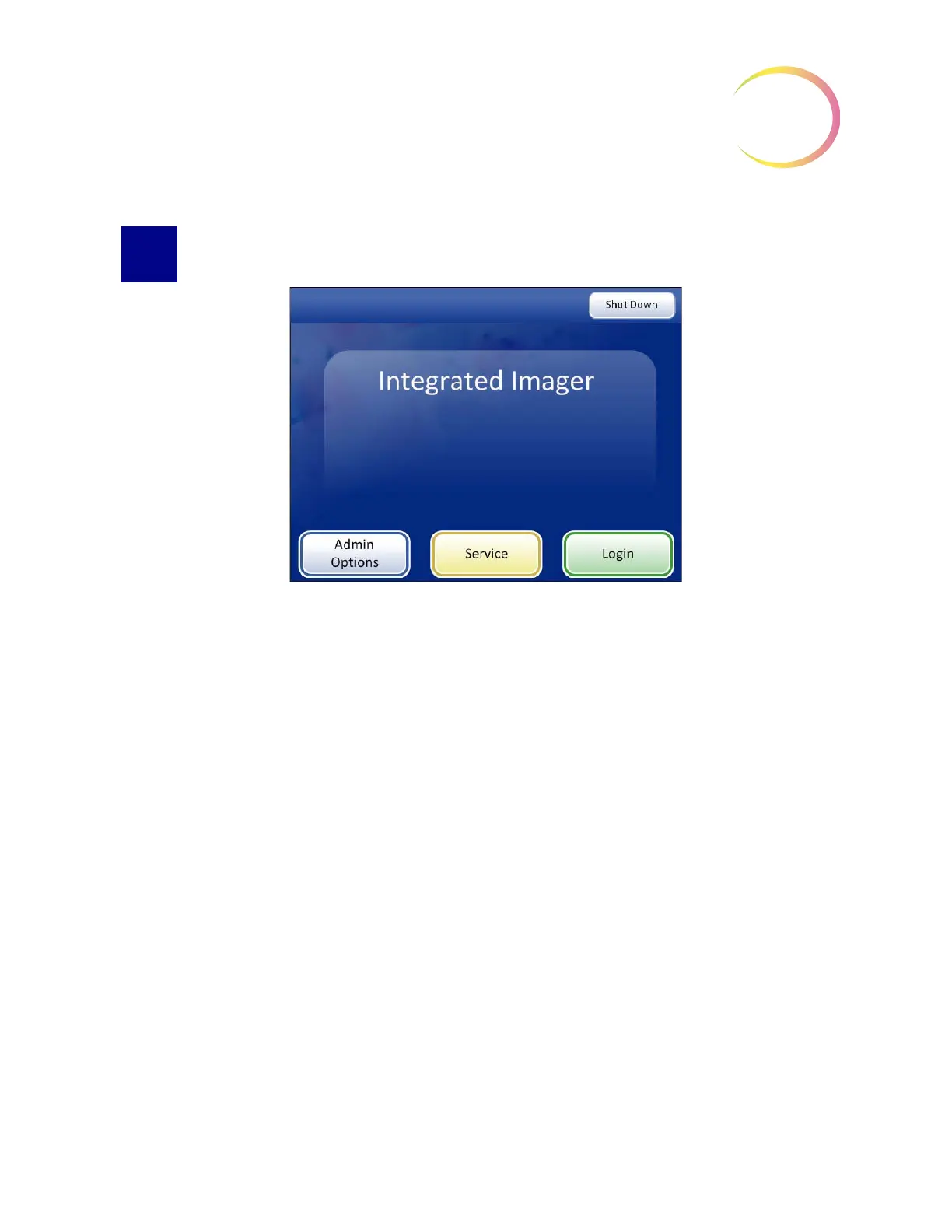
Figure 3-2 Startup Display
When the Integrated Imager is powered on and ready for use, the screen display will appear as it
does in
Figure 3-2.
The options available from this interface are:
•
Admin Options
- System settings and user accounts are maintained from this module. An
optional password setting can be applied to access this area. Refer to
“ADMINISTRATIVE
OPTIONS” on page 3.4.
•
Service
- This is a password-protected module for use by Hologic service personnel only.
•
Login
- Enter a user ID to access the system for ThinPrep Imaging and Slide Review func-
tions. Refer to “LOGIN” on page 3.30.
•
Shut Down
- This is how to turn off the Integrated Imager. Refer to “SYSTEM SHUTDOWN”
on page 2.9.
•
Manual Slide Review
- Without logging in, the user may look at slides as on a conventional
microscope. The stage is maneuvered by the stage control knobs. No data is retrieved or trans
-
mitted to the database.
Note:
The Integrated Imager must be powered on to manually review slides. The light source, stage
and X, Y axis stage control knobs are powered by the system controller.



 To Next Page