USER INTERFACE
3.24
ThinPrep
®
Integrated Imager Operator’s Manual
• The slide ID number
• Date and time the slide was imaged
• The status of the image (“OK” for successful; “Fail” for unsuccessful)
• The user ID (who was logged onto the Integrated Imager)
• Full review of the slide conducted - yes or no
This summary may be saved to a USB key by pressing the
Save to USB
button.
Database Backup
The Integrated Imager automatically makes a scheduled backup of the database every night at
2:00
am. If the instrument is turned off, then a backup of the database is made the next time it is
turned on, if 2:00 am has passed. The automatic backup is stored internally in the system.
If desired, the operator can make a backup of the database onto a CD ROM or USB key.
Figure 3-37 Database Backup Button
From the Administrative Options screen, touch the
Database Backup
button to display the backup
screen.
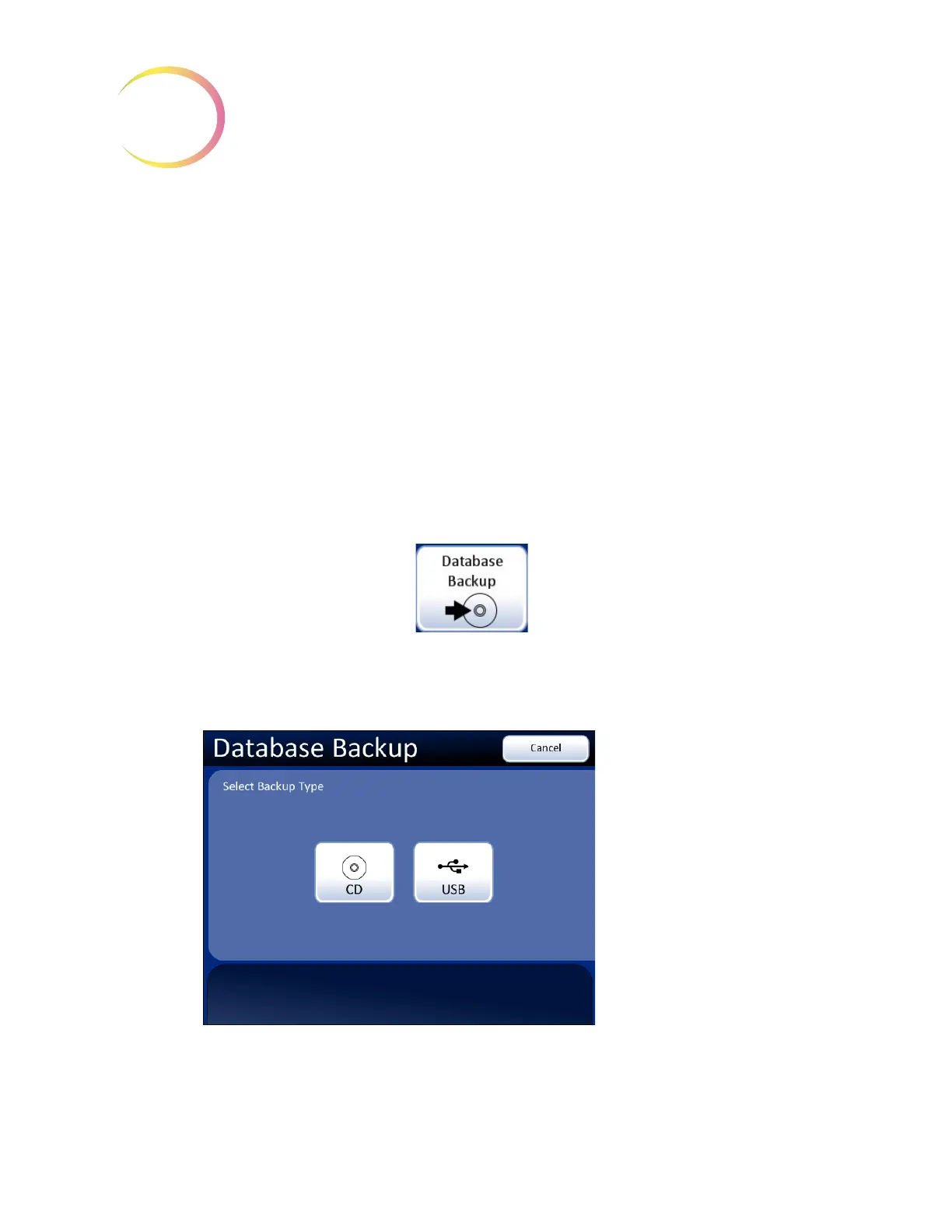
Figure 3-38 Database Backup, Select Backup Type
Press
Cancel
to
cancel the backup
and return to the
Administrative
Options screen.
Select the media
type,
CD
or
USB
.



 To Next Page