ThinPrep
®
Integrated Imager Operator’s Manual
6.1
TROUBLESHOOTING
Chapter Six
Troubleshooting
An error condition that is encountered during operation of the Integrated Imager may be recoverable
or non-recoverable. A message is presented to the operator via the touch screen user interface. Non-
recoverable errors require the system to be restarted.
AUTOMATED DATABASE BACKUP FAILED
The Integrated Imager automatically makes a scheduled backup of the database every night at
2:00
am. If the instrument is turned off, then a backup of the database is made the next time it is
turned on, if 2:00
am has passed.
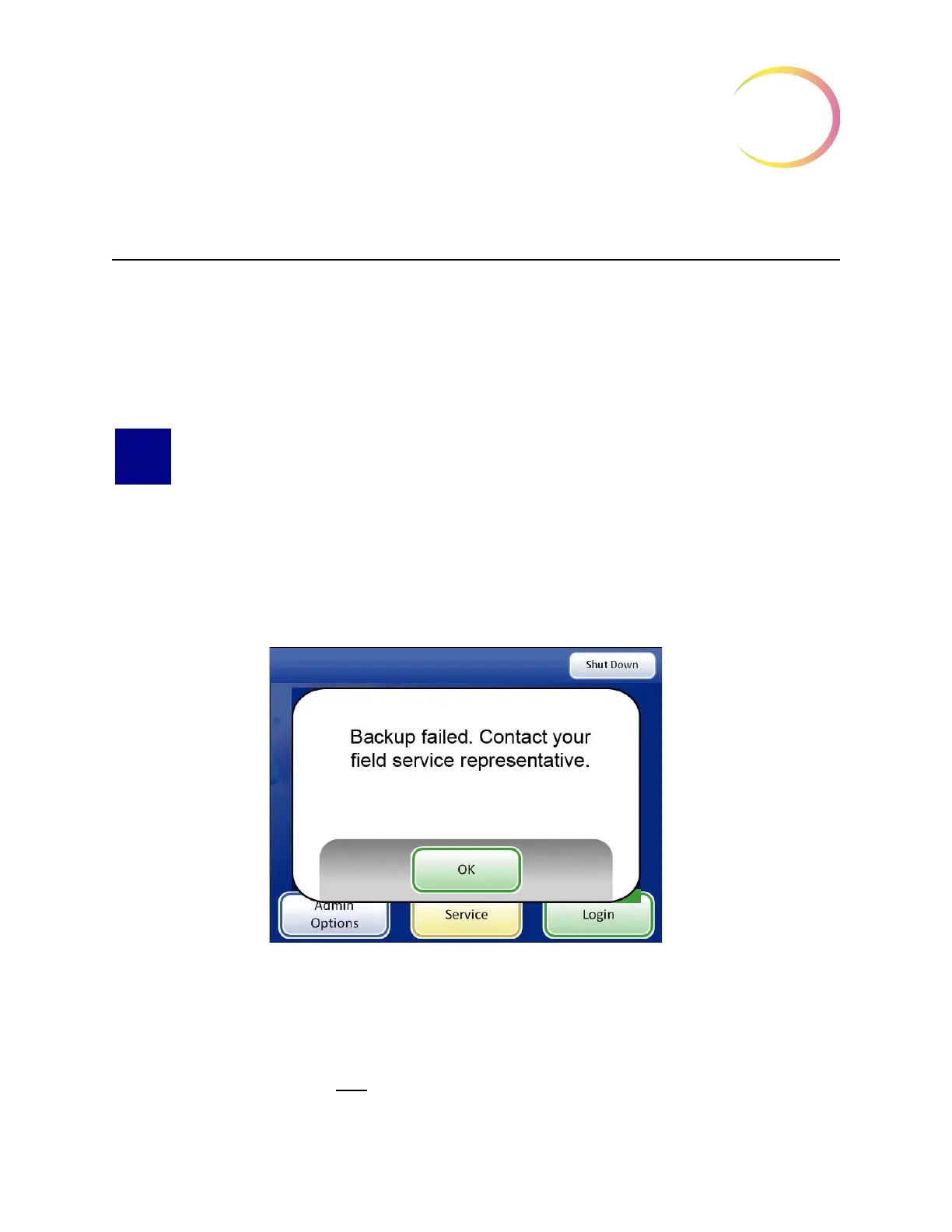
If the automatic database backup failed, a message is displayed (Figure 6-1.)
CAUTION:
Contact your field service representative.
Figure 6-1 Backup Failed Message
As directed, contact your field service representative. (See Chapter 7, Service Information, for con-
tacting Technical Support.)
Once the
OK
button has been pressed, slide imaging and review may be performed. However, if the
problem is not resolved by the
next backup time, the system will lock and will require technical ser-
vice intervention.



 To Next Page