ThinPrep
®
Integrated Imager Operator’s Manual
3.1
USER INTERFACE
Chapter Three
User Interface
OVERVIEW
The ThinPrep
®
Integrated Imager images prepared ThinPrep Pap Test cervical cytology microscope
slides. The slides are reviewed by a cytotechnologist. The instrument may also be used as a
conventional microscope, for viewing slides not associated with the ThinPrep imaging process.
The Integrated Imager enables the user to administer certain functions, such as user preferences,
system settings and database backup. The user interacts with the instrument via a touch screen
graphic interface.
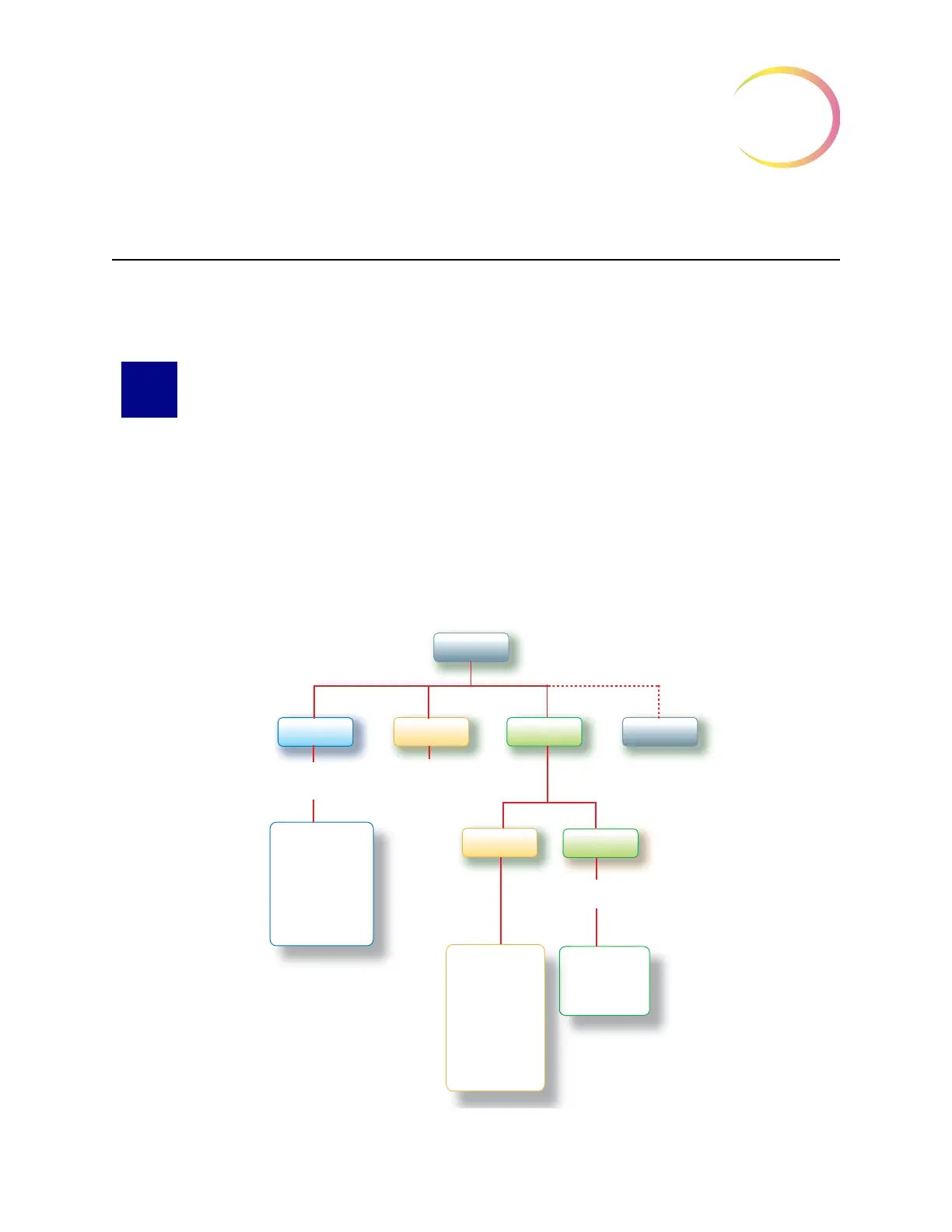
Refer to Figure 3-1 for an overview of the workflow options.
Figure 3-1 Overview of Integrated Imager Menu
Password
Protected
Database Backup
User Accounts
System Settings
Reports and Logs
Power On
Login
Admin
Options
Service
Manual
Review
Optionally
Password
Protected
Start
User
Preferences
Image Slide
Review Slide
Direction
Overlap
Autoscan Type
Autolocate Speed
Sound
Mark Indicator
Read
Slide ID
Password Settings



 To Next Page