ThinPrep
®
Integrated Imager Operator’s Manual
2.7
INSTALLATION
Slide the review control along the slot to where it feels most comfortable for your hand position.
The review control may also be rotationally adjusted, if desired. When finished, tighten the Allen
screw with the screwdriver.
POWER ON THE INTEGRATED IMAGER
WARNING:
Grounded Outlet
Do not power on or operate if equipment has been damaged.
To ensure safe operation of the instrument use a three-wire grounded outlet.
Note:
All power cords must be plugged into a grounded outlet. Disconnection from the power sup-
ply source is by removal of the power cord.
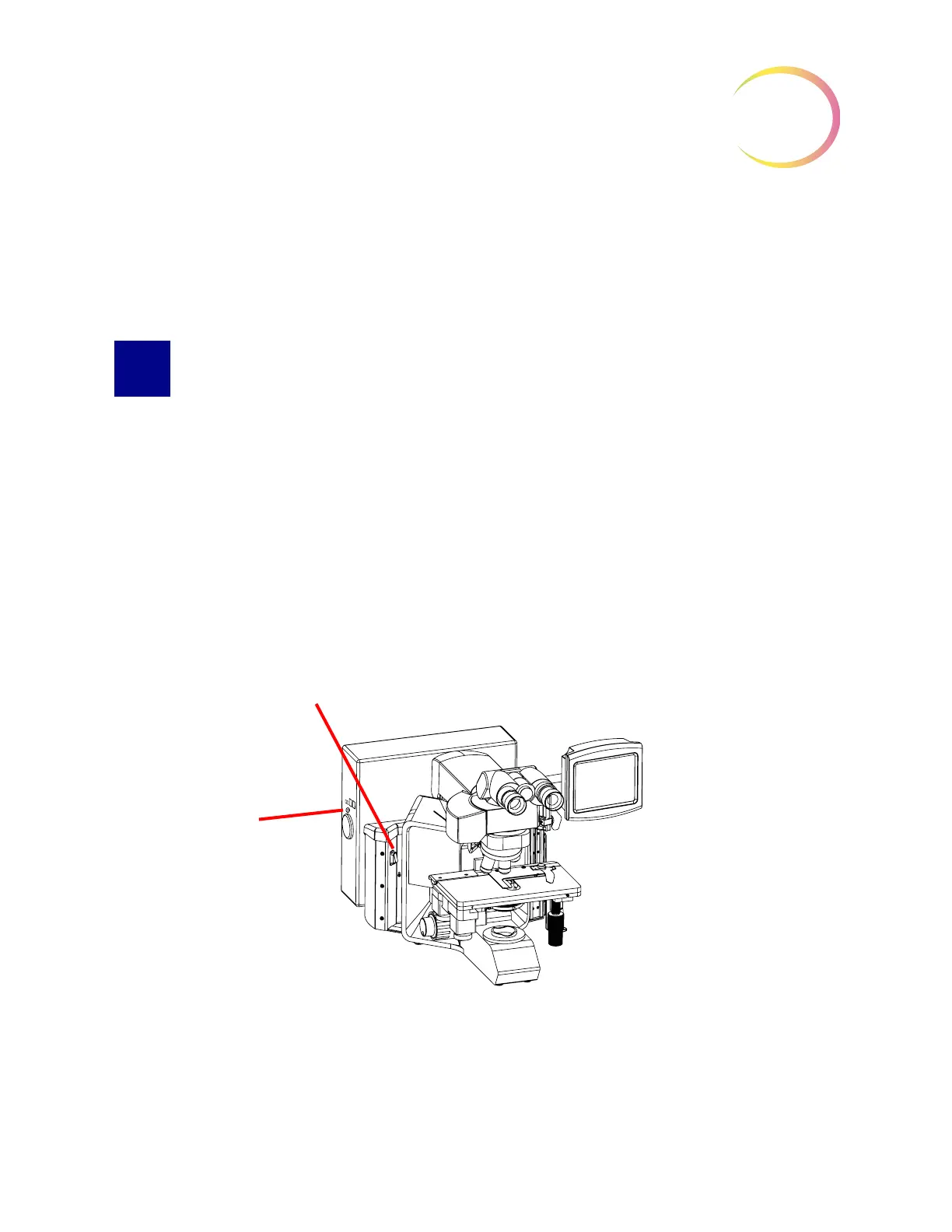
It is important to apply power to the Integrated Imager system in the correct order.
1. First power on the microscope.
2. Then power on the computer.
Figure 2-6 Power Switches
The power switch for the Integrated Imager is located on the back left of the microscope. Press the
switch to the on position.
2
Computer power
switch
1
Microscope power switch



 To Next Page