ThinPrep
®
Integrated Imager Operator’s Manual
4.7
OPERATION
SLIDE IMAGING
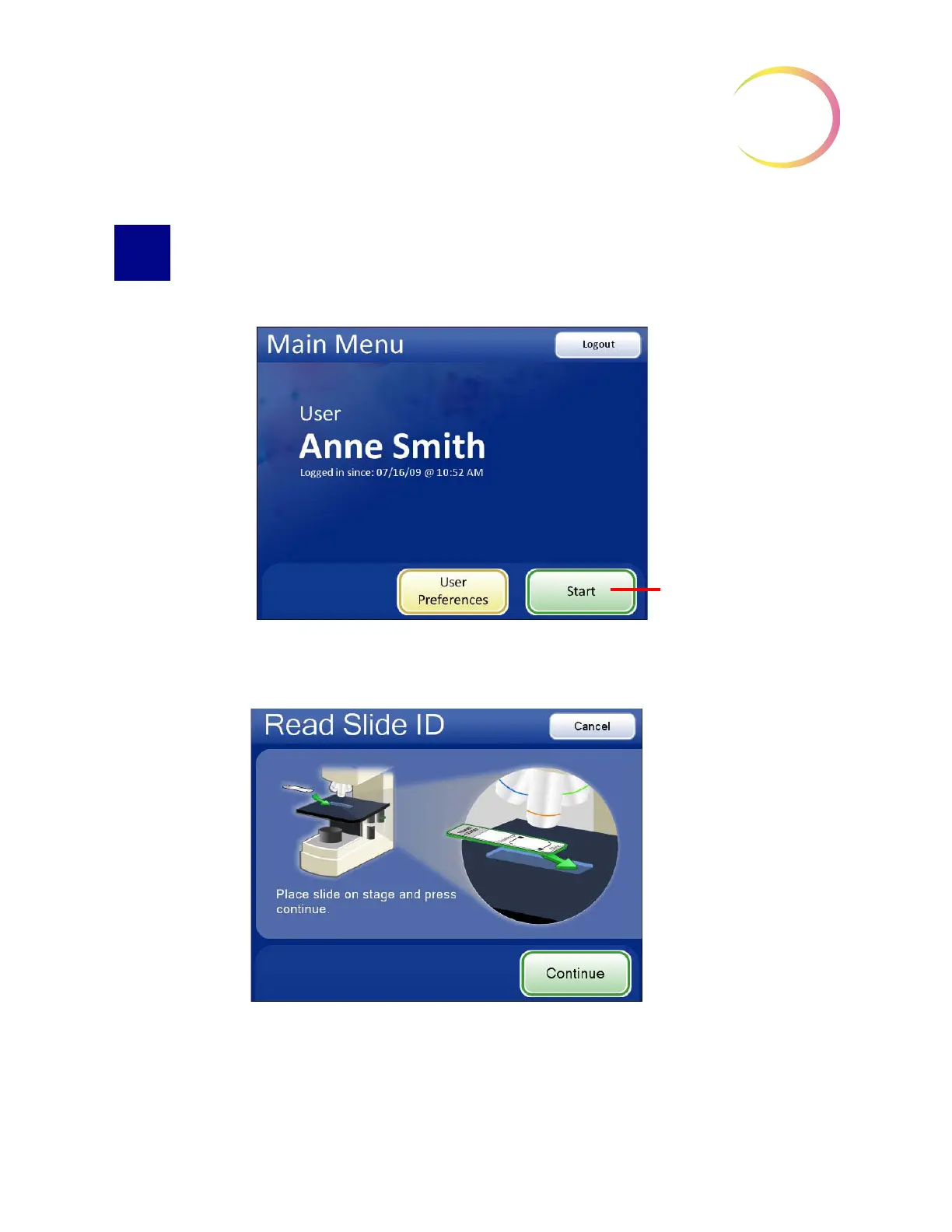
To begin imaging a slide, log in to the system with a valid user ID. Press the
Start
button.
Figure 4-4 Log in and Start
The message on the screen prompts for a slide to be loaded onto the stage.
Figure 4-5 Load Slide Screen
Load a slide into the slide holder on the stage. (See Figure 4-6.) With your right thumb against the
slide clip button, open the slide clip. With your left hand, load the slide onto the stage with the label



 To Next Page