ThinPrep
®
Integrated Imager Operator’s Manual
2.9
INSTALLATION
SYSTEM SETTINGS
Refer to User Interface chapter, “System Settings” on page 3.8.
USER PREFERENCES
Refer to User Interface chapter, “USER PREFERENCES” on page 3.32.
STORAGE AND HANDLING - POST INSTALLATION
The Integrated Imager may be stored in the location where it was installed. When it is not in use,
the power should be turned off. Cover the instrument with the provided microscope dust cover.
SYSTEM SHUTDOWN
Normal Shutdown
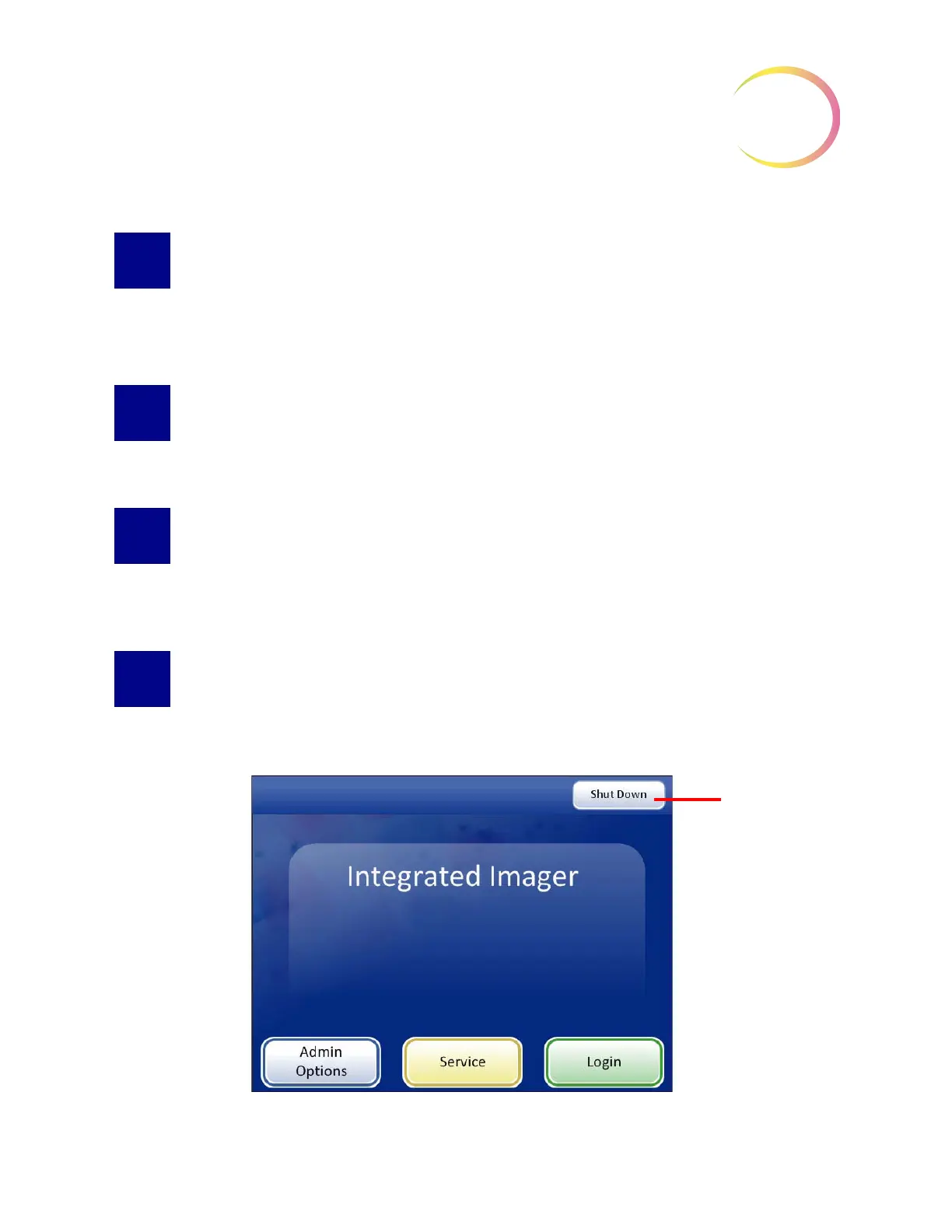
Figure 2-9 Shutdown



 To Next Page