INSTALLATION
2.10
ThinPrep
®
Integrated Imager Operator’s Manual
It is important to shut down the system in the correct order. To shut down the Integrated Imager:
1. Log out if you haven’t already.
2. From the startup screen, press the
Shut Down
button in the upper right corner.
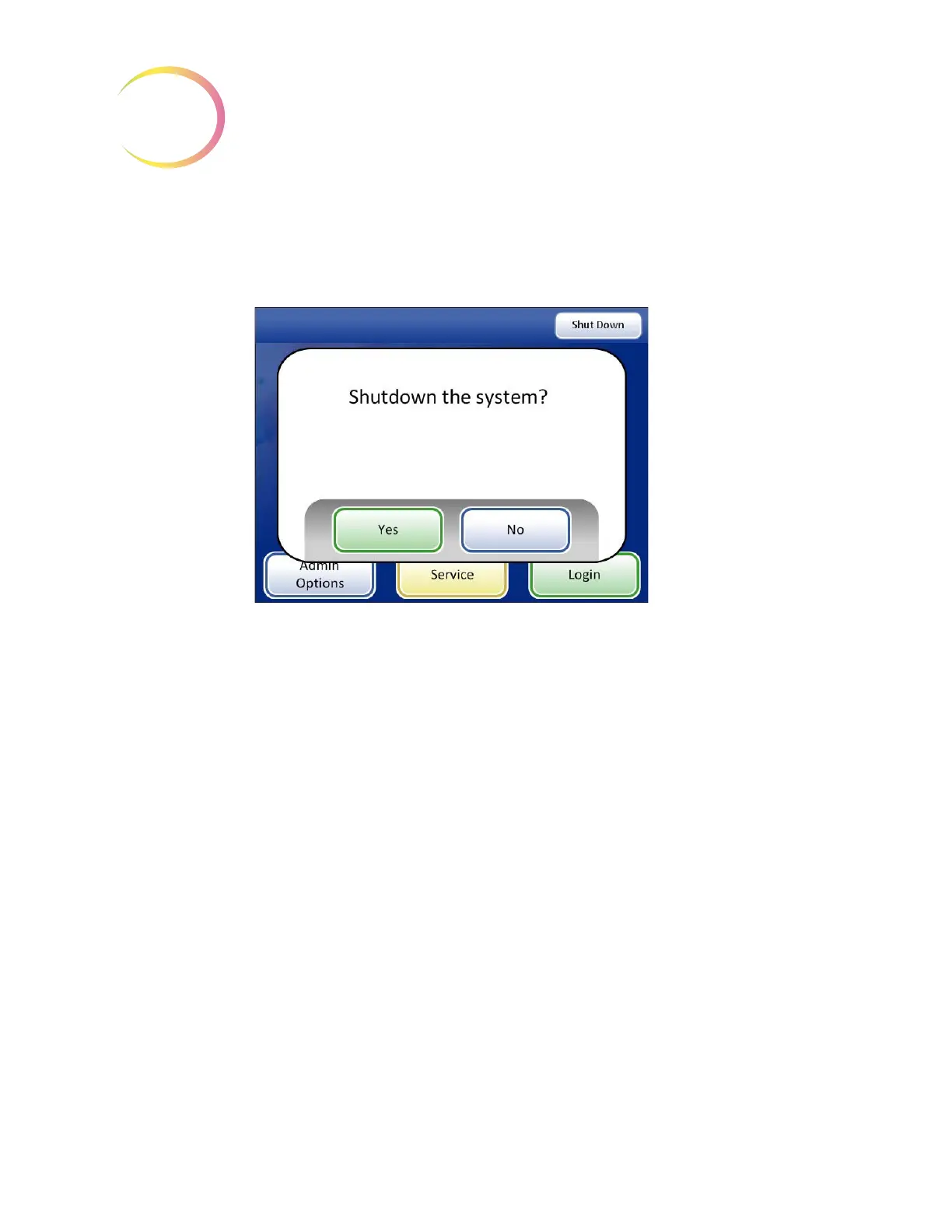
Figure 2-10 Confirm Shutdown
3. A confirmation prompt is displayed. (See Figure 2-10.)
Press the
No
button to cancel shutdown and return to the main screen.
4. Press the
Yes
button to shut down the system. This will shut down the application and turn off
the computer.
5. Turn off the power switch on the instrument. (See Figure 2-6.)
Extended Shutdown
If the instrument is to be shut down for an extended amount of time or be taken out of service, shut
down as described in Normal Shutdown. Remove any slides that may be on the stage. Completely
remove power by unplugging the controller power cord and the computer cord from the power
outlet. Cover the instrument with the provided dust cover.



 To Next Page