EasyManua.ls Logo

Hologic ThinPrep - Start

Hologic ThinPrep
172 pages
Print Icon
To Next Page IconTo Next Page
To Previous Page IconTo Previous Page
Loading...
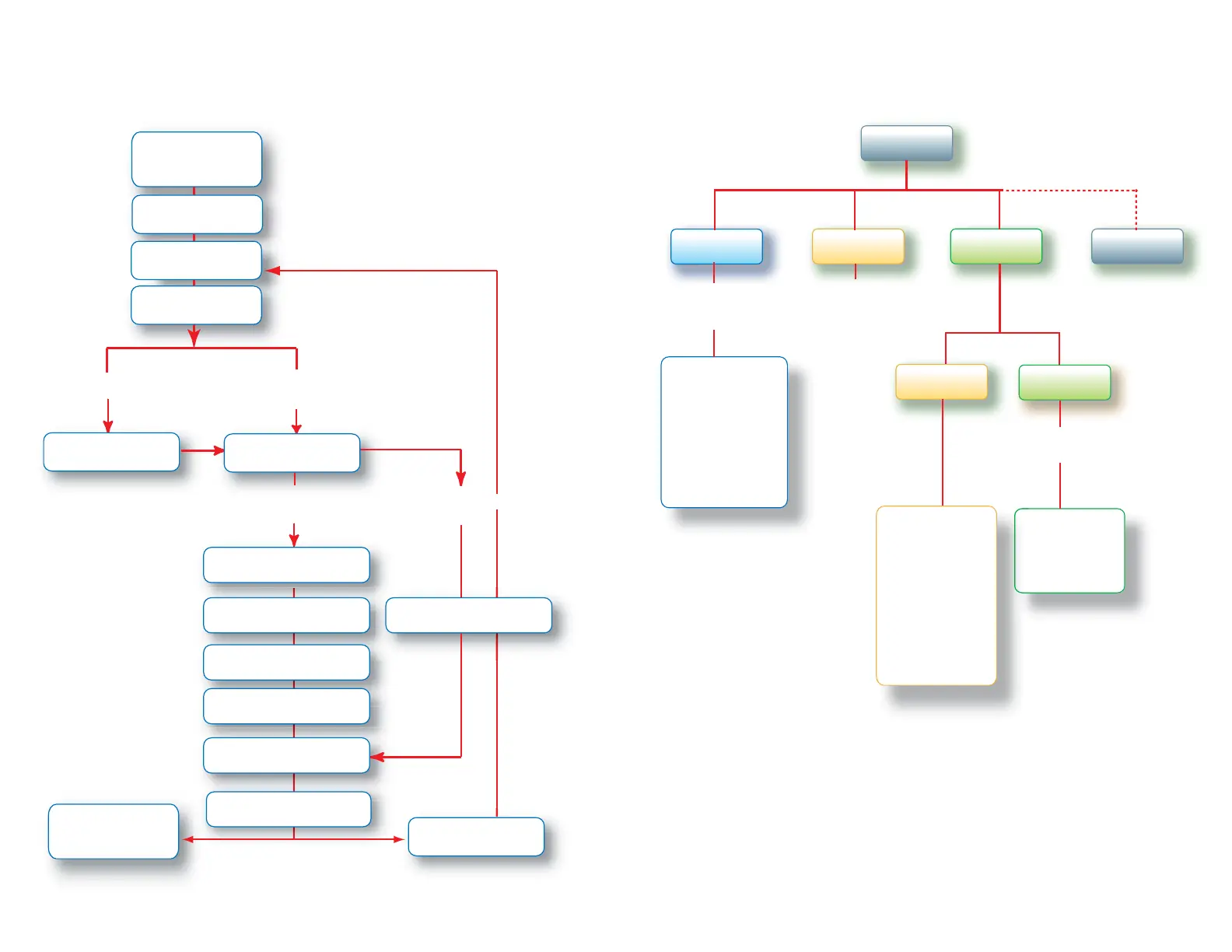
Typical Slide Review Process Software Menu Overview
Slide ID not in database
Slide ID in Database
(Slide Already Imaged)
Electronic Marks
Made
(Full Review)
Power On
1. Microscope
2. Computer
Power Off
1. Run Shut Down
2. Power off Microscope
User Login
Load Slide
Scan Slide ID
Image Slide
Next Slide
Autolocate
(22 fields of view)
Review Electronic Marks
(optional)
Autoscan
(optional)
Autoscan
Review Electronic Marks
(optional)
Mark Slide Manually
System Checks
Update Slide Data Record
Unload Slide
No Electronic Marks
Made
Password
Protected
Database Backup
User Accounts
System Settings
Reports and Logs
Power On
Login
Admin
Options
Service
Manual
Review
Optionally
Password
Protected
Start
User
Preferences
Image Slide
Review Slide
Direction
Overlap
Autoscan Type
Autolocate Speed
Sound
Mark Indicator
Read
Slide ID
Password Settings
AW-18070-001 Rev. 001

Table of Contents

Related product manuals