ThinPrep
®
Integrated Imager Operator’s Manual
3.37
USER INTERFACE
From the User Preferences screen, press Save Changes to retain your preference now, or continue
to set your next preference.
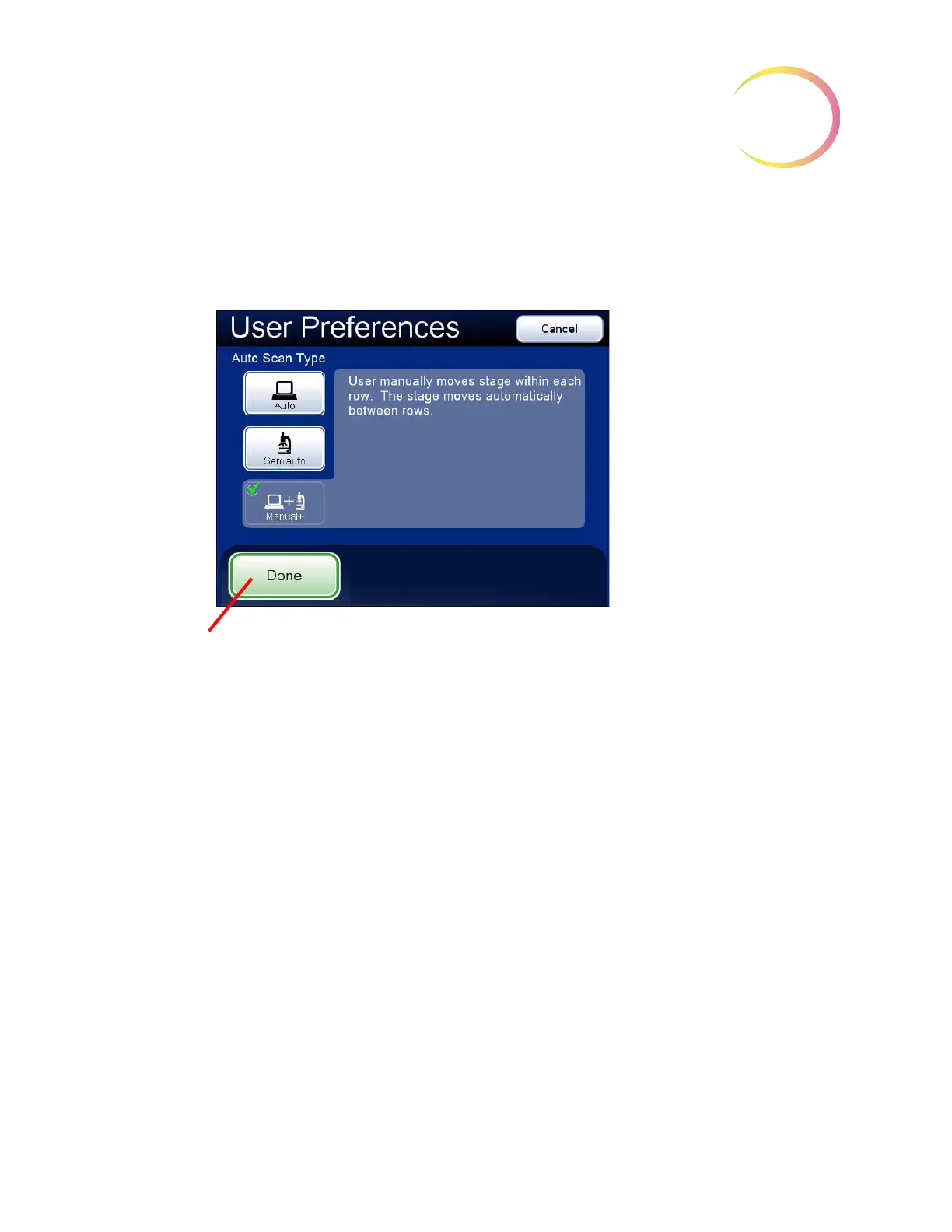
Auto Scan - Manual +
Figure 3-57 Select Manual + Auto Scan
The user provides the scan motion by using the X- or Y-axis stage control knob (depending on which
Scan Direction has been selected) to traverse the row. The other knob is disabled. At the end of the
row, the stage automatically moves to the next row.
To preview the setting, press the
Done
button, and then press the
Preview
button on the User
Preferences screen.
To view the selection through the eyepieces, load a slide in the slide holder for reference, and press
the
Preview
button. Observe movement of the stage as the X- (or Y-) axis stage control knob is
moved.
Pause the scan in one of three ways:
• Scroll the review control forward
• Change the magnification
• Touch the
Pause
button on the touch screen
Both axis stage control knobs will be activated and the user can move about the cell spot.
Note:
The Auto Scan must be resumed from pause in order to complete the scan.
To resume Auto Scan:
The user manually
moves along the
row using the stage
control knob and
pauses as desired.
No speed settings
are necessary.
Done
. Save setting adjustments and
return to User Preferences screen.



 To Next Page