USER INTERFACE
3.18
ThinPrep
®
Integrated Imager Operator’s Manual
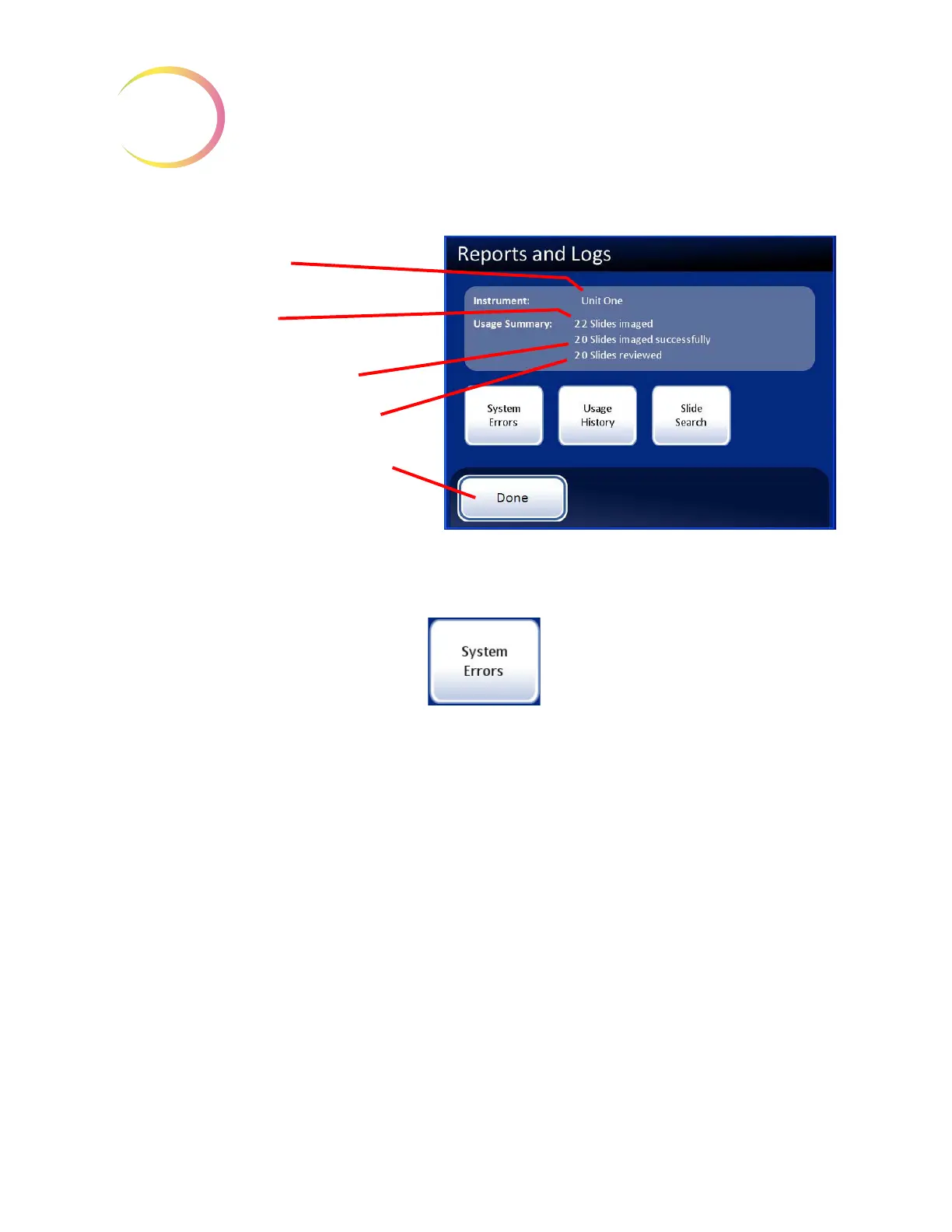
Figure 3-27 Reports and Logs Screen
System errors
Figure 3-28 System Errors Report Button
The System Errors report displays all of the error conditions encountered during slide imaging and
review (200 are stored at one time). See
Figure 3-29. The events are listed from most recent to oldest.
Use the up/down arrows to scroll through the list using the touch screen. To download this report,
place a USB key in the appropriate port of the computer and press the
Save to USB
button.
Instrument name
Usage summary
Slides imaged
(system total including failures)
Slides imaged successfully
Slides reviewed (system total)
Done
button, to return to
System Settings screen



 To Next Page