ThinPrep
®
Integrated Imager Operator’s Manual
3.19
USER INTERFACE
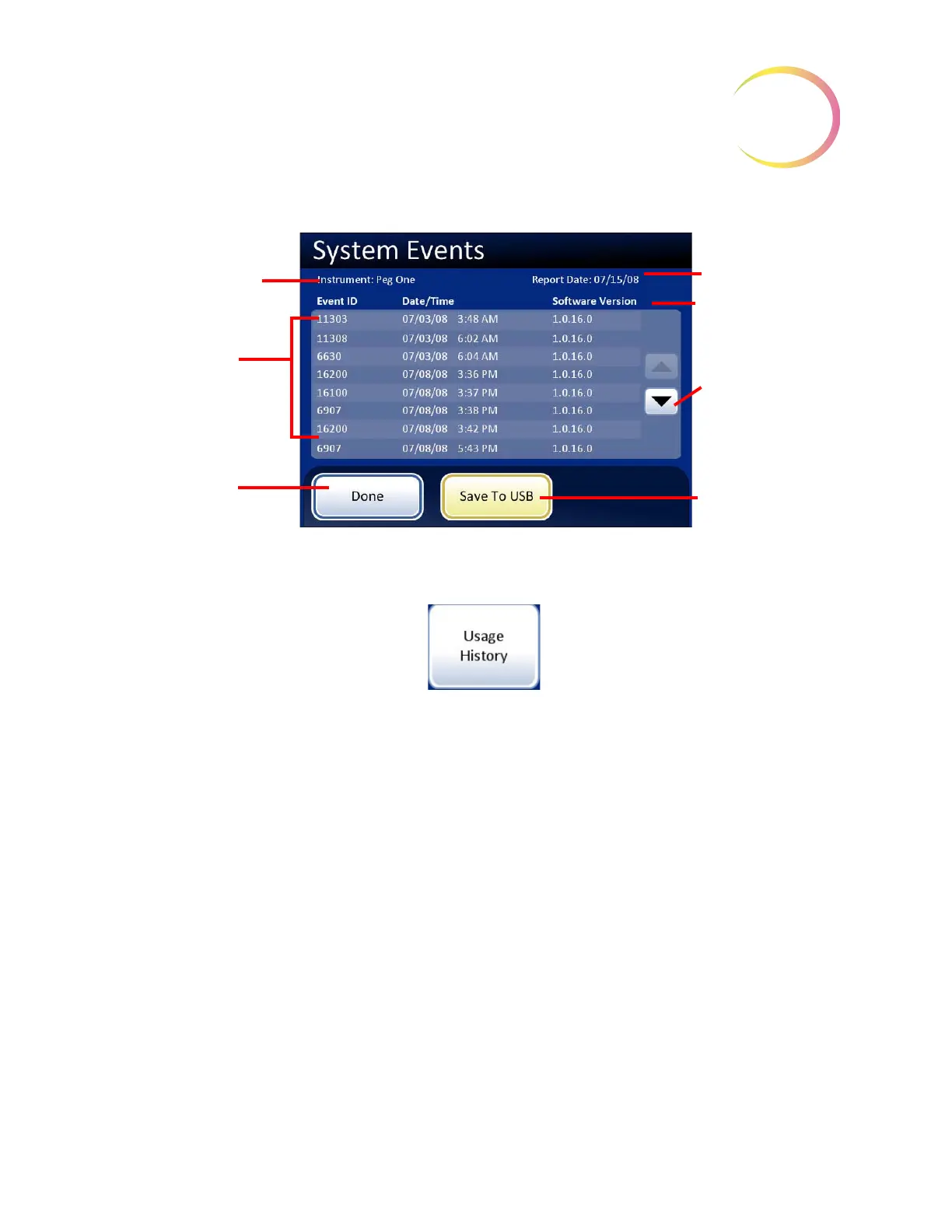
Figure 3-29 System Events Report Screen
Usage history
Figure 3-30 Usage History Report Button
The Usage History report provides a Summary or a Detailed report of all activity on the Integrated
Imager within a specific time period.
Press the
Usage History
button. First you will select if the usage history report is for a one-week time
period or for a one-day time period. See
Figure 3-31.
Current date
Software version
Scroll button
Save to USB
Instrument name
List of system
events
Done
button, to return
to Reports and Logs
screen



 To Next Page