ThinPrep
®
Integrated Imager Operator’s Manual
4.5
OPERATION
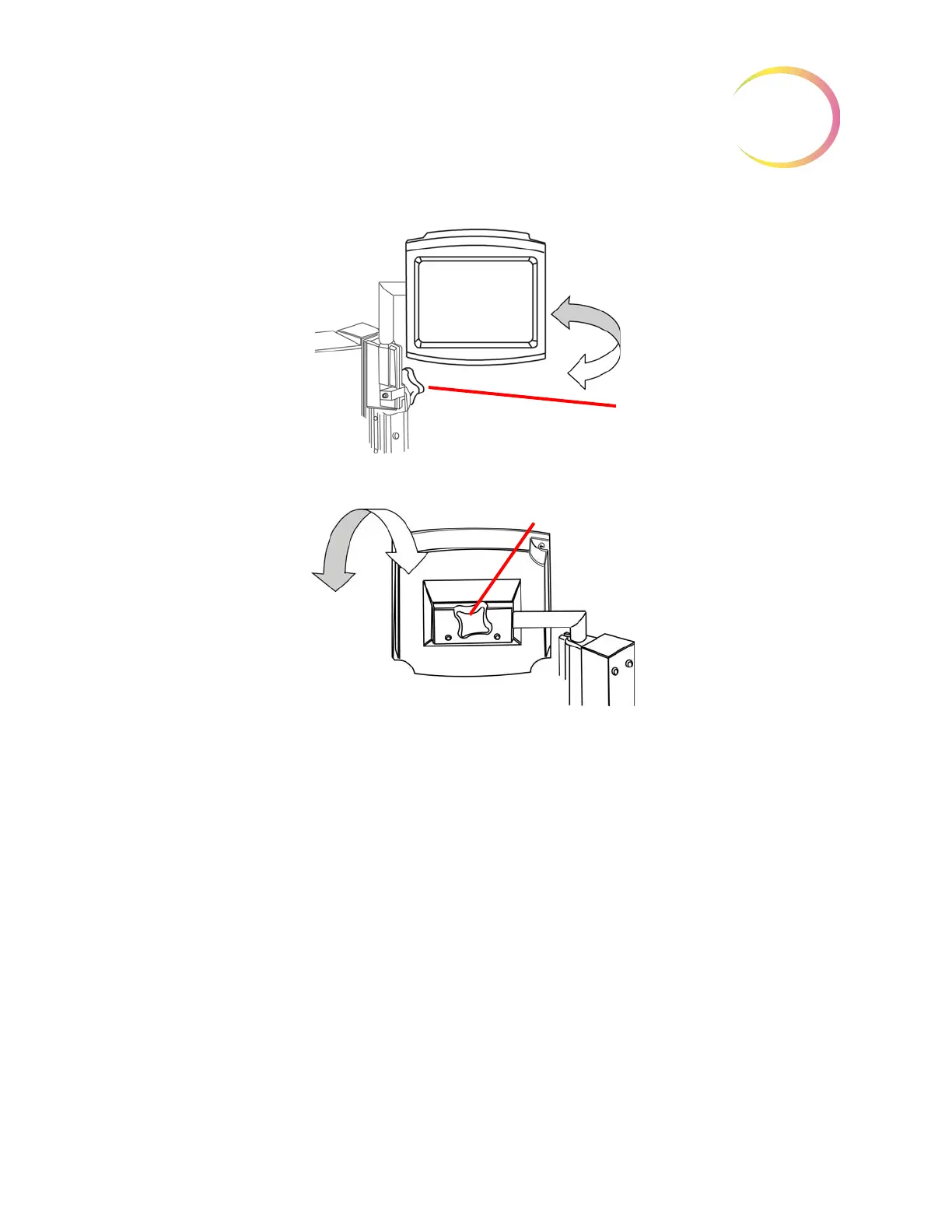
Figure 4-2 Touch Screen Horizontal and Vertical Axes Adjustment
Review Control
The review control has a scroll wheel that acts like the scroll wheel found on a computer mouse. It
enables the operator to execute the main review functions (Next, Previous, Mark) without having to
take their eyes away from the binoculars.
Adjust vertical axis tilt using the adjustment knob at the top of the rail.
Adjust horizontal axis tilt using the adjustment
knob on the rear of the screen.
Adjustment knob
Adjustment
knob



 To Next Page