Serial essernet
®
interface (SEI1)
FB 798819 / 05.18 65
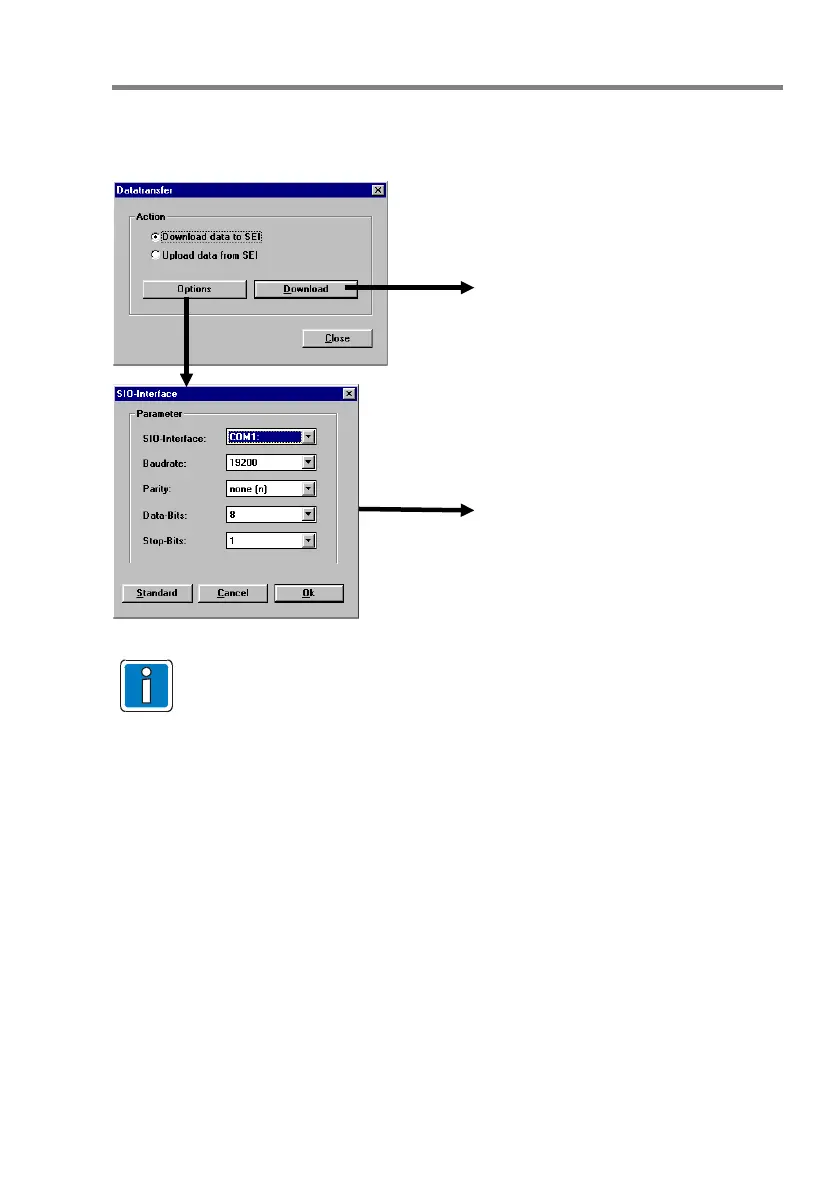
Datatransfer
This menu determines whether data are uploaded or downloaded to the serial essernet
®
interface (SEI1).
Fig. 20: Datatransfer
The SIO setting should be changed only if there are transmission problems between
the service PC and the serial essernet
®
interface or if the PC interface requires
different settings.
Start datatransfer
It is necessary to carry out the datatransfer in the following sequence.
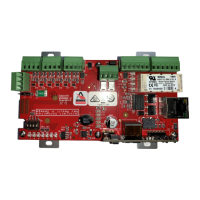
1. Fit jumper J1 "Programme" on the SEI1 Board
2. Set DIP-Switch S2/1 "Mode" to ON
3. Press RESET key
4. Yellow LED SI 02 flashes
5. Start data transfer by pressing the 'Download' button in the >SEI Setup<
End data transfer
1. Set DIP-Switch S2/1 to OFF
2. Remove jumper "Programme"
3. Press RESET key
PC ⇔ Interface
Interface parameters for programming




 To Next Page