FMC2000 User’s Guide
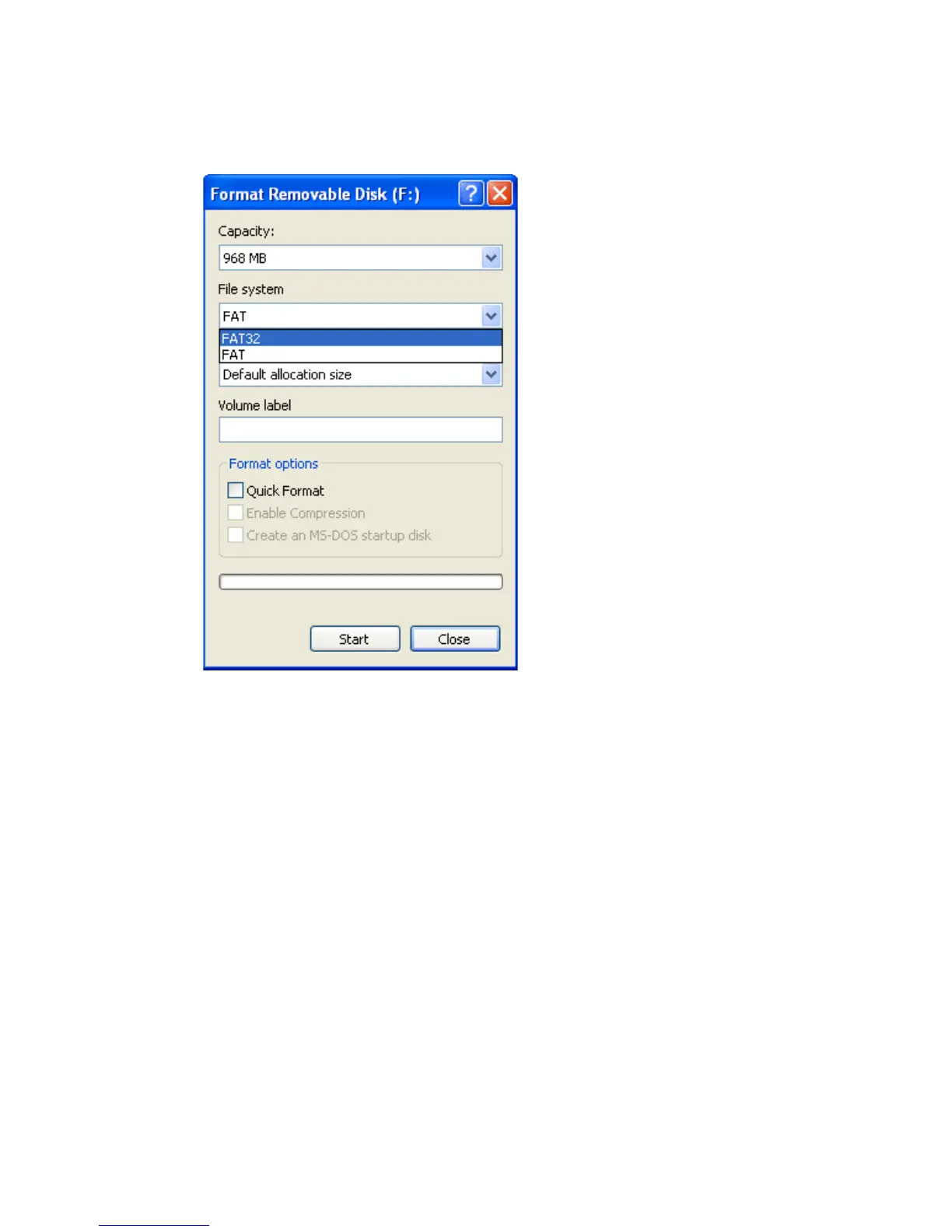
7. Under “File System,” select “FAT 32.”
8. Click “Start.” (It does not matter whether you select “Quick
Format,” so leave it unchecked.)
9. A pop-up window warns you that everything on the disk
will be erased during formatting. If you do not want to
continue with the formatting operation, click “Cancel.”
Otherwise, click “OK.”
99



 To Next Page