FMC2000 User’s Guide
12 Configuration
When the controller is in Normal Operation Mode, press the
“MENU” key to enter the Configuration menu. You must provide
a 4-digit password (the default value is 1234), followed by
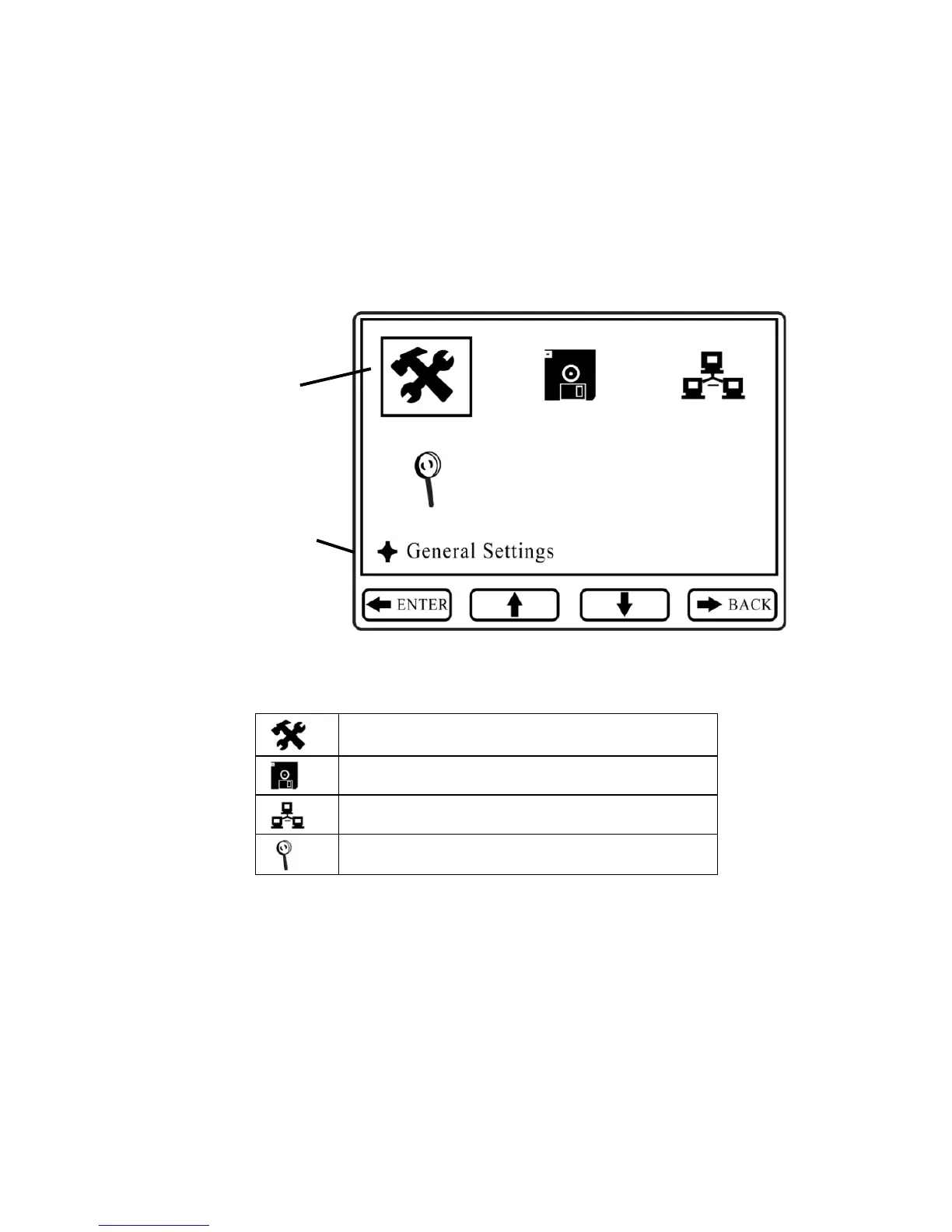
pressing Enter. The display now looks like this:
The Configuration menus are represented by four icons:
When the Configuration screen is displayed, the General Settings
icon is automatically selected (a bounding box surrounds its icon),
and its name is shown on the screen.
“Soft key” indicators along the bottom (Exit, up arrow, down
arrow, and Back) show the relationship of functions with the large
buttons arranged vertically along the keypad’s right side.



 To Next Page