FMC2000 User’s Guide
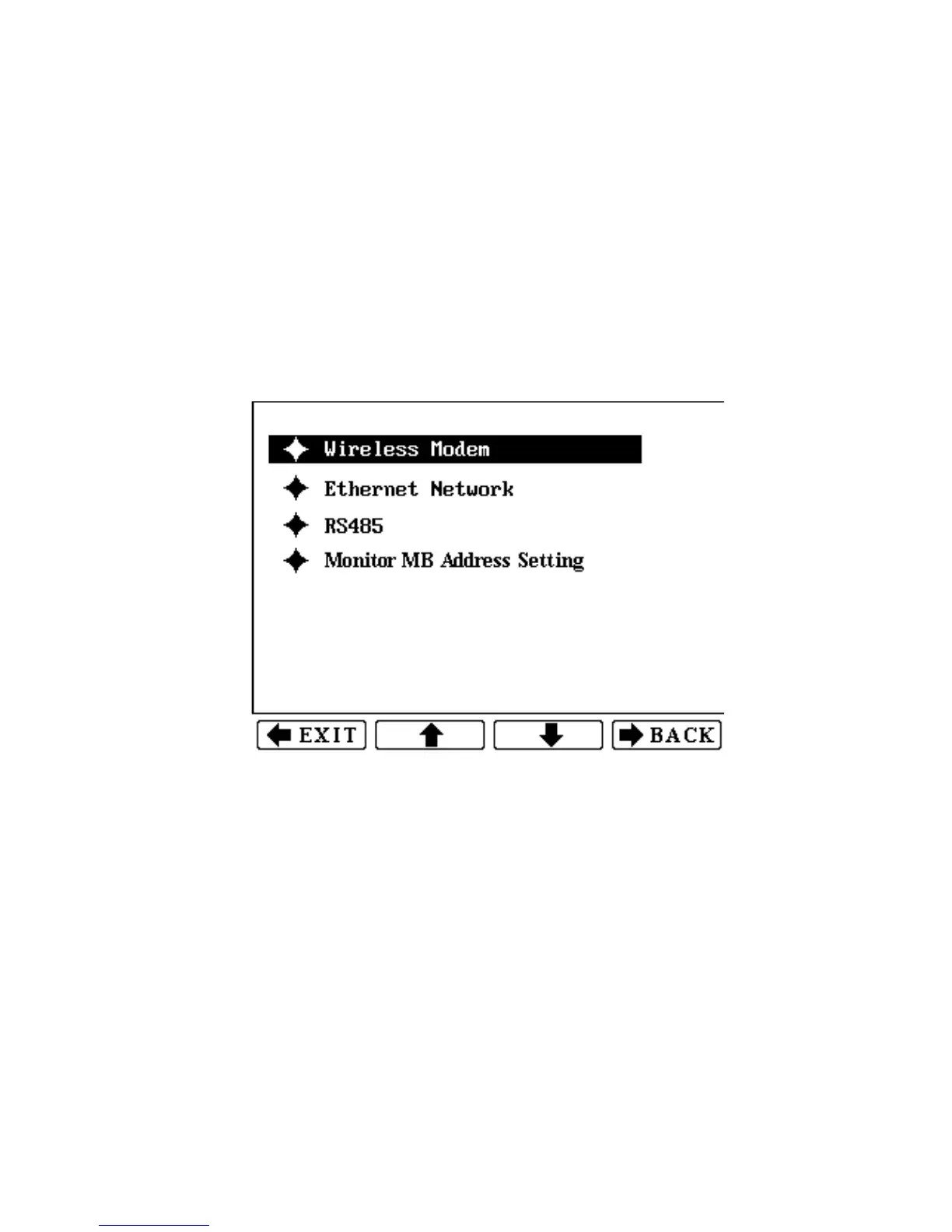
18 Communications Menu
This menu sets the parameters for connection. This menu requires
an advanced (6-digit) password for entry.
• Wireless Modem
• Ethernet Network
• RS485
• Monitor MB Address Setting
To enter: Press the Enter key. Input the 6-digit password. Press
Enter again.
To exit: Press the Exit or Back key.
To step through the list of submenus: Press the up arrow or
down arrow key.
To select a submenu: Press Enter.
61



 To Next Page