FMC2000 User’s Guide
8.2 Turning The FMC2000 Off
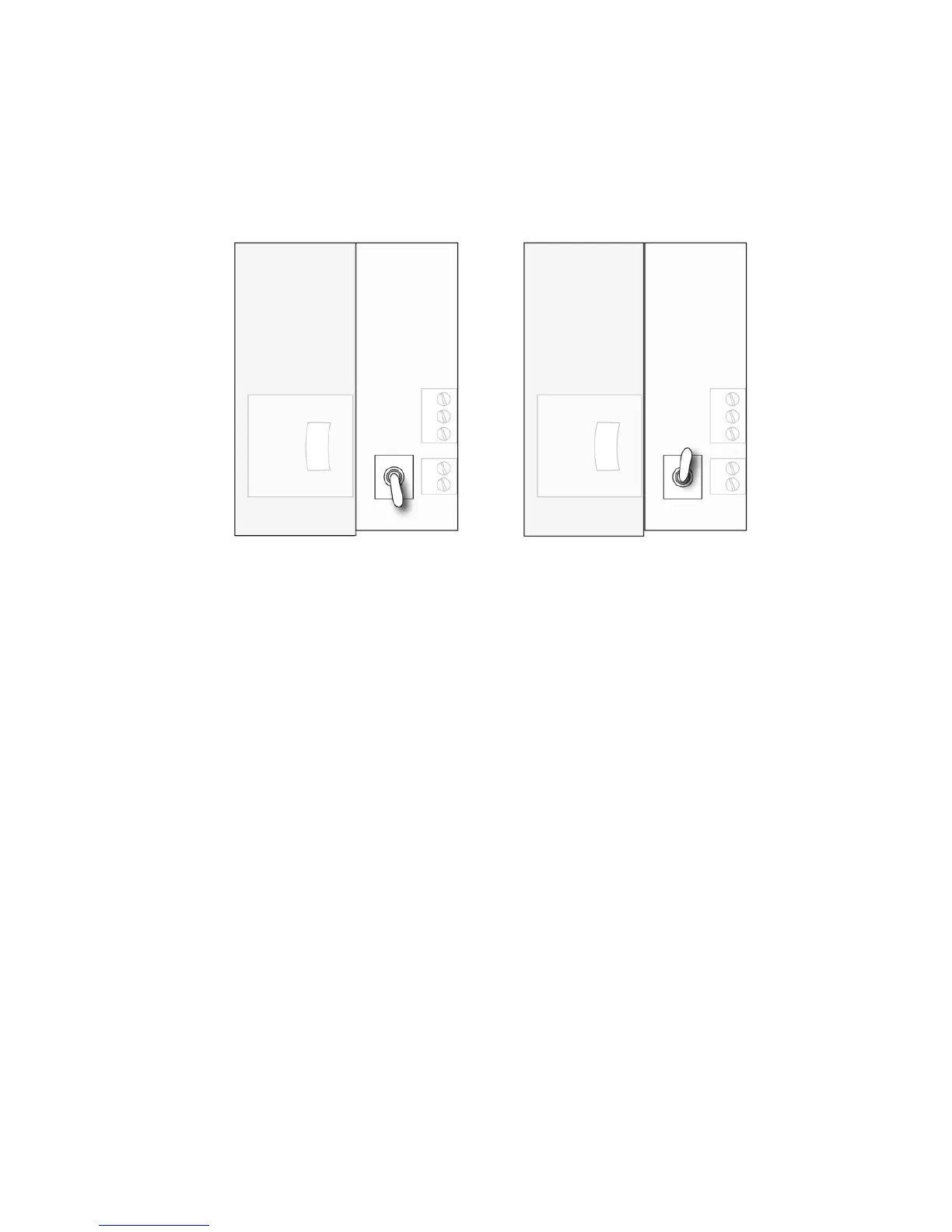
1. Unlock the case.
2. Flip the switch located next to the SD card.
3. Check that the LEDs are no longer glowing. This indicates the
FMC2000 is off.
Note: After starting or shutting down the FMC2000, we
recommend locking the case again to keep dust out, and to prevent
tampering by unauthorized personnel.
Note: The power supply has no user-serviceable parts.



 To Next Page