FMC2000 User’s Guide
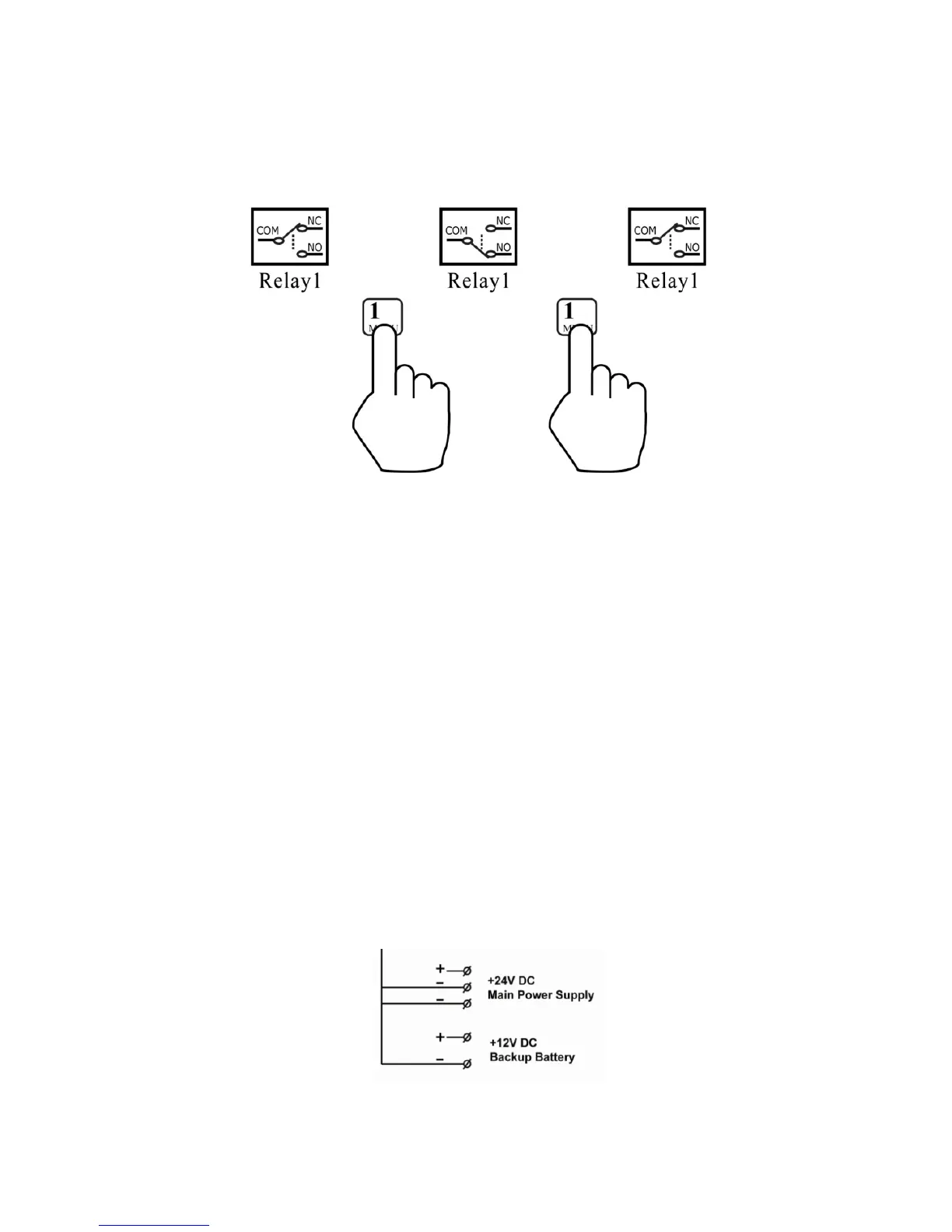
3. In the Relay Diagnostic menu, toggle the relay by pressing
the keypad’s corresponding key (1, 2, 3, 4, 5).
4. Touch the probes to the NC and COM terminals on the
relay block.
5. Again, toggle the relay by pressing the corresponding key
on the keypad.
Each time you press the key, the continuity tester or voltmeter
should show that the relay has changed from open to closed (or
vice versa). If this change does not occur, then the relay may be
damaged and require replacement. Contact Honeywell Analytics
Customer Support.
27.3.1 Power Supply Connections
Although the connections are shown on the diagram, and there are
connection points, the power supply should only be used for
charging the backup battery and powering the FMC2000.
91



 To Next Page